Postcards: a document in, your types out, and back again
Codable: what the compiler writes
You will buildPostcards, an app that reads four postcards from a JSON document into a struct of your own — an optional, a date, an enum, a key that is not Swift's, and a value one level down — writes the compiler's own init(from:) and encode(to:) out by hand, encodes the four back into the very bytes of the file, reads a DecodingError for every way a document can be wrong, and shows the postcards on the phone.
TimeAbout 90 minutes
WhyEvery SwiftUI app you will build has a document in it somewhere: a file it saves (lesson 33), a server's answer (lesson 34), a value being dragged (lesson 32). Codable is how a Swift type becomes that document and comes back, and most of it is code the compiler writes from the shape of your type. Interviewers know that the generated code hides four traps — a let with a default, a key left out of CodingKeys, .convertFromSnakeCase meeting an acronym, a date written as text — and that a take-home with a JSON file is where they spring. In this lesson you write the generated code out by hand once, so that none of the four is a surprise, and you read the errors until they read like sentences.
Open the starter
This lesson's project is a new one, and small: Postcards. Four postcards from one journey, kept in a JSON document. Your job is to turn the document into Swift values — and the values back into exactly that document. The project begins as a download:
Download Postcards-starter.zip, this lesson's starting point. Double-click it in Finder to unzip it, then double-click
Postcards.xcodeprojto open it in Xcode.Run it before changing anything. In the toolbar, open the run destination menu and pick an iPhone simulator — iPhone 17, for example. Choose Product ▸ Run (⌘R). Device Hub opens with the app:
The starter: what run() printed, on the phoneScreenshot · iPhone 17, iOS 27.0
Hello from run()The starter has the shape you know from lesson 3: Run.swift holds run(), which the app calls as it starts; Screen.swift puts whatever the app prints on the phone as well as in Xcode's console; Postcard.swift is empty, for this lesson's types. New is Postcards.json, a file that is not code. Click it in the navigator and Xcode shows it as text:
[
  {
    "from" : {
      "city" : "Lisbon",
      "country" : "Portugal"
    },
    "id" : 1,
    "message" : "Custard tarts for breakfast. Twice.",
    "picture_url" : "https://example.com/postcards/lisbon.jpg",
    "sent" : "2027-06-03T10:15:00Z",
    "stamp" : "airmail",
    "to" : "Grandma"
  },
  {
    "from" : {
      "city" : "Porto",
      "country" : "Portugal"
    },
    "id" : 2,
    "message" : null,
    "picture_url" : "https://example.com/postcards/porto.jpg",
    "sent" : "2027-06-05T18:40:00Z",
    "stamp" : "surface",
    "to" : "Dad"
  },
  {
    "from" : {
      "city" : "Seville",
      "country" : "Spain"
    },
    "id" : 3,
    "message" : "The orange trees are real. The oranges are not for eating.",
    "picture_url" : "https://example.com/postcards/seville.jpg",
    "sent" : "2027-06-09T08:05:00Z",
    "stamp" : "airmail",
    "to" : "Maya"
  },
  {
    "from" : {
      "city" : "Granada",
      "country" : "Spain"
    },
    "id" : 4,
    "message" : "Back Monday. Probably.",
    "picture_url" : "https://example.com/postcards/granada.jpg",
    "sent" : "2027-06-12T16:30:00Z",
    "stamp" : "priority",
    "to" : "The office"
  }
]
Read it once, as the compiler cannot. Four objects in an array, and each has an id, a recipient, a date written as text, a message that is null on one card, a stamp named by a word, a picture under a key written the way web servers write keys, and a place one level down. Every one of those is a step of this lesson. Types go in Postcard.swift; the code that tries them goes in run(), and you read what it printed in the console or on the phone.
Say Codable, and decode
In 2016 this took a failable initializer that pulled each value out of a [String: Any] with as?, and a loop. Since Swift 4 the compiler writes that from the shape of your type. Declare the struct with two of the document's keys for now, and one word after its name:
struct Postcard: Codable {
    var to: String
    var sent: String
}
That word is a promise the compiler keeps for you. Codable is Decodable and Encodable together, and for a struct whose stored properties are all Codable themselves — String is — it writes init(from:) and encode(to:). You will see what they look like in the next step. First, use them. A JSONDecoder turns bytes into a value of a type you name:
func run() { print("Hello from run()") let json = #"{ "to": "Grandma", "sent": "2027-06-03T10:15:00Z" }"# do { let card = try JSONDecoder().decode(Postcard.self, from: Data(json.utf8)) print(card) print(card.to) } catch { print(error) }}func run() {
let json = #"{ "to": "Grandma", "sent": "2027-06-03T10:15:00Z" }"#
do {
let card = try JSONDecoder().decode(Postcard.self, from: Data(json.utf8))
print(card)
print(card.to)
} catch {
print(error)
}
}Run the app (⌘R). Xcode’s console shows
Postcard(to: "Grandma", sent: "2027-06-03T10:15:00Z")
Grandma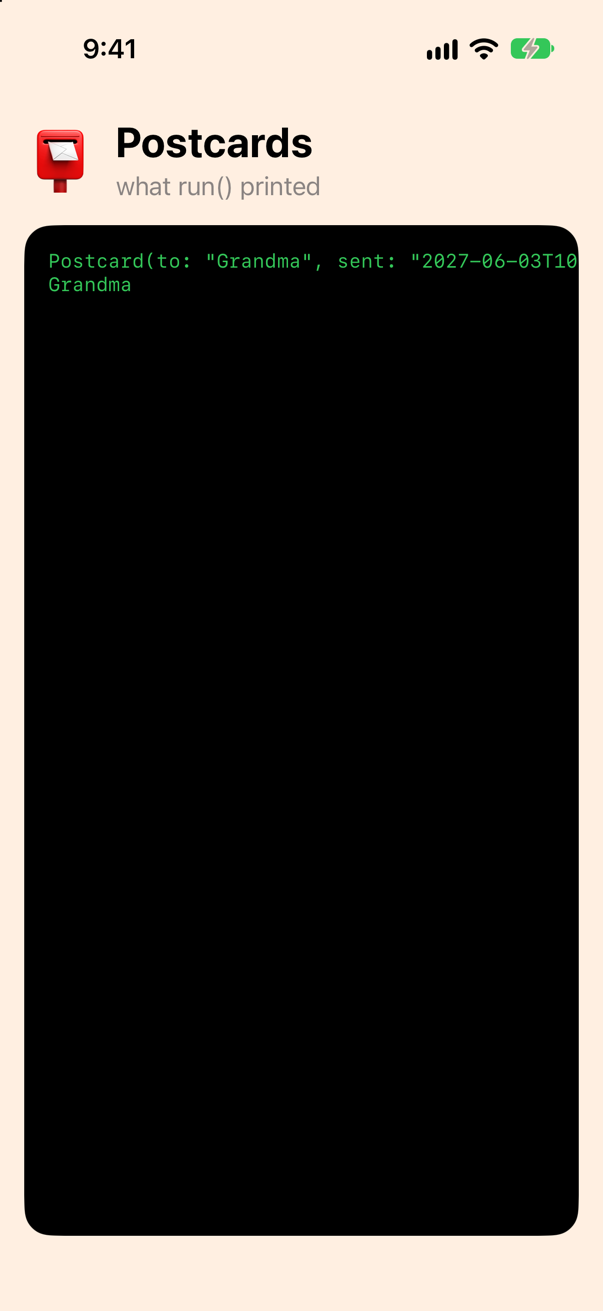
Data(json.utf8) makes bytes of the literal, and decode(Postcard.self, from:) names the type to make. The call throws, because the bytes might not fit the type, so it sits in a do/catch — and print(error) in the catch is a habit worth forming now: step 11 is about what it prints.
Now the real document. It is a file in the app's bundle, and Bundle.main.url(forResource:withExtension:) finds it. Add a function for it to Postcard.swift:
/// Postcards.json, the document bundled with the app, as bytes.
func document() throws -> Data {
    // in the bundle, or the app is broken
    let url = Bundle.main.url(forResource: "Postcards", withExtension: "json")!
    return try Data(contentsOf: url)
}func run() { let json = #"{ "to": "Grandma", "sent": "2027-06-03T10:15:00Z" }"# do { let card = try JSONDecoder().decode(Postcard.self, from: Data(json.utf8)) print(card) print(card.to) let cards = try JSONDecoder().decode([Postcard].self, from: document()) print(cards.count, "postcards") for card in cards { print(card.to, "·", card.sent) } } catch { print(error) }}func run() {
do {
let cards = try JSONDecoder().decode([Postcard].self, from: document())
print(cards.count, "postcards")
for card in cards {
print(card.to, "·", card.sent)
}
} catch {
print(error)
}
}Run the app (⌘R). Xcode’s console shows
4 postcards
Grandma · 2027-06-03T10:15:00Z
Dad · 2027-06-05T18:40:00Z
Maya · 2027-06-09T08:05:00Z
The office · 2027-06-12T16:30:00Z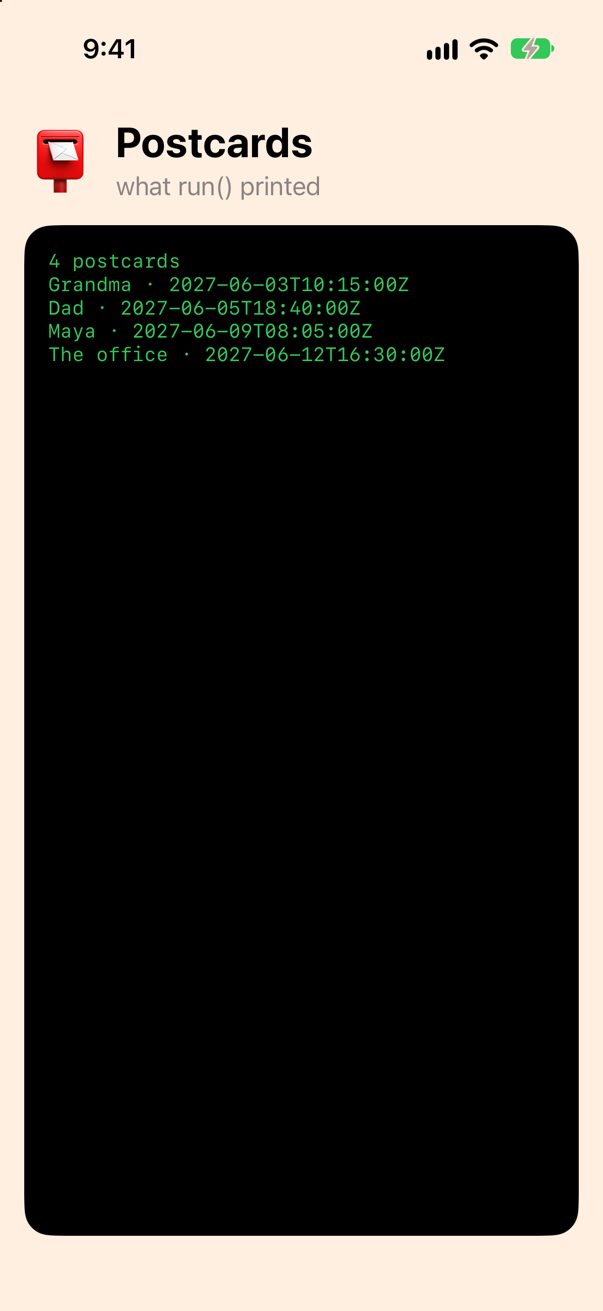
Four postcards, out of a document whose objects have seven keys each. The five you did not declare were ignored: a decoder reads what your type asks for and skips the rest, which is what lets a server add a field without breaking you. (It is also why a round trip through a type that models half the keys drops the other half — step 4.)
What the compiler wrote
Nothing about Codable is magic, and it pays to have written the generated code out once. Replace the struct with this version, which spells out everything the compiler had been writing for it:
struct Postcard: Codable { var to: String var sent: String // What the compiler writes when you do not. (Its own enum is private; yours need not be.) enum CodingKeys: String, CodingKey { case to case sent } init(from decoder: any Decoder) throws { let values = try decoder.container(keyedBy: CodingKeys.self) to = try values.decode(String.self, forKey: .to) sent = try values.decode(String.self, forKey: .sent) } func encode(to encoder: any Encoder) throws { var values = encoder.container(keyedBy: CodingKeys.self) try values.encode(to, forKey: .to) try values.encode(sent, forKey: .sent) }}struct Postcard: Codable {
var to: String
var sent: String
// What the compiler writes when you do not. (Its own enum is private; yours need not be.)
enum CodingKeys: String, CodingKey {
case to
case sent
}
init(from decoder: any Decoder) throws {
let values = try decoder.container(keyedBy: CodingKeys.self)
to = try values.decode(String.self, forKey: .to)
sent = try values.decode(String.self, forKey: .sent)
}
func encode(to encoder: any Encoder) throws {
var values = encoder.container(keyedBy: CodingKeys.self)
try values.encode(to, forKey: .to)
try values.encode(sent, forKey: .sent)
}
}Run the app again (⌘R), without touching run(). The same four postcards
4 postcards
Grandma · 2027-06-03T10:15:00Z
Dad · 2027-06-05T18:40:00Z
Maya · 2027-06-09T08:05:00Z
The office · 2027-06-12T16:30:00Z
Three pieces. CodingKeys is an enum with one case per stored property. It conforms to CodingKey, and its String raw values are the keys in the document — here the same as the property names, so nothing is written after the cases. init(from:) asks the decoder for a keyed container — one JSON object, seen as a dictionary whose keys are that enum — and decodes each property from its key. encode(to:) does the same the other way. There is nothing else: the compiler writes exactly this, with decodeIfPresent for an optional (step 5) and a call to super for a class.
| In the code | What it is |
|---|---|
decoder.container(keyedBy: CodingKeys.self) | One JSON object, as a KeyedDecodingContainer whose keys are your enum. |
values.decode(String.self, forKey: .to) | The value under "to", as a String — or a thrown DecodingError. |
encoder.container(keyedBy:), encode(_:forKey:) | The same two moves, writing. The container is a var, because writing changes it. |
any Decoder, any Encoder | Existentials (lesson 3): init(from:) does not know whether it is given a JSON decoder, a property-list decoder or one of your own. |
Two things to know before you delete it again. The compiler's own CodingKeys is private — a trick card below proves it — so a type that gets Codable for free cannot be asked for its keys from outside. And the moment you write a piece yourself, the compiler leaves that piece to you; so does every take-home, which is why you wrote it in this lesson. Now put the three-line struct back, and let the compiler have the work:
struct Postcard: Codable { var to: String var sent: String // What the compiler writes when you do not. (Its own enum is private; yours need not be.) enum CodingKeys: String, CodingKey { case to case sent } init(from decoder: any Decoder) throws { let values = try decoder.container(keyedBy: CodingKeys.self) to = try values.decode(String.self, forKey: .to) sent = try values.decode(String.self, forKey: .sent) } func encode(to encoder: any Encoder) throws { var values = encoder.container(keyedBy: CodingKeys.self) try values.encode(to, forKey: .to) try values.encode(sent, forKey: .sent) }}struct Postcard: Codable {
var to: String
var sent: String
}Back to JSON
encode(to:) is the other half, and JSONEncoder drives it. Encode the first postcard and print the bytes as text:
func run() { do { let cards = try JSONDecoder().decode([Postcard].self, from: document()) print(cards.count, "postcards") for card in cards { print(card.to, "·", card.sent) } let encoder = JSONEncoder() encoder.outputFormatting = [.prettyPrinted, .sortedKeys] let data = try encoder.encode(cards[0]) print(String(decoding: data, as: UTF8.self)) } catch { print(error) }}func run() {
do {
let cards = try JSONDecoder().decode([Postcard].self, from: document())
let encoder = JSONEncoder()
encoder.outputFormatting = [.prettyPrinted, .sortedKeys]
let data = try encoder.encode(cards[0])
print(String(decoding: data, as: UTF8.self))
} catch {
print(error)
}
}Run the app (⌘R). Xcode’s console shows
{
  "sent" : "2027-06-03T10:15:00Z",
  "to" : "Grandma"
}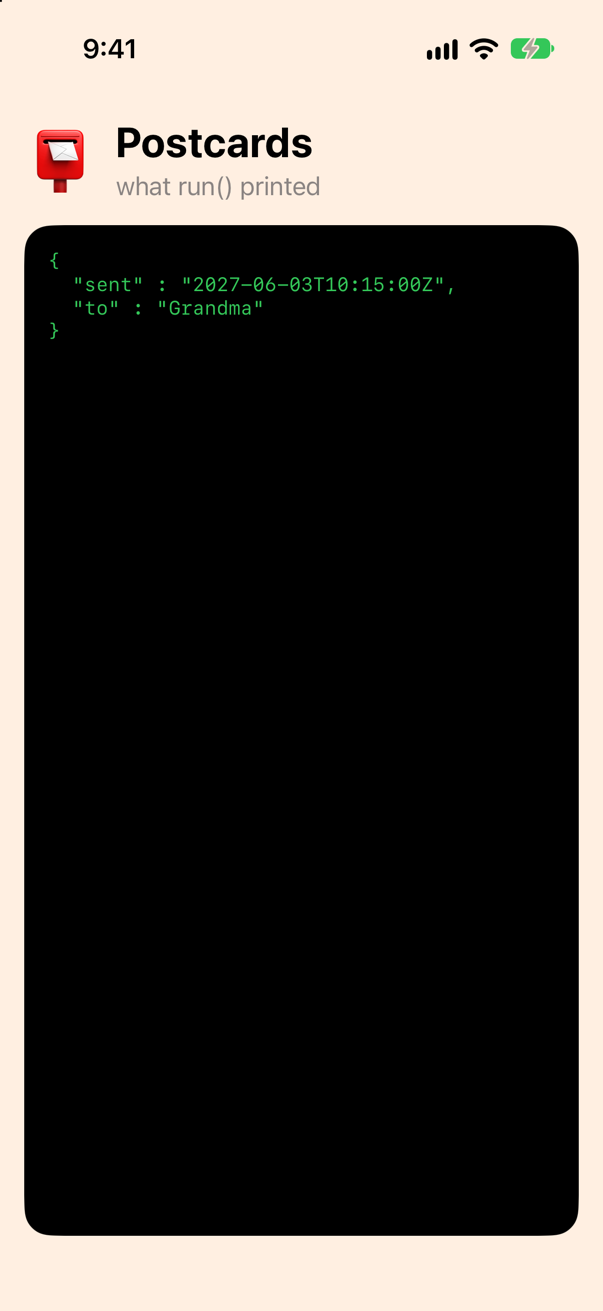
Two options on the encoder made that readable. .prettyPrinted puts one key on a line, indented; .sortedKeys orders them — without it the keys of an object come in no fixed order, and two runs of the same program can print them two ways. (A third option, .withoutEscapingSlashes, comes in step 10, when a URL arrives.)
Notice what is not there: the five keys the struct never modelled. Decode a document, encode the value, and you have a document with only your properties in it. For a file you own, as in lesson 33, that is fine. For a record a server owns, it is a way to delete fields you never knew about.
A key that may be missing, or null: optionals
Dad's postcard has "message": null, and a postcard with no message key at all would be just as reasonable. A plain String property would refuse both. Add the property as an optional:
struct Postcard: Codable { var to: String var sent: String var message: String?}struct Postcard: Codable {
var to: String
var sent: String
var message: String?
}func run() { let short = #"{ "to": "Maya", "sent": "2027-06-09T08:05:00Z" }"# do { let cards = try JSONDecoder().decode([Postcard].self, from: document()) let encoder = JSONEncoder() encoder.outputFormatting = [.prettyPrinted, .sortedKeys] let data = try encoder.encode(cards[0]) print(String(decoding: data, as: UTF8.self)) for card in cards { print(card.to, "·", card.message ?? "(no message)") } let maya = try JSONDecoder().decode(Postcard.self, from: Data(short.utf8)) print(maya.to, "·", maya.message ?? "(no message)") } catch { print(error) }}func run() {
let short = #"{ "to": "Maya", "sent": "2027-06-09T08:05:00Z" }"#
do {
let cards = try JSONDecoder().decode([Postcard].self, from: document())
for card in cards {
print(card.to, "·", card.message ?? "(no message)")
}
let maya = try JSONDecoder().decode(Postcard.self, from: Data(short.utf8))
print(maya.to, "·", maya.message ?? "(no message)")
} catch {
print(error)
}
}Run the app (⌘R). Xcode’s console shows
Grandma · Custard tarts for breakfast. Twice.
Dad · (no message)
Maya · The orange trees are real. The oranges are not for eating.
The office · Back Monday. Probably.
Maya · (no message)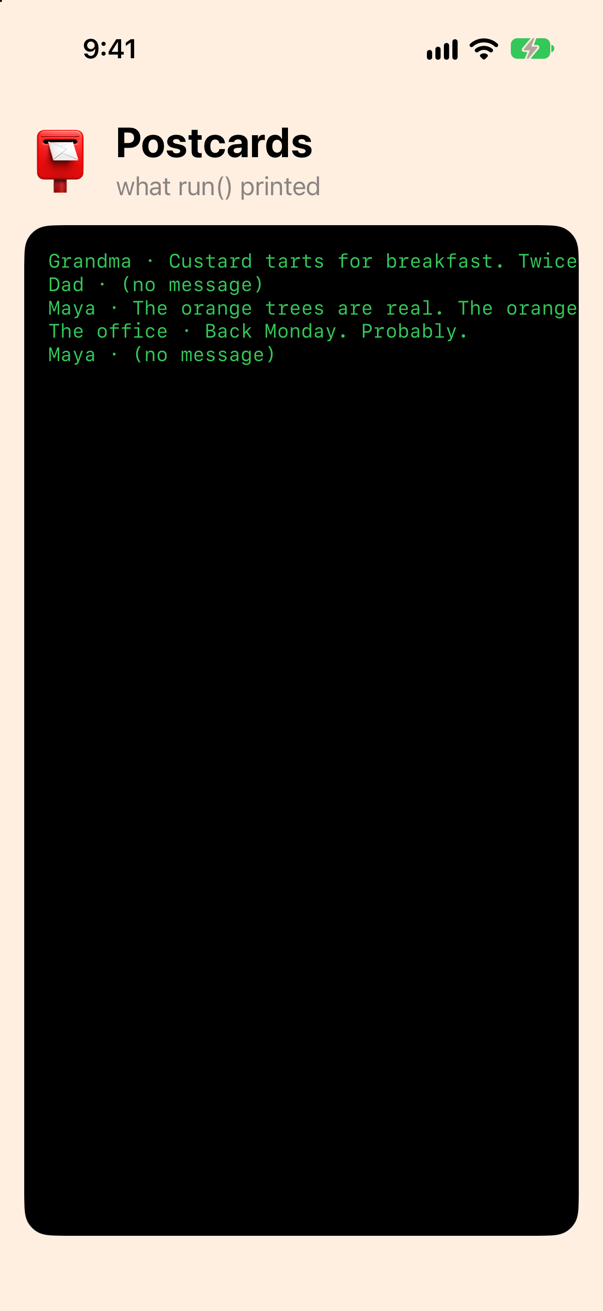
For an optional the compiler writes decodeIfPresent instead of decode: a missing key gives nil, and so does null — the document's Dad and the literal's Maya both came out as "(no message)". Two things it does not do, both proven by cards below: it does not forgive a value of another type ("message": 5 is still an error), and in the other direction it does not write null for a nil — the key is left out of the JSON altogether.
The date
sent is text in the document — "2027-06-03T10:15:00Z", the ISO 8601 form every web API uses — and a String in your struct. Make it a Date, which is Codable too:
struct Postcard: Codable { var to: String var sent: String var sent: Date var message: String?}struct Postcard: Codable {
var to: String
var sent: Date
var message: String?
}func run() { let short = #"{ "to": "Maya", "sent": "2027-06-09T08:05:00Z" }"# do { let cards = try JSONDecoder().decode([Postcard].self, from: document()) for card in cards { print(card.to, "·", card.message ?? "(no message)") } let maya = try JSONDecoder().decode(Postcard.self, from: Data(short.utf8)) print(maya.to, "·", maya.message ?? "(no message)") print(cards.map(\.sent)) } catch { print(error) }}func run() {
do {
let cards = try JSONDecoder().decode([Postcard].self, from: document())
print(cards.map(\.sent))
} catch {
print(error)
}
}Run the app (⌘R). Xcode’s console shows
DecodingError.typeMismatch: Expected value of type Double. Path: [0].sent. Debug description: Expected to decode Double but found a string instead.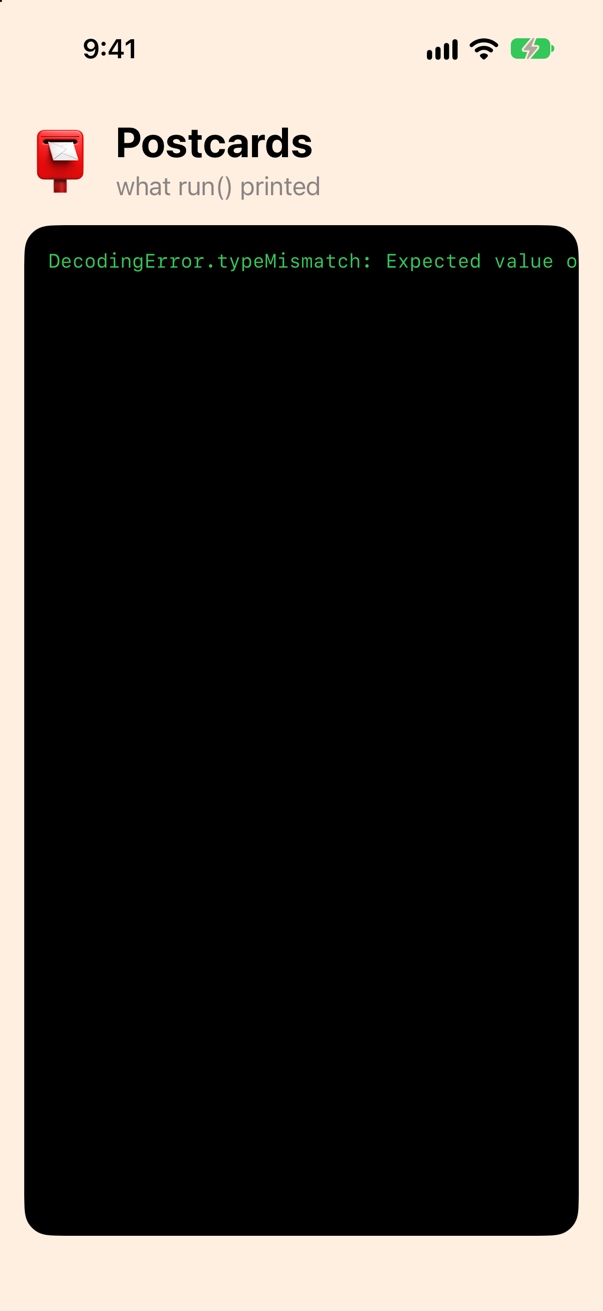
Read the error from the left: a typeMismatch; the decoder wanted a Double; at the path [0].sent, the first postcard's sent. A Date is Codable as a number — seconds since the start of 2001, Apple's reference date, because that is how Date stores itself — and text has to be announced. Tell the decoder which form the document uses, and the encoder which form to write:
func run() { do { let cards = try JSONDecoder().decode([Postcard].self, from: document()) print(cards.map(\.sent)) let decoder = JSONDecoder() decoder.dateDecodingStrategy = .iso8601 let cards = try decoder.decode([Postcard].self, from: document()) for card in cards { print(card.to, "·", card.sent) } let encoder = JSONEncoder() encoder.outputFormatting = [.prettyPrinted, .sortedKeys] print(String(decoding: try encoder.encode(cards[0]), as: UTF8.self)) encoder.dateEncodingStrategy = .iso8601 print(String(decoding: try encoder.encode(cards[0]), as: UTF8.self)) } catch { print(error) }}func run() {
do {
let decoder = JSONDecoder()
decoder.dateDecodingStrategy = .iso8601
let cards = try decoder.decode([Postcard].self, from: document())
for card in cards {
print(card.to, "·", card.sent)
}
let encoder = JSONEncoder()
encoder.outputFormatting = [.prettyPrinted, .sortedKeys]
print(String(decoding: try encoder.encode(cards[0]), as: UTF8.self))
encoder.dateEncodingStrategy = .iso8601
print(String(decoding: try encoder.encode(cards[0]), as: UTF8.self))
} catch {
print(error)
}
}Run the app (⌘R). Xcode’s console shows
Grandma · 2027-06-03 10:15:00 +0000
Dad · 2027-06-05 18:40:00 +0000
Maya · 2027-06-09 08:05:00 +0000
The office · 2027-06-12 16:30:00 +0000
{
  "message" : "Custard tarts for breakfast. Twice.",
  "sent" : 833710500,
  "to" : "Grandma"
}
{
  "message" : "Custard tarts for breakfast. Twice.",
  "sent" : "2027-06-03T10:15:00Z",
  "to" : "Grandma"
}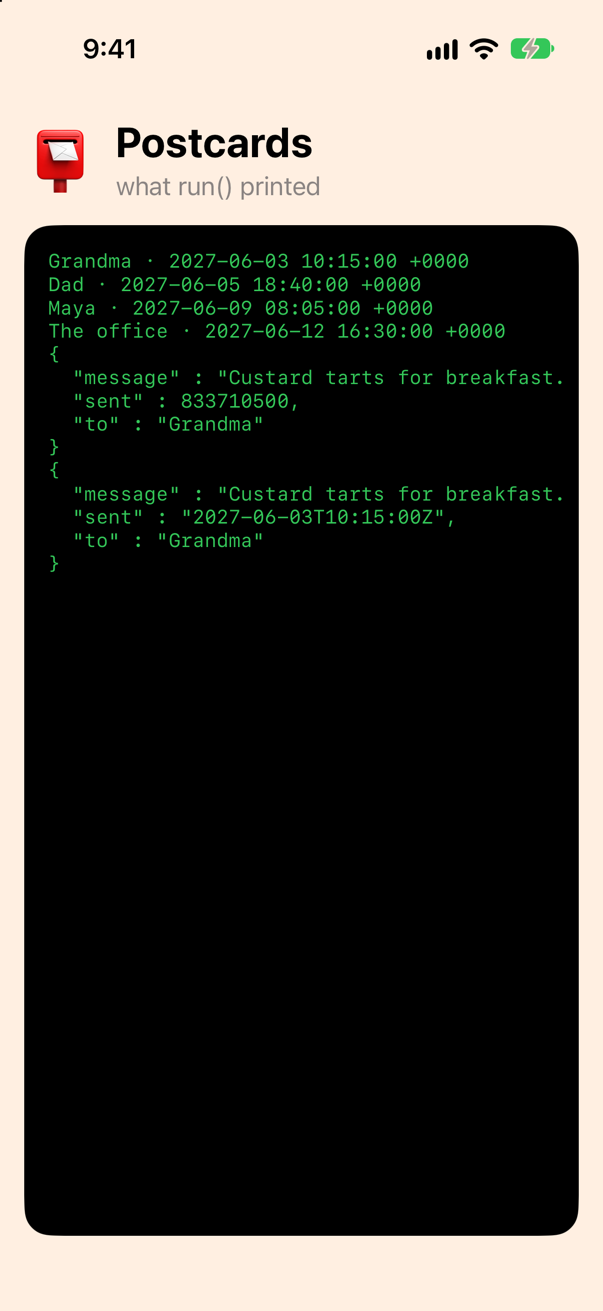
Four dates, read. The first encoding, without a date strategy, wrote the number the decoder had expected — the seconds from 2001 to that June morning in 2027 — and the second, with .iso8601, wrote the text back. The two strategies must agree with the document and with each other: a file written as text and read as numbers fails exactly as this step began. .iso8601 is what you want nearly always; for a server that sends seconds since 1970 there is .secondsSince1970, and for anything stranger .formatted(DateFormatter) or .custom.
Who writes the id: a let with a default
The postcards go on a screen at the end of the lesson, and SwiftUI's ForEach wants them Identifiable. The way many tutorials write that is one line:
struct Postcard: Codable {struct Postcard: Codable, Identifiable { let id = UUID() var to: String var sent: Date var message: String?}struct Postcard: Codable, Identifiable {
let id = UUID()
var to: String
var sent: Date
var message: String?
}Build it (⌘B), and Xcode puts a yellow triangle on that line:
immutable property will not be decoded because it is declared with an initial value which cannot be overwrittenRun it anyway, decoding the document twice:
func run() { do { let decoder = JSONDecoder() decoder.dateDecodingStrategy = .iso8601 let cards = try decoder.decode([Postcard].self, from: document()) for card in cards { print(card.to, "·", card.sent) } let encoder = JSONEncoder() encoder.outputFormatting = [.prettyPrinted, .sortedKeys] print(String(decoding: try encoder.encode(cards[0]), as: UTF8.self)) encoder.dateEncodingStrategy = .iso8601 print(String(decoding: try encoder.encode(cards[0]), as: UTF8.self)) let first = try decoder.decode([Postcard].self, from: document()) let second = try decoder.decode([Postcard].self, from: document()) print(type(of: first[0].id)) print(first[0].id == second[0].id) } catch { print(error) }}func run() {
do {
let decoder = JSONDecoder()
decoder.dateDecodingStrategy = .iso8601
let first = try decoder.decode([Postcard].self, from: document())
let second = try decoder.decode([Postcard].self, from: document())
print(type(of: first[0].id))
print(first[0].id == second[0].id)
} catch {
print(error)
}
}Run the app (⌘R). Xcode’s console shows
UUID
false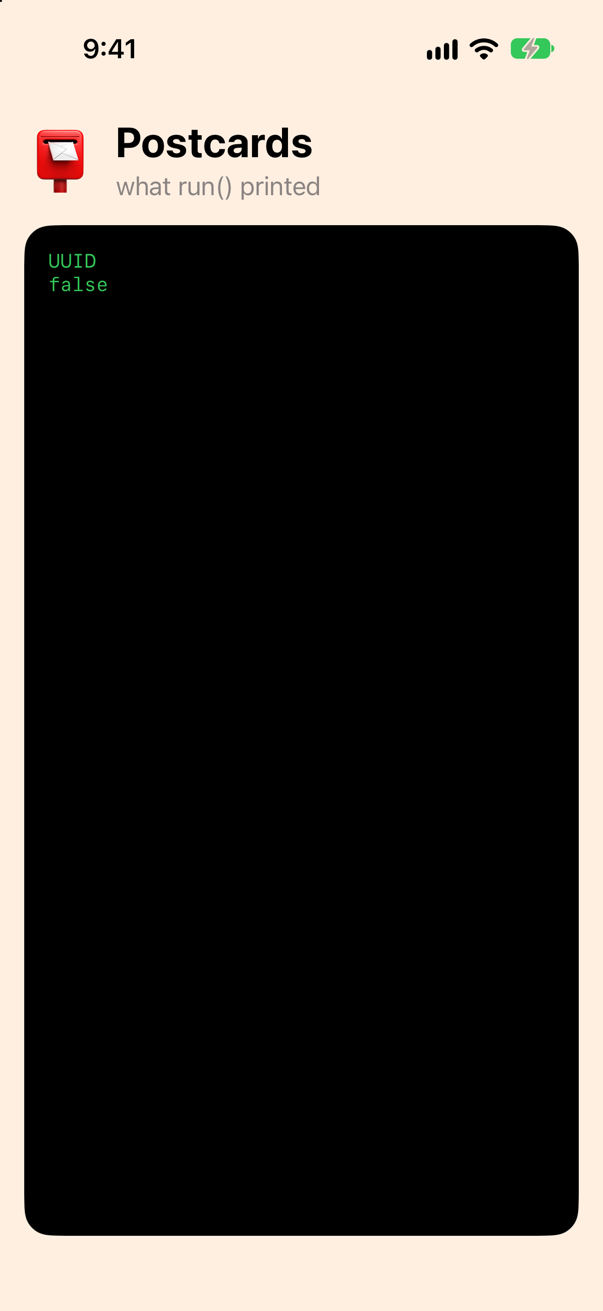
The warning means exactly what it says. A let with an initial value can never be assigned again — not by you, not by init(from:) — so the compiler leaves it out of the initializer it writes, and the "id" in the document is never read. Every decode invents a fresh UUID, so the same bytes decoded twice give two postcards that are not the same postcard. In a SwiftUI list that is a real bug: reload, and every row is new — selection lost, scroll position gone, every row animating out and in. The document has ids. Use them:
struct Postcard: Codable, Identifiable { let id = UUID() let id: Int var to: String var sent: Date var message: String?}struct Postcard: Codable, Identifiable {
let id: Int
var to: String
var sent: Date
var message: String?
}func run() { do { let decoder = JSONDecoder() decoder.dateDecodingStrategy = .iso8601 let first = try decoder.decode([Postcard].self, from: document()) let second = try decoder.decode([Postcard].self, from: document()) print(type(of: first[0].id)) print(first[0].id == second[0].id) let cards = try decoder.decode([Postcard].self, from: document()) print(cards.map(\.id)) } catch { print(error) }}func run() {
do {
let decoder = JSONDecoder()
decoder.dateDecodingStrategy = .iso8601
let cards = try decoder.decode([Postcard].self, from: document())
print(cards.map(\.id))
} catch {
print(error)
}
}Run the app (⌘R). Xcode’s console shows
[1, 2, 3, 4]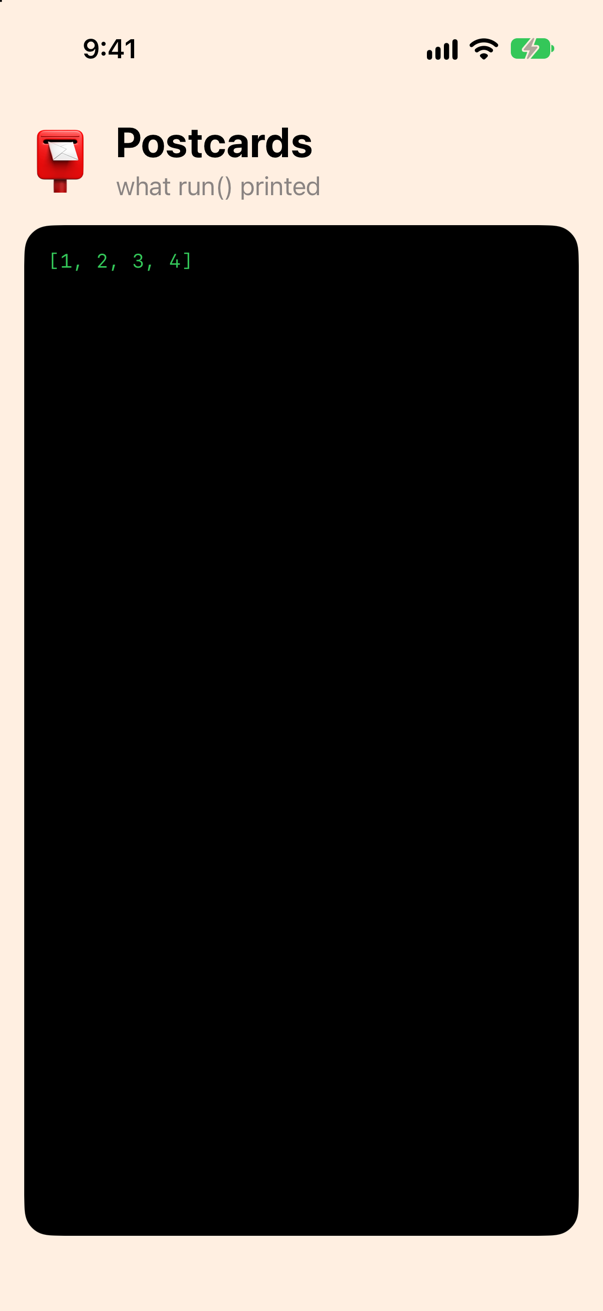
A let with no value is assigned once, in init(from:), and the key is then required. The general rule, and the lesson's second question: a default value on a Codable property is never a fallback for a missing key. With let the default always wins and the document is ignored; with var the document always wins and a missing key is an error. For a real fallback, make the property optional, or write init(from:) with decodeIfPresent(…) ?? default — an edge case below does both.
The stamp: an enum with a raw value
"stamp" is one of three words in the document, and three words is an enum. An enum with a String raw value is Codable as soon as you say so — it is written as its raw value and read back by it — so the struct can simply hold a Stamp:
/// How a postcard travels. The raw values are the words in the document.
enum Stamp: String, Codable {
    case airmail, surface, priority
}struct Postcard: Codable, Identifiable { let id: Int var to: String var sent: Date var message: String? var stamp: Stamp}struct Postcard: Codable, Identifiable {
let id: Int
var to: String
var sent: Date
var message: String?
var stamp: Stamp
}func run() { do { let decoder = JSONDecoder() decoder.dateDecodingStrategy = .iso8601 let cards = try decoder.decode([Postcard].self, from: document()) print(cards.map(\.id)) for card in cards { print(card.to, "·", card.stamp) } print(cards.filter { $0.stamp == .airmail }.count, "by airmail") } catch { print(error) }}func run() {
do {
let decoder = JSONDecoder()
decoder.dateDecodingStrategy = .iso8601
let cards = try decoder.decode([Postcard].self, from: document())
for card in cards {
print(card.to, "·", card.stamp)
}
print(cards.filter { $0.stamp == .airmail }.count, "by airmail")
} catch {
print(error)
}
}Run the app (⌘R). Xcode’s console shows
Grandma · airmail
Dad · surface
Maya · airmail
The office · priority
2 by airmail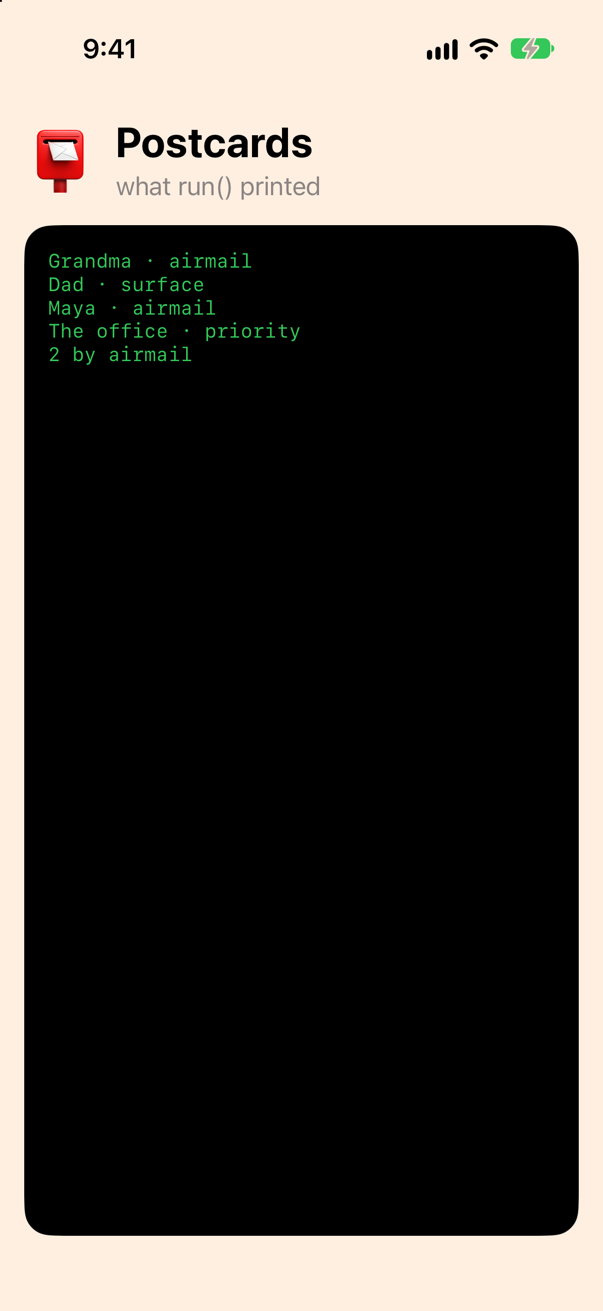
Now stamp is a value you can switch over and compare, not a string you have to spell right. The cost is that a word the enum has no case for refuses to decode — step 11 shows the error — which is the right default for a document you own, and something to design for when a server may grow a fourth kind of stamp before your app does (lesson 33's edge cases take that up). An Int raw value works the same way, and since Swift 5.5 so does an enum with associated values, in a shape of the compiler's choosing: an edge case below.
A key that is not yours: CodingKeys
The picture on the front of each postcard is a URL, and the document keeps it under "picture_url" — snake_case, the way most web servers write keys. Swift's naming guidelines want pictureURL. Add it, and see what the decoder makes of the difference:
struct Postcard: Codable, Identifiable { let id: Int var to: String var sent: Date var message: String? var stamp: Stamp var pictureURL: URL}struct Postcard: Codable, Identifiable {
let id: Int
var to: String
var sent: Date
var message: String?
var stamp: Stamp
var pictureURL: URL
}func run() { do { let decoder = JSONDecoder() decoder.dateDecodingStrategy = .iso8601 let cards = try decoder.decode([Postcard].self, from: document()) for card in cards { print(card.to, "·", card.stamp) } print(cards.filter { $0.stamp == .airmail }.count, "by airmail") print(cards.map(\.pictureURL.lastPathComponent)) } catch { print(error) }}func run() {
do {
let decoder = JSONDecoder()
decoder.dateDecodingStrategy = .iso8601
let cards = try decoder.decode([Postcard].self, from: document())
print(cards.map(\.pictureURL.lastPathComponent))
} catch {
print(error)
}
}Run the app (⌘R). Xcode’s console shows
DecodingError.keyNotFound: Key 'pictureURL' not found in keyed decoding container. Path: [0]. Debug description: No value associated with key CodingKeys(stringValue: "pictureURL", intValue: nil) ("pictureURL").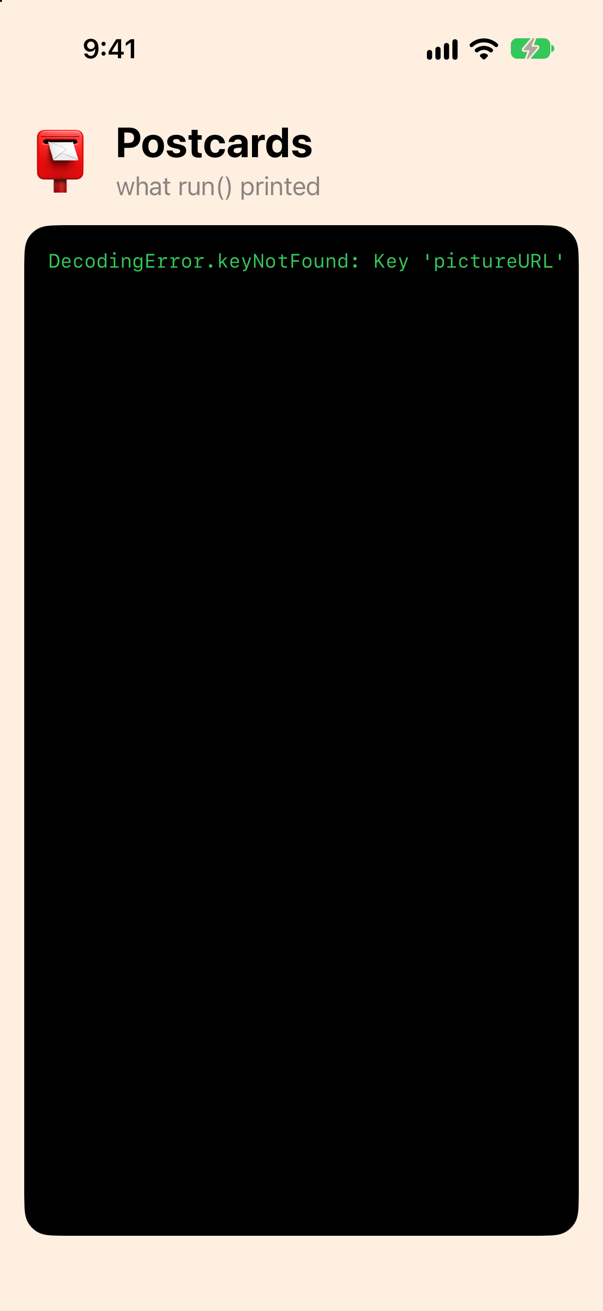
keyNotFound: the decoder looked for pictureURL, the property's name, and the document has no such key. JSONDecoder has a setting that seems made for this, keyDecodingStrategy = .convertFromSnakeCase, which turns every key in the document from snake_case into camelCase before matching. Try it:
func run() { do { let decoder = JSONDecoder() decoder.dateDecodingStrategy = .iso8601 decoder.keyDecodingStrategy = .convertFromSnakeCase let cards = try decoder.decode([Postcard].self, from: document()) print(cards.map(\.pictureURL.lastPathComponent)) } catch { print(error) }}func run() {
do {
let decoder = JSONDecoder()
decoder.dateDecodingStrategy = .iso8601
decoder.keyDecodingStrategy = .convertFromSnakeCase
let cards = try decoder.decode([Postcard].self, from: document())
print(cards.map(\.pictureURL.lastPathComponent))
} catch {
print(error)
}
}Run the app (⌘R). Xcode’s console shows
DecodingError.keyNotFound: Key 'pictureURL' not found in keyed decoding container. Path: [0]. Debug description: No value associated with key CodingKeys(stringValue: "pictureURL", intValue: nil) ("pictureURL").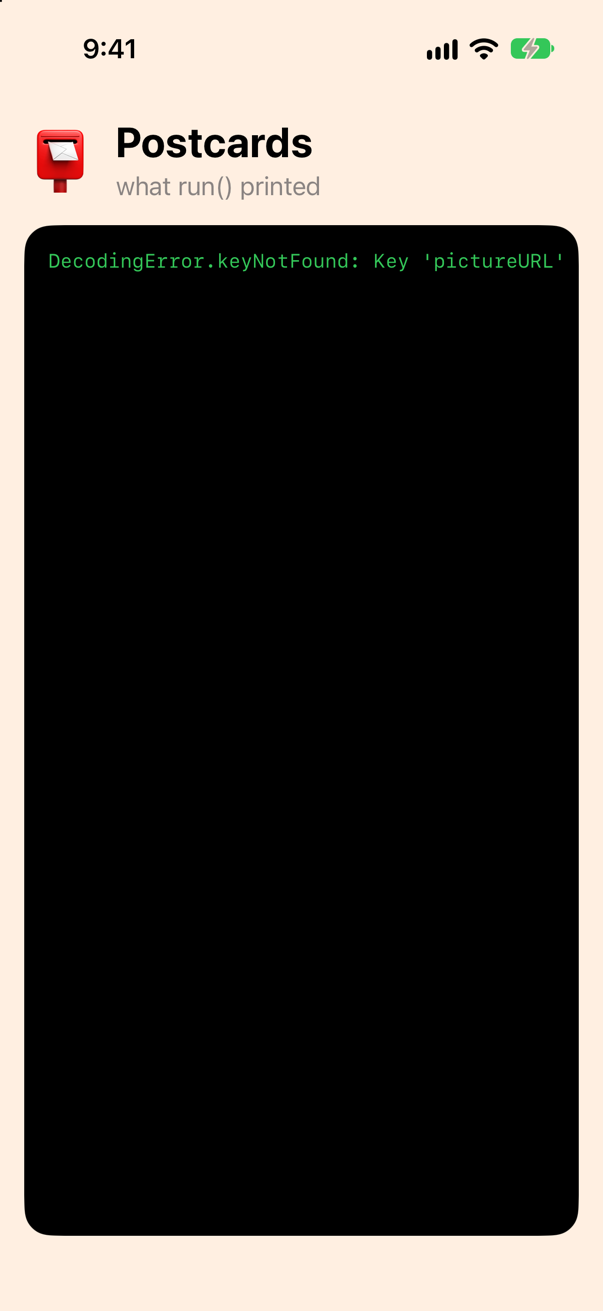
The same error. The strategy turned picture_url into pictureUrl — it capitalizes the letter after each underscore and knows nothing about acronyms — and pictureUrl is not pictureURL. This is the trap in every take-home that hands you a JSON file (part 10's interview problem is built on it), and it is nasty because user_name and sent_at convert perfectly, so the strategy looks right until the first URL, ID or HTML. The fix is to name the key yourself. Leave the strategy off, and give the struct a CodingKeys enum — the one you wrote in step 3, with one raw value that differs:
struct Postcard: Codable, Identifiable { let id: Int var to: String var sent: Date var message: String? var stamp: Stamp var pictureURL: URL /// The document's names for the properties, where they differ. Every property that is encoded is listed. enum CodingKeys: String, CodingKey { case id, to, sent, message, stamp case pictureURL = "picture_url" }}struct Postcard: Codable, Identifiable {
let id: Int
var to: String
var sent: Date
var message: String?
var stamp: Stamp
var pictureURL: URL
/// The document's names for the properties, where they differ. Every property that is encoded is listed.
enum CodingKeys: String, CodingKey {
case id, to, sent, message, stamp
case pictureURL = "picture_url"
}
}func run() { do { let decoder = JSONDecoder() decoder.dateDecodingStrategy = .iso8601 decoder.keyDecodingStrategy = .convertFromSnakeCase let cards = try decoder.decode([Postcard].self, from: document()) print(cards.map(\.pictureURL.lastPathComponent)) } catch { print(error) }}func run() {
do {
let decoder = JSONDecoder()
decoder.dateDecodingStrategy = .iso8601
let cards = try decoder.decode([Postcard].self, from: document())
print(cards.map(\.pictureURL.lastPathComponent))
} catch {
print(error)
}
}Run the app (⌘R). Xcode’s console shows
["lisbon.jpg", "porto.jpg", "seville.jpg", "granada.jpg"]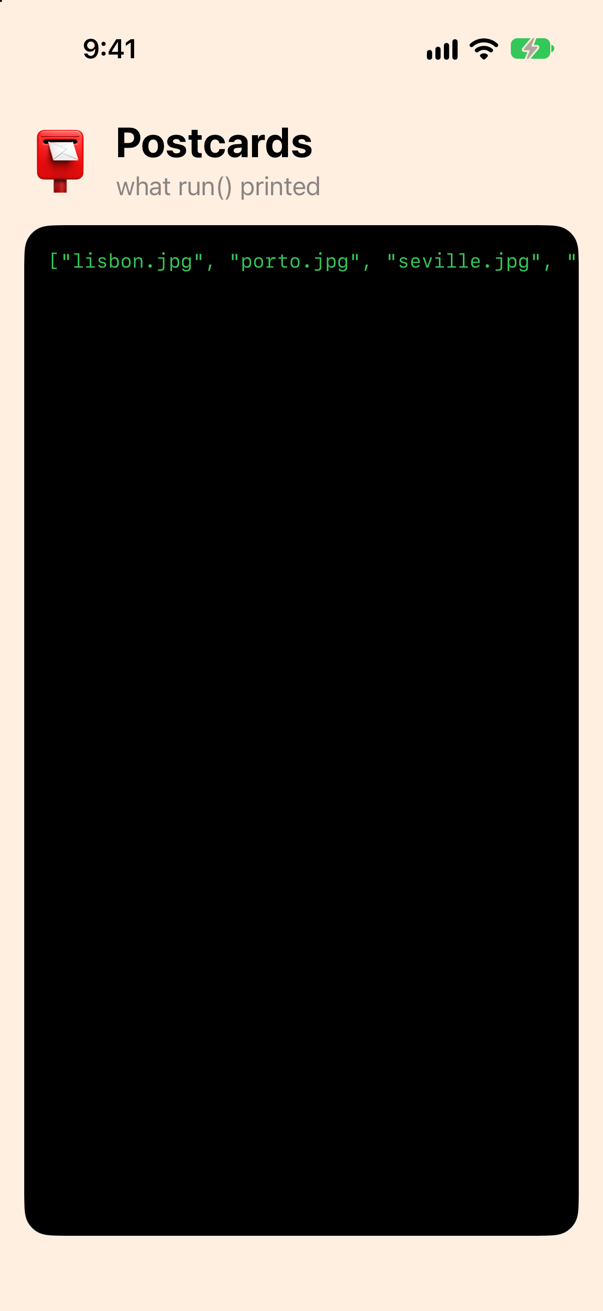
Every property is in the enum, renamed or not, because once the enum exists it is the compiler's list of what to read and write. Leave one out and see. Take stamp out of the enum:
struct Postcard: Codable, Identifiable { let id: Int var to: String var sent: Date var message: String? var stamp: Stamp var pictureURL: URL /// The document's names for the properties, where they differ. Every property that is encoded is listed. enum CodingKeys: String, CodingKey { case id, to, sent, message, stamp case id, to, sent, message case pictureURL = "picture_url" }}struct Postcard: Codable, Identifiable {
let id: Int
var to: String
var sent: Date
var message: String?
var stamp: Stamp
var pictureURL: URL
/// The document's names for the properties, where they differ. Every property that is encoded is listed.
enum CodingKeys: String, CodingKey {
case id, to, sent, message
case pictureURL = "picture_url"
}
}Build (⌘B). It does not compile — Xcode reports
type 'Postcard' does not conform to protocol 'Decodable'The note Xcode shows under that error, recorded from the edge case below, which leaves a property out the same way
type 'Postcard' does not conform to protocol 'Decodable'
note: cannot automatically synthesize 'Decodable' because 'message' does not have a matching CodingKey and does not have a default value
note: protocol requires initializer 'init(from:)' with type 'Decodable'
A property with no case and no default has nowhere to come from, so the compiler refuses to write init(from:) at all. A property with a default may be left out — an optional counts, its default being nil, which is why message could have gone missing from the enum without a word — and that is the way to keep a property out of the JSON on purpose. Put stamp back:
struct Postcard: Codable, Identifiable { let id: Int var to: String var sent: Date var message: String? var stamp: Stamp var pictureURL: URL /// The document's names for the properties, where they differ. Every property that is encoded is listed. enum CodingKeys: String, CodingKey { case id, to, sent, message case id, to, sent, message, stamp case pictureURL = "picture_url" }}struct Postcard: Codable, Identifiable {
let id: Int
var to: String
var sent: Date
var message: String?
var stamp: Stamp
var pictureURL: URL
/// The document's names for the properties, where they differ. Every property that is encoded is listed.
enum CodingKeys: String, CodingKey {
case id, to, sent, message, stamp
case pictureURL = "picture_url"
}
}One level down: nested containers
The last key is "from", and its value is not a value but another object: a city and a country. The compiler nests as happily as it does anything else — a struct for the inner object, and a property of that type:
/// Where a postcard was sent from: the object under "from".
struct Place: Codable {
    var city: String
    var country: String
}struct Postcard: Codable, Identifiable { let id: Int var to: String var from: Place var sent: Date var message: String? var stamp: Stamp var pictureURL: URL /// The document's names for the properties, where they differ. Every property that is encoded is listed. enum CodingKeys: String, CodingKey { case id, to, sent, message, stamp case id, to, from, sent, message, stamp case pictureURL = "picture_url" }}struct Postcard: Codable, Identifiable {
let id: Int
var to: String
var from: Place
var sent: Date
var message: String?
var stamp: Stamp
var pictureURL: URL
enum CodingKeys: String, CodingKey {
case id, to, from, sent, message, stamp
case pictureURL = "picture_url"
}
}func run() { do { let decoder = JSONDecoder() decoder.dateDecodingStrategy = .iso8601 let cards = try decoder.decode([Postcard].self, from: document()) print(cards.map(\.pictureURL.lastPathComponent)) for card in cards { print(card.to, "·", card.from.city + ",", card.from.country) } } catch { print(error) }}func run() {
do {
let decoder = JSONDecoder()
decoder.dateDecodingStrategy = .iso8601
let cards = try decoder.decode([Postcard].self, from: document())
for card in cards {
print(card.to, "·", card.from.city + ",", card.from.country)
}
} catch {
print(error)
}
}Run the app (⌘R). Xcode’s console shows
Grandma · Lisbon, Portugal
Dad · Porto, Portugal
Maya · Seville, Spain
The office · Granada, Spain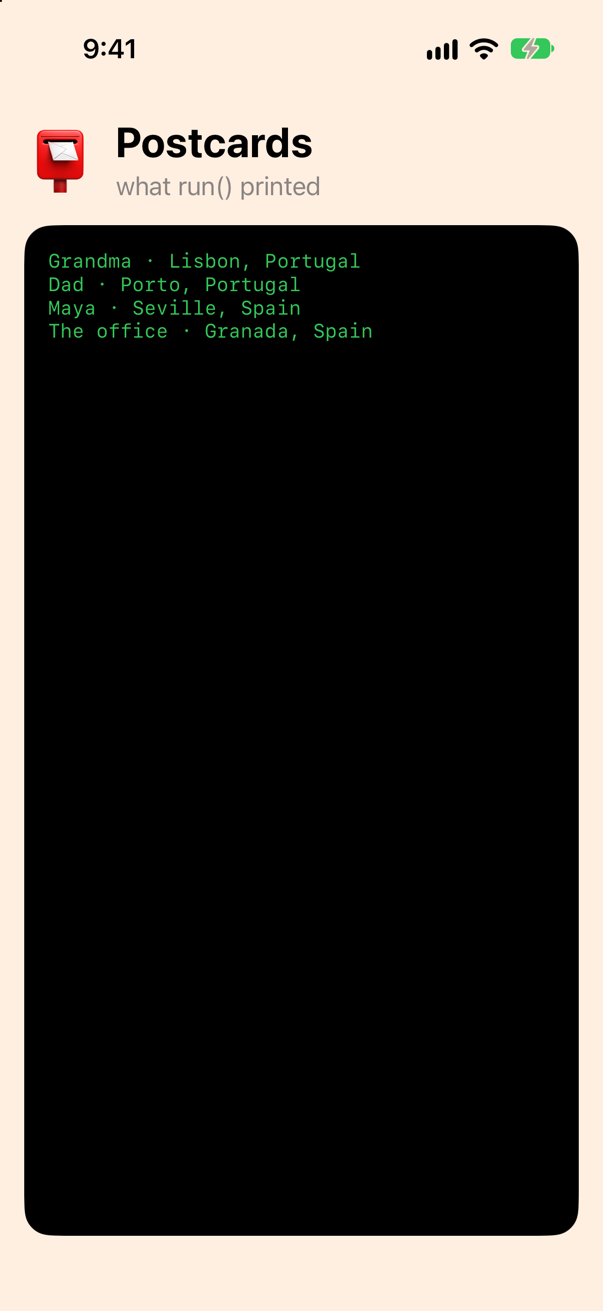
That is the answer when the document's shape is a shape you can live with. Often it is not: a postcard has a city, and card.from.city is the document showing through your model. To flatten it you take over the two methods, as in step 3, and open the inner object with a nested container — a second CodingKey enum for its keys. Delete the Place struct and replace Postcard with the final version:
/// Where a postcard was sent from: the object under "from".struct Place: Codable { var city: String var country: String}struct Postcard: Codable, Identifiable { let id: Int var to: String var from: Place var city: String var country: String var sent: Date var message: String? var stamp: Stamp var pictureURL: URL /// The document's keys. `from` is the object that holds the city and the country. enum CodingKeys: String, CodingKey { case id, to, from, sent, message, stamp case id, to, sent, message, stamp case pictureURL = "picture_url" case from } /// The keys inside "from". enum FromKeys: String, CodingKey { case city, country } init(from decoder: any Decoder) throws { let values = try decoder.container(keyedBy: CodingKeys.self) id = try values.decode(Int.self, forKey: .id) to = try values.decode(String.self, forKey: .to) sent = try values.decode(Date.self, forKey: .sent) message = try values.decodeIfPresent(String.self, forKey: .message) stamp = try values.decode(Stamp.self, forKey: .stamp) pictureURL = try values.decode(URL.self, forKey: .pictureURL) let from = try values.nestedContainer(keyedBy: FromKeys.self, forKey: .from) city = try from.decode(String.self, forKey: .city) country = try from.decode(String.self, forKey: .country) } func encode(to encoder: any Encoder) throws { var values = encoder.container(keyedBy: CodingKeys.self) try values.encode(id, forKey: .id) try values.encode(to, forKey: .to) try values.encode(sent, forKey: .sent) // nil becomes null, as in the document try values.encode(message, forKey: .message) try values.encode(stamp, forKey: .stamp) try values.encode(pictureURL, forKey: .pictureURL) var from = values.nestedContainer(keyedBy: FromKeys.self, forKey: .from) try from.encode(city, forKey: .city) try from.encode(country, forKey: .country) }}struct Postcard: Codable, Identifiable {
let id: Int
var to: String
var city: String
var country: String
var sent: Date
var message: String?
var stamp: Stamp
var pictureURL: URL
/// The document's keys. `from` is the object that holds the city and the country.
enum CodingKeys: String, CodingKey {
case id, to, sent, message, stamp
case pictureURL = "picture_url"
case from
}
/// The keys inside "from".
enum FromKeys: String, CodingKey {
case city, country
}
init(from decoder: any Decoder) throws {
let values = try decoder.container(keyedBy: CodingKeys.self)
id = try values.decode(Int.self, forKey: .id)
to = try values.decode(String.self, forKey: .to)
sent = try values.decode(Date.self, forKey: .sent)
message = try values.decodeIfPresent(String.self, forKey: .message)
stamp = try values.decode(Stamp.self, forKey: .stamp)
pictureURL = try values.decode(URL.self, forKey: .pictureURL)
let from = try values.nestedContainer(keyedBy: FromKeys.self, forKey: .from)
city = try from.decode(String.self, forKey: .city)
country = try from.decode(String.self, forKey: .country)
}
func encode(to encoder: any Encoder) throws {
var values = encoder.container(keyedBy: CodingKeys.self)
try values.encode(id, forKey: .id)
try values.encode(to, forKey: .to)
try values.encode(sent, forKey: .sent)
// nil becomes null, as in the document
try values.encode(message, forKey: .message)
try values.encode(stamp, forKey: .stamp)
try values.encode(pictureURL, forKey: .pictureURL)
var from = values.nestedContainer(keyedBy: FromKeys.self, forKey: .from)
try from.encode(city, forKey: .city)
try from.encode(country, forKey: .country)
}
}Read init(from:) top to bottom: six properties from the outer container, one of them with decodeIfPresent, and then nestedContainer(keyedBy: FromKeys.self, forKey: .from) — the object under "from", as a container of its own — out of which city and country come. encode(to:) mirrors it, with one deliberate difference from what the compiler would write: encode(message, forKey:) rather than encodeIfPresent, so that a nil is written as null, because that is what the document does. Now run — and this time encode all four postcards and compare the bytes with the file they came from:
func run() { do { let decoder = JSONDecoder() decoder.dateDecodingStrategy = .iso8601 let cards = try decoder.decode([Postcard].self, from: document()) for card in cards { print(card.to, "·", card.from.city + ",", card.from.country) print(card.to, "·", card.city + ",", card.country) } let encoder = JSONEncoder() encoder.dateEncodingStrategy = .iso8601 encoder.outputFormatting = [.prettyPrinted, .sortedKeys, .withoutEscapingSlashes] print(String(decoding: try encoder.encode(cards[0]), as: UTF8.self)) let bytes = try encoder.encode(cards) let original = String(decoding: try document(), as: UTF8.self) print(String(decoding: bytes, as: UTF8.self) == original.trimmingCharacters(in: .whitespacesAndNewlines)) } catch { print(error) }}func run() {
do {
let decoder = JSONDecoder()
decoder.dateDecodingStrategy = .iso8601
let cards = try decoder.decode([Postcard].self, from: document())
for card in cards {
print(card.to, "·", card.city + ",", card.country)
}
let encoder = JSONEncoder()
encoder.dateEncodingStrategy = .iso8601
encoder.outputFormatting = [.prettyPrinted, .sortedKeys, .withoutEscapingSlashes]
print(String(decoding: try encoder.encode(cards[0]), as: UTF8.self))
let bytes = try encoder.encode(cards)
let original = String(decoding: try document(), as: UTF8.self)
print(String(decoding: bytes, as: UTF8.self) == original.trimmingCharacters(in: .whitespacesAndNewlines))
} catch {
print(error)
}
}Run the app (⌘R). Xcode’s console shows
Grandma · Lisbon, Portugal
Dad · Porto, Portugal
Maya · Seville, Spain
The office · Granada, Spain
{
  "from" : {
    "city" : "Lisbon",
    "country" : "Portugal"
  },
  "id" : 1,
  "message" : "Custard tarts for breakfast. Twice.",
  "picture_url" : "https://example.com/postcards/lisbon.jpg",
  "sent" : "2027-06-03T10:15:00Z",
  "stamp" : "airmail",
  "to" : "Grandma"
}
true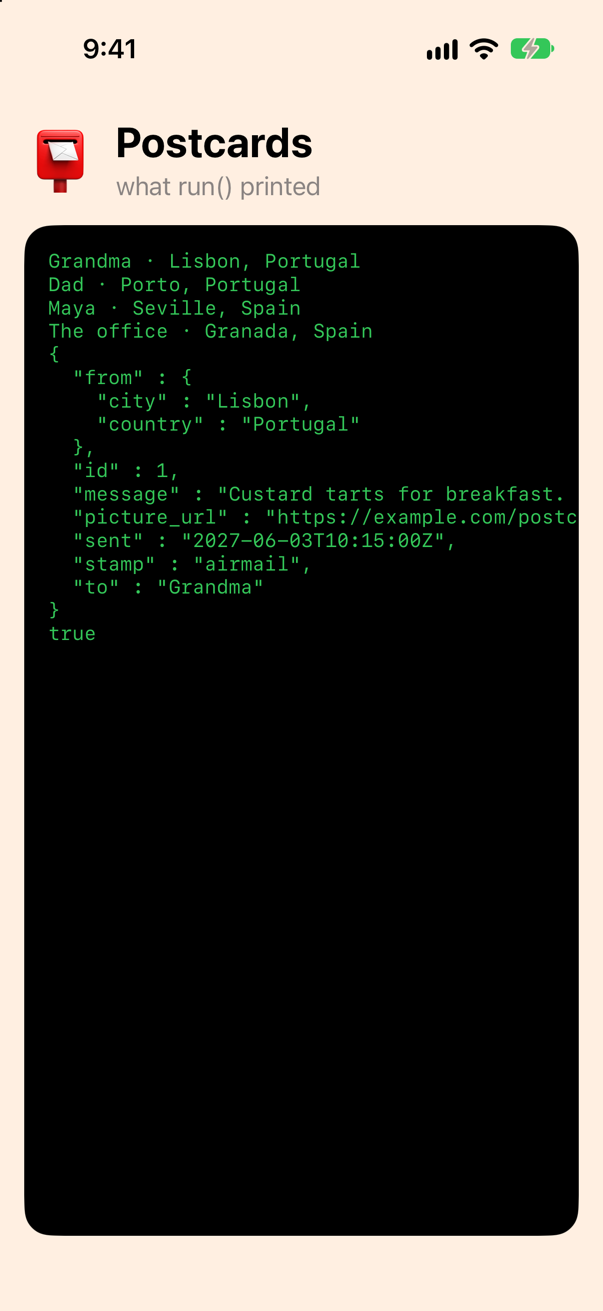
true. The decoder read the document into your type; the encoder wrote your type back into the document, byte for byte — sorted keys, two-space indentation, ISO 8601 dates, null for the missing message, and .withoutEscapingSlashes, so that a URL's / is written as / and not as \/, the encoder's default. That is the whole lesson in one line of output: Codable is a pair of functions between your values and a document, and you have now written both by hand and had the compiler write both for you.
Reading the error
Everything so far decoded a document that was right. Documents are wrong all the time — a server renames a field, a type changes, a file is cut short — and a DecodingError is written to be read, not only caught. Start from one good postcard and break it five ways, one per line:
func run() { let decoder = JSONDecoder() decoder.dateDecodingStrategy = .iso8601 let good = #""" { "id": 5, "to": "Grandma", "sent": "2027-06-14T09:00:00Z", "message": null, "stamp": "airmail", "picture_url": "https://example.com/postcards/faro.jpg", "from": { "city": "Faro", "country": "Portugal" } } """# let broken = [ // a key missing good.replacingOccurrences(of: #""sent": "2027-06-14T09:00:00Z", "#, with: ""), // the wrong type good.replacingOccurrences(of: #""id": 5"#, with: #""id": "five""#), // a word Stamp has no case for good.replacingOccurrences(of: "airmail", with: "pigeon"), // cut short: not JSON String(good.dropLast(12)), // null where a value is required good.replacingOccurrences(of: #""to": "Grandma""#, with: #""to": null"#), ] for json in broken { do { let card = try decoder.decode(Postcard.self, from: Data(json.utf8)) print(card.to) } catch { print(error) } } do { let decoder = JSONDecoder() decoder.dateDecodingStrategy = .iso8601 let cards = try decoder.decode([Postcard].self, from: document()) for card in cards { print(card.to, "·", card.city + ",", card.country) } let encoder = JSONEncoder() encoder.dateEncodingStrategy = .iso8601 encoder.outputFormatting = [.prettyPrinted, .sortedKeys, .withoutEscapingSlashes] print(String(decoding: try encoder.encode(cards[0]), as: UTF8.self)) let bytes = try encoder.encode(cards) let original = String(decoding: try document(), as: UTF8.self) print(String(decoding: bytes, as: UTF8.self) == original.trimmingCharacters(in: .whitespacesAndNewlines)) _ = try decoder.decode([Postcard].self, from: Data("[\(good), \(broken[0])]".utf8)) } catch let DecodingError.keyNotFound(key, context) { print("No \(key.stringValue) at \(context.codingPath.map(\.stringValue))") } catch { print(error) }}func run() {
let decoder = JSONDecoder()
decoder.dateDecodingStrategy = .iso8601
let good = #"""
{ "id": 5, "to": "Grandma", "sent": "2027-06-14T09:00:00Z", "message": null, "stamp": "airmail",
"picture_url": "https://example.com/postcards/faro.jpg", "from": { "city": "Faro", "country": "Portugal" } }
"""#
let broken = [
// a key missing
good.replacingOccurrences(of: #""sent": "2027-06-14T09:00:00Z", "#, with: ""),
// the wrong type
good.replacingOccurrences(of: #""id": 5"#, with: #""id": "five""#),
// a word Stamp has no case for
good.replacingOccurrences(of: "airmail", with: "pigeon"),
// cut short: not JSON
String(good.dropLast(12)),
// null where a value is required
good.replacingOccurrences(of: #""to": "Grandma""#, with: #""to": null"#),
]
for json in broken {
do {
let card = try decoder.decode(Postcard.self, from: Data(json.utf8))
print(card.to)
} catch {
print(error)
}
}
do {
_ = try decoder.decode([Postcard].self, from: Data("[\(good), \(broken[0])]".utf8))
} catch let DecodingError.keyNotFound(key, context) {
print("No \(key.stringValue) at \(context.codingPath.map(\.stringValue))")
} catch {
print(error)
}
}Run the app (⌘R). Xcode’s console shows
DecodingError.keyNotFound: Key 'sent' not found in keyed decoding container. Debug description: No value associated with key CodingKeys(stringValue: "sent", intValue: nil) ("sent").
DecodingError.typeMismatch: Expected value of type Int. Path: id. Debug description: Expected to decode Int but found a string instead.
DecodingError.dataCorrupted: Data was corrupted. Path: stamp. Debug description: Cannot initialize Stamp from invalid String value pigeon
DecodingError.dataCorrupted: Data was corrupted. Debug description: The given data was not valid JSON.. Underlying error: Error Domain=NSCocoaErrorDomain Code=3840 "Unexpected end of file" UserInfo={NSDebugDescription=Unexpected end of file}
DecodingError.valueNotFound: Expected value of type String. Path: to. Debug description: Cannot get value of type String -- found null value instead
No sent at ["Index 1"]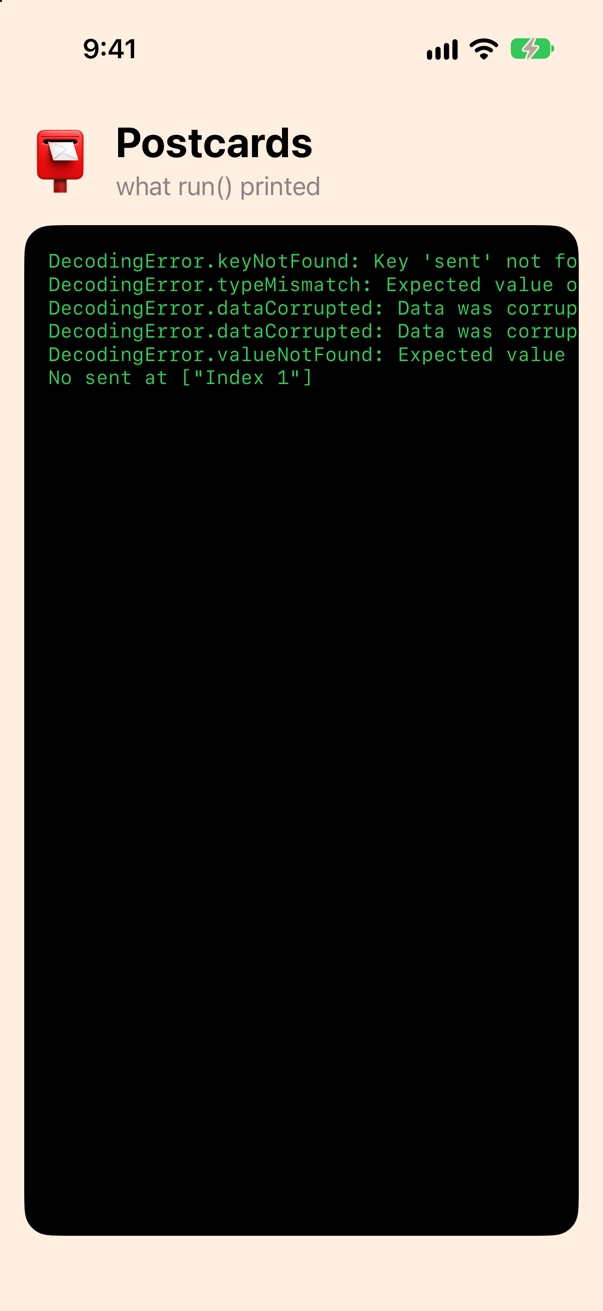
Five errors, four kinds, each saying what it looked for, what it found and where. As a table:
| The case | When | In the output above |
|---|---|---|
keyNotFound | A key your type requires is not in the object. | the first line: no sent |
typeMismatch | The key is there and holds the wrong kind of value. | id was text, not an Int |
dataCorrupted | The bytes are not JSON — or a value is JSON but cannot be made into the type: a word Stamp has no case for, an invalid URL, 2.5 for an Int. | the stamp pigeon, and the cut-off document |
valueNotFound | null where a non-optional value is required. | to was null |
Each case carries a context with a codingPath — the keys and indexes from the top of the document to the trouble — and a debugDescription; the printed form shows both. In code you pattern-match the case you want to handle, and the last line of the run did that for an array in which only the second postcard is broken: the path says Index 1. Log the key and the path, and "the server sent bad data" becomes a sentence someone can act on. And note what the array did: one bad postcard failed the whole decode. That is the default, and the right one for a document you own; lesson 33's edge cases show how to keep the good elements when it is not.
The postcards, on the phone
The screen has shown the console until now. Give it the postcards instead. A function for the whole document, with the decoder set up once:
extension Postcard {
    /// Every postcard in the bundled document, in the order they were written.
    static func all() throws -> [Postcard] {
        let decoder = JSONDecoder()
        decoder.dateDecodingStrategy = .iso8601
        return try decoder.decode([Postcard].self, from: document())
    }
}
And a screen that lays them out — a ForEach over Identifiable values, which is why step 7 mattered, and a Text that formats the Date (lesson 8):
struct ContentView: View { let cards = (try? Postcard.all()) ?? [] var body: some View { VStack(alignment: .leading, spacing: 16) { HStack(spacing: 12) { Text("📮") .font(.system(size: 44)) VStack(alignment: .leading) { Text("Postcards") .font(.title.bold()) Text("what run() printed") .foregroundStyle(.secondary) ScrollView { VStack(alignment: .leading, spacing: 14) { HStack(spacing: 12) { Text("📮") .font(.system(size: 44)) VStack(alignment: .leading) { Text("Postcards") .font(.title.bold()) Text("\(cards.count) from the document") .foregroundStyle(.secondary) } } ForEach(cards) { card in PostcardView(card: card) } } ScrollView([.vertical, .horizontal]) { Text(Printed.shared.lines.joined(separator: "\n")) .font(.system(size: 13, design: .monospaced)) .foregroundStyle(.green) .fixedSize() .padding() } .frame(maxWidth: .infinity, maxHeight: .infinity, alignment: .topLeading) .background(.black, in: .rect(cornerRadius: 18)) .padding() } .padding() .background(Color.orange.opacity(0.14)) }}/// One postcard: who it is for, where and when it was sent, the stamp, and the message.struct PostcardView: View { let card: Postcard var body: some View { VStack(alignment: .leading, spacing: 6) { HStack { Text("To \(card.to)") .font(.headline) Spacer() Text(card.stamp.rawValue.uppercased()) .font(.caption.bold()) .padding(.horizontal, 8) .padding(.vertical, 4) .background(.orange.opacity(0.25), in: .capsule) } HStack(spacing: 6) { Text("\(card.city), \(card.country)") Text("·") Text(card.sent, format: .dateTime.month().day().year()) } .font(.subheadline) .foregroundStyle(.secondary) if let message = card.message { Text(message) .italic() } } .padding() .frame(maxWidth: .infinity, alignment: .leading) .background(.background, in: .rect(cornerRadius: 14)) }}struct ContentView: View {
let cards = (try? Postcard.all()) ?? []
var body: some View {
ScrollView {
VStack(alignment: .leading, spacing: 14) {
HStack(spacing: 12) {
Text("📮")
.font(.system(size: 44))
VStack(alignment: .leading) {
Text("Postcards")
.font(.title.bold())
Text("\(cards.count) from the document")
.foregroundStyle(.secondary)
}
}
ForEach(cards) { card in
PostcardView(card: card)
}
}
.padding()
}
.background(Color.orange.opacity(0.14))
}
}
/// One postcard: who it is for, where and when it was sent, the stamp, and the message.
struct PostcardView: View {
let card: Postcard
var body: some View {
VStack(alignment: .leading, spacing: 6) {
HStack {
Text("To \(card.to)")
.font(.headline)
Spacer()
Text(card.stamp.rawValue.uppercased())
.font(.caption.bold())
.padding(.horizontal, 8)
.padding(.vertical, 4)
.background(.orange.opacity(0.25), in: .capsule)
}
HStack(spacing: 6) {
Text("\(card.city), \(card.country)")
Text("·")
Text(card.sent, format: .dateTime.month().day().year())
}
.font(.subheadline)
.foregroundStyle(.secondary)
if let message = card.message {
Text(message)
.italic()
}
}
.padding()
.frame(maxWidth: .infinity, alignment: .leading)
.background(.background, in: .rect(cornerRadius: 14))
}
}Run it (⌘R). The simulator shows
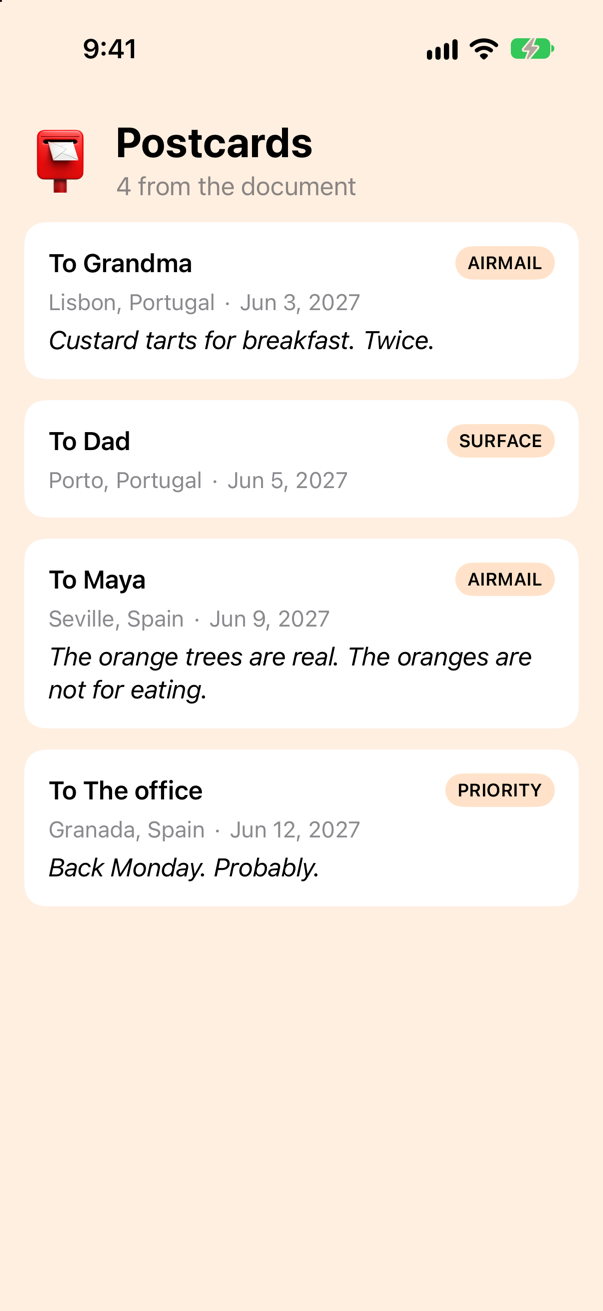
Where SwiftUI leans on this lesson's work: lesson 33 saves Trips' data with the same encoder and decoder, to a file instead of a bundle; lesson 34 decodes a server's answer with them; and Transferable's CodableRepresentation (lesson 32) makes a Codable type draggable and shareable in one line, because the compiler has already written the two functions it needs. Screen.swift is no longer used; delete it or keep it, as you like.
What you built
Postcard, aCodablestruct that reads every field ofPostcards.json: anIntid, aDatefrom ISO 8601 text, an optional message, aStampenum by its raw value, aURLunder a snake_case key named inCodingKeys, and a city and country one level down, read and written through a nested container.- The compiler's own
init(from:)andencode(to:), written out by hand — once for the plain struct, once for the final one. - A round trip that proves itself: the four postcards encoded with
.prettyPrinted,.sortedKeys,.withoutEscapingSlashesand.iso8601are the document's bytes. - Five broken documents and their
DecodingErrors —keyNotFound,typeMismatch,dataCorrupted,valueNotFound— read in full, and one caught by case. - A screen of postcards:
ForEachoverIdentifiablevalues decoded from the bundle.
Next, lesson 15: a function that waits, a caller that waits for it, and where that waiting happens — the first lesson of concurrency, with its own small project.
The finished project
Stuck, or want to compare with your own? This is the project as it stands at the end of this lesson, built and run before it was put here.
- Postcards.zip — unzip it, then open
Postcards.xcodeprojin Xcode.
Flash cards
17 cards for this lesson, each labelled with its topic. 9 ask how you would write something; the other 8 are trick questions, written to catch a misunderstanding. Answer in your head first, then tap the card.
Syntax · CodableMake a struct that can be read from JSON, and decode an array of them from a literal.
Write : Codable after the struct's name and the compiler writes init(from:) and encode(to:) from its stored properties, as long as each of them is Codable itself. JSONDecoder().decode([Postcard].self, from: data) names the type to make — an array of them here — and the bytes. It printed ["Grandma", "Dad"].
Syntax · CodableWrite out what the compiler writes for a Codable struct: the keys, init(from:) and encode(to:).
A CodingKeys enum with a case per property, a keyed container asked for by that enum, and one decode or encode call per property. That is all Codable generates. Write it yourself when the document's shape is not your struct's — and then write the enum too: the compiler's own is private. The round trip printed {"city":"Lisbon","to":"Grandma"}.
Syntax · KeysThe document says picture_url; your property is pictureURL. Map one to the other.
A nested enum CodingKeys: String, CodingKey whose raw values are the document's names. The compiler uses it in place of the property names — so every property that is encoded must be a case, renamed or not. It printed lisbon.jpg.
Syntax · OptionalsDecode a key that may be missing from the document, or null.
Declare the property optional. For an optional the compiler calls decodeIfPresent, which gives nil for a missing key and for null alike: Dad (no message), Maya (no message). A value of another type is still an error — the third document gave a typeMismatch.
Syntax · Nested containersThe city sits one level down, under "from". Read it into a property of the postcard itself.
Write init(from:) yourself: nestedContainer(keyedBy:forKey:) opens the object under a key, read through a second CodingKey enum for its names. The alternative needs no code at all — a struct Place: Codable property called from — if you can live with card.from.city. It printed Lisbon.
Syntax · DatesThe document writes dates as ISO 8601 text. Read them into a Date, and write them back the same way.
dateDecodingStrategy = .iso8601 on the decoder, dateEncodingStrategy = .iso8601 on the encoder; the two must agree. Without them a Date is a number of seconds since the start of 2001, and the text in the document is a type mismatch. It printed 2027-06-03 10:15:00 +0000 and {"sent":"2027-06-03T10:15:00Z","to":"Grandma"}.
Syntax · EnumsDecode "stamp": "airmail" into an enum.
An enum with a String (or Int) raw value gets Codable for free: it is written as its raw value and read back by it. A word the enum has no case for is a dataCorrupted error. It printed airmail true and ["priority","surface"].
Syntax · EncodingWrite JSON a person can read: indented, keys in order, slashes left alone.
outputFormatting is a set of options. .prettyPrinted indents, one key to a line; .sortedKeys orders them (without it they come in no fixed order); .withoutEscapingSlashes stops the encoder writing \/ for every / in a URL. The second line it printed was "pictureURL" : "https://example.com/lisbon.jpg",.
Syntax · ErrorsCatch one kind of DecodingError, and say which key was missing and where.
catch let DecodingError.keyNotFound(key, context): the key, and a context whose codingPath leads from the top of the document to the problem. The other cases are typeMismatch, valueNotFound (a null) and dataCorrupted. It printed No sent at ["Index 1"].
Trick question · Codablelet id = UUID() makes the struct Identifiable, and the JSON carries an "id". Decode the same bytes twice: are the two ids equal?
No: false. A let with an initial value can never be assigned again, so the compiler leaves it out of init(from:) — and warns: immutable property will not be decoded because it is declared with an initial value which cannot be overwritten Each decode invents a new id, and the one in the JSON is never read. Write let id: UUID with no value, or var.
Trick question · CodableIs Codable a protocol?
Not quite: it is a typealias, Decodable & Encodable, and printing the type says so: Decodable & Encodable. A type may adopt one half alone — Decodable for what only ever comes in from a server, Encodable for what only goes out.
Trick question · KeysThe decoder has .convertFromSnakeCase and the document says "picture_url". Does var pictureURL: URL decode?
No. The strategy makes pictureUrl — it capitalizes a letter, it does not know an acronym — so the key pictureURL is not found: DecodingError.keyNotFound: Key 'pictureURL' not found in keyed decoding container. Debug description: No value associated with key CodingKeys(stringValue: "pictureURL", intValue: nil) ("pictureURL"). Name the key yourself in CodingKeys (case pictureURL = "picture_url", with the strategy off), or call the property pictureUrl against Swift's own naming guidelines.
Trick question · Optionalsmessage is nil. Does the encoded JSON say "message": null?
No — the key is left out: {"to":"Dad"}. For an optional the compiler calls encodeIfPresent, which writes nothing for nil. If a server insists on the key, write encode(to:) yourself and call encode(message, forKey: .message), which writes null.
Trick question · Numbersnights is an Int. One document says "nights": 3.0, another "nights": 2.5. Which decodes?
3.0 decodes, as 3; 2.5 does not — and the error is not a typeMismatch but dataCorrupted: DecodingError.dataCorrupted: Data was corrupted. Debug description: The given data was not valid JSON.. Underlying error: Error Domain=NSCocoaErrorDomain Code=3840 "Number 2.5 is not representable in Swift." UserInfo={NSDebugDescription=Number 2.5 is not representable in Swift.} A JSON number has no type of its own; the decoder reads it as whatever you asked for, as long as the value fits exactly.
Trick question · KeysYou did not write a CodingKeys enum. Can you name the compiler's — Postcard.CodingKeys.to — from outside the struct?
No. 'CodingKeys' is inaccessible due to 'private' protection level The compiler's enum exists — its init(from:) and encode(to:) use it — but it is private. Write the enum yourself and it has whatever access you give it.
Trick question · CodableThe document has a free-form "extra" object, so you add var extra: [String: Any]. Does the struct still compile?
No. type 'Postcard' does not conform to protocol 'Decodable' The compiler writes Codable only when every stored property is Codable, and Any is not: nothing could decode it. Give the object a type — [String: String], or a struct of its own — or write init(from:) and decide what to do with it.
Trick question · DecodingA URL property, and the document says "picture_url": "". Does it decode to an empty URL?
No — it is an error: DecodingError.dataCorrupted: Data was corrupted. Path: picture_url. Debug description: Invalid URL string. URL decodes itself from a string and rejects one it cannot make a URL from, the empty string included. A URL? does not help, because an empty string is not null — the same error again. The server has to send null, or you decode a String and make the URL yourself.
Edge cases and tricky questions
11 questions of the kind an interviewer uses to find out whether you really know this — the corners, the traps, and the things that changed recently. Each has its source. Wherever the answer is what some code does, that code was compiled and run, and what you see under “Show the answer” is what it really did. Say your answer aloud before you open it.
nights is a let with a default value, and the document says "nights": 5. What does this print — and does Xcode say anything?
Show the answer
It prints 1 — the 5 in the document is never read. The compiler writes init(from:) only for properties it can assign, and a let that already has a value cannot be assigned again, so it is skipped; the comment in the compiler's own source reads "Don't output a decode statement for a let with an initial value." Xcode does say so, with a warning that is easy to scroll past:
The warning, from the same build
immutable property will not be decoded because it is declared with an initial value which cannot be overwrittenChange it to var nights = 1 and the value is decoded — and the key becomes required: the default is for your own initializer, Stay(city:), not a fallback for a missing key.
It printed
5
DecodingError.keyNotFound: Key 'nights' not found in keyed decoding container. Debug description: No value associated with key CodingKeys(stringValue: "nights", intValue: nil) ("nights").
For a default that fills in a missing key, make the property optional and apply the default where you read it, or write init(from:) with decodeIfPresent(…) ?? 1.
Where this comes from: The Swift compiler's Codable synthesis: lib/Sema/DerivedConformance/DerivedConformanceCodable.cpp · Swift Forums: decoding a Codable struct with a property that has an initial value · Encoding and Decoding Custom Types — The compiler's own warning, and the comment in DerivedConformanceCodable.cpp, are the primary sources; the Swift Forums thread walks through the alternatives.
CodingKeys lists to but not message. Does the struct compile — and what if message had a default value?
Show the answer
No. Once you write CodingKeys, the enum is the list of properties the compiler reads and writes, and message is not in it — so init(from:) would have nothing to assign to a property that must be assigned. The error names the protocol, and the note under it names the property:
type 'Postcard' does not conform to protocol 'Decodable'
note: cannot automatically synthesize 'Decodable' because 'message' does not have a matching CodingKey and does not have a default value
note: protocol requires initializer 'init(from:)' with type 'Decodable'
With a default value it compiles, and message is simply not part of the JSON in either direction: the document's "Wish you were here" is ignored, and the encoder leaves the key out.
It printed
(no message)
{"to":"Grandma"}
That is the mechanism for keeping a property out of the JSON on purpose — a cache, a derived value: leave it out of CodingKeys and give it a default. Apple's guide says it in one sentence: a property omitted from CodingKeys "needs a default value in order for its containing type to receive automatic conformance".
Where this comes from: Encoding and Decoding Custom Types · SE-0166: Swift Archival & Serialization (Codable) — Apple, “Encoding and Decoding Custom Types”, under “Choose Properties to Encode and Decode Using Coding Keys”.
Postcard is declared in one file, and a second file adds extension Postcard: Codable {}. Does the compiler write init(from:) for it?
Show the answer
It does not compile. Xcode reports
extension outside of file declaring struct 'Postcard' prevents automatic synthesis of 'init(from:)' for protocol 'Decodable'No. extension outside of file declaring struct 'Postcard' prevents automatic synthesis of 'init(from:)' for protocol 'Decodable' The compiler writes the two methods only where it can see every stored property with certainty: in the type's own file. An extension in another file may declare the conformance, but then you write the methods.
In the same file an extension is fine, and a common way of keeping the conformance apart from the data:
It printed
Postcard(to: "Grandma", city: "Lisbon")The same rule governs Equatable and Hashable. The common mistake is a Models+Codable.swift full of empty extensions — each one this error, each fixed by moving it next to its type or by writing the code by hand.
Where this comes from: The Swift compiler's Codable synthesis: lib/Sema/DerivedConformance/DerivedConformanceCodable.cpp · SE-0166: Swift Archival & Serialization (Codable) — The compiler's own diagnostic; SE-0166 introduced the synthesis, and the same-file rule holds for every synthesized conformance.
Since Swift 5.5 the compiler writes Codable for an enum with associated values too. What JSON do these three values become?
Show the answer
One object per value, with the case's name as its only key, and the associated values as an object under it:
It printed
[{"hand":{}},{"post":{"stamp":"airmail"}},{"courier":{"_0":"DHL","_1":2}}]
true
A case with no payload is an empty object ({"hand":{}}), a labelled payload uses its labels, and an unlabelled one is numbered _0, _1. That is SE-0295's design, and it is the shape to expect — or to override with a CodingKeys enum and one nested enum per case — when an enum goes over the wire. Before Swift 5.5 only enums with raw values got Codable for free; the rest needed everything written by hand.
The round trip holds: decoding the bytes gives back the same three values, true.
Where this comes from: SE-0295: Codable synthesis for enums with associated values — SE-0295, “Codable synthesis for enums with associated values” (Swift 5.5).
A dictionary counts the postcards by stamp. What JSON does it encode to — an object?
Show the answer
No — an array: ["airmail",3], keys and values alternating. A Dictionary encodes as a JSON object only when its key type is String or Int. Any other key — an enum with a String raw value included — makes it fall back to a flat list of key, value, key, value, which no server expects and which JSONSerialization will hand you as an array.
Since Swift 5.6 the fix is one word: conform the key to CodingKeyRepresentable. An enum with a String or Int raw value needs nothing more than the declaration:
It printed
{"airmail":3}This bit real apps for years — a [Weekday: Schedule] sent to a server as ["monday", {…}, "tuesday", {…}]. The behaviour of the plain enum is kept for compatibility, so the word has to be yours.
Where this comes from: SE-0320: CodingKeyRepresentable — dictionaries with enum keys as JSON objects · CodingKeyRepresentable — SE-0320, “Allow coding of non String / Int keyed Dictionary into a KeyedContainer” (Swift 5.6).
Card is a Codable class and Picture inherits from it, adding url. The document has both keys. What comes out of the decoder, and what goes back in?
Show the answer
url is lost both ways, silently:
It printed
Grandma ·
{"to":"Grandma"}
Picture declares no conformance of its own — it inherits Card's — so the compiler writes nothing for it. The init(from:) and encode(to:) that run are Card's, and they know only to. Nothing warns.
The subclass has to write both methods, hand the same decoder on to super.init(from:) and the same encoder to super.encode(to:):
It printed
Grandma · https://example.com/lisbon.jpg
{"to":"Grandma","url":"https://example.com/lisbon.jpg"}
Inheritance and Codable are an awkward pair, and most codebases avoid the question: a struct per level of the document, and a class only where identity is needed.
Where this comes from: SE-0166: Swift Archival & Serialization (Codable) · The Swift compiler's Codable synthesis: lib/Sema/DerivedConformance/DerivedConformanceCodable.cpp — SE-0166 leaves a subclass to override both methods and call super; measured with Xcode 27.
In an app project you decode a Codable struct of your own inside a @concurrent function. Does it compile — in the Swift 5 language mode, and in Swift 6?
Show the answer
In the Swift 5 mode it compiles with a warning; in the Swift 6 mode it is an error. A new Xcode 27 app project puts everything on the main actor by default, your struct included — and since Swift 6.2 a conformance can be isolated too (SE-0470): Postcard: Codable is a main-actor conformance, usable only from the main actor. A @concurrent function is not on it:
In the Swift 6 language mode
main actor-isolated conformance of 'Postcard' to 'Decodable' cannot be used in @concurrent contextIn the Swift 5 mode of a new project the same line is a warning — main actor-isolated conformance of 'Postcard' to 'Decodable' cannot be used in @concurrent context; this is an error in the Swift 6 language mode — and the program runs and prints Postcard(to: "Grandma").
The fix is to say that the struct belongs to no actor: nonisolated struct Postcard: Codable. Plain data has no business on an actor, and Transferable (lesson 32) and Sendable will ask the same of it:
Compiled in the Swift 6 mode, it printed
Postcard(to: "Grandma")JSONDecoder is not the problem; the conformance is. The message reads like a threading bug and is a declaration bug.
Where this comes from: SE-0470: Global-actor isolated conformances — SE-0470, “Global-actor isolated conformances” (Swift 6.2); measured with Xcode 27's default settings for a new project (Default Actor Isolation: MainActor).
A Codable struct has a computed property and a lazy var, and the document has values under both names. Which of them does the decoder read, and which does the encoder write?
Show the answer
Neither. shout was computed from to, and words was counted, not read — the 99 in the document went nowhere — and the encoder wrote only to:
It printed
DEAR GRANDMA 2
{"to":"Dear Grandma"}
The compiler's synthesis walks the type's stored instance properties, and its own source says what it leaves out: "Filter out lazy/computed vars." A computed property has no storage to decode into; a lazy var has storage, but a value it computes for itself, so it is left out too, silently. (static properties belong to the type, not to any value, and are never considered.)
The practical reading: the keys of your JSON are exactly your plain stored properties. Anything derived is derived again after decoding, for free.
Where this comes from: The Swift compiler's Codable synthesis: lib/Sema/DerivedConformance/DerivedConformanceCodable.cpp — lib/Sema/DerivedConformance/DerivedConformanceCodable.cpp in the Swift compiler: “Filter out lazy/computed vars”, in its check of the properties against CodingKeys.
You write init(from:) yourself and read the optional with decode(String?.self, forKey:). The key is missing from the document. What happens — and what does the compiler's version do instead?
Show the answer
null decodes to nil; the missing key is an error:
It printed
nil
DecodingError.keyNotFound: Key 'message' not found in keyed decoding container. Debug description: No value associated with key CodingKeys(stringValue: "message", intValue: nil) ("message").
decode(String?.self, forKey:) insists that the key be there, and accepts null as its value. The compiler's init(from:) calls decodeIfPresent for every optional property, which treats a missing key and null alike — that is where "an optional forgives a missing key" comes from, and it is one word of your own to keep when you take over.
The other direction has the same asymmetry. The compiler's encode(to:) uses encodeIfPresent, so a nil is not written at all: the key disappears rather than becoming null.
The compiler's version printed
nil
nil
{"to":"Maya"}
Mirror it when you write by hand — decodeIfPresent in, encodeIfPresent out — unless the server wants an explicit null, in which case encode(message, forKey:) writes one.
Where this comes from: KeyedDecodingContainer · The Swift compiler's Codable synthesis: lib/Sema/DerivedConformance/DerivedConformanceCodable.cpp — KeyedDecodingContainer's decodeIfPresent(_:forKey:) “returns nil if the container does not have a value associated with key, or if the value is null”.
A model that is Identifiable and Codable, the way many tutorials write it. The JSON carries an id. Two questions: does it compile cleanly, and does the decoded trip have the id from the JSON?
Show the answer
Run it. The console shows
false
false
It compiles, with a warning that is easy to scroll past: immutable property will not be decoded because it is declared with an initial value which cannot be overwritten
And no: it printed false and false. A let with an initial value can never be assigned again, so the generated init(from:) skips it. The id in the JSON is ignored, and every decode invents a fresh one. Decode the same data twice and you get two different identities.
In a SwiftUI app that is a real bug. A list tells its rows apart by id. If every reload gives every trip a new id, the list sees all-new rows each time: selection is lost, scroll position jumps, and every row animates out and in.
Declare it var id = UUID() — or let id: UUID with no initial value — and the id in the data is used. (With var, the key becomes required, as in the previous question.)
Where this comes from: Swift Forums: decoding a Codable struct with a property that has an initial value · Encoding and decoding custom types — The compiler's own warning is the primary source here; the Swift Forums thread walks through the alternatives.
The server sends image_url and user_name. The decoder is told to convert from snake case. What does this print?
Show the answer
Run it. The console shows
keyNotFound: imageURLkeyNotFound: imageURL. The strategy turns image_url into imageUrl: it capitalizes the first letter of each word and nothing more. Your property follows Swift's naming guidelines and is called imageURL. The two do not match, so the key is "not found" — although it is plainly there in the JSON.
Apple's documentation says so directly: the strategy "can't infer capitalization for acronyms or initialisms such as WYSIWYG or URI". userName decodes without trouble, which is why this bug survives testing with simple fields and appears with the first URL, ID or HTML.
The fix is an explicit CodingKeys enum — case imageURL = "image_url" — and many teams write explicit keys everywhere for exactly this reason: the mapping is visible, and a renamed property cannot silently change the JSON.
Where this comes from: JSONDecoder: convertFromSnakeCase · Hacking with Swift interview question: What’s the importance of key decoding strategies when using Codable? — Hacking with Swift: “What’s the importance of key decoding strategies when using Codable?”
Further reading
- SE-0166: Swift Archival & Serialization (Codable)
- Codable
- CodingKey
- Encoding and Decoding Custom Types
- DecodingError
- JSONDecoder: convertFromSnakeCase
- Hacking with Swift interview question: What does the Codable protocol do?
- Swift Forums: decoding a Codable struct with a property that has an initial value
- JSONEncoder
- JSONDecoder
- JSONEncoder.OutputFormatting
- KeyedDecodingContainer
- Bundle.url(forResource:withExtension:)
- The Swift compiler's Codable synthesis: lib/Sema/DerivedConformance/DerivedConformanceCodable.cpp
- SE-0295: Codable synthesis for enums with associated values
- SE-0320: CodingKeyRepresentable — dictionaries with enum keys as JSON objects