Things that move
Animation basics
You will buildThe trip card's details opening with an animation, a nights ring that draws itself in when a trip's screen appears, and a boarding pass that checks in with a tap — its notches deepening, which takes one line to make possible — and tells the app when the animation is done.
TimeAbout 50 minutes
WhyIn UIKit you animated views: UIView.animate, a block, a duration. In SwiftUI you never touch a view. You change state, and say that the change should be animated; SwiftUI works out what looks different and moves it there. Everything in this lesson is a variation on that one idea — and the bugs interviewers ask about come from forgetting it: a value that is not state, a property SwiftUI does not know how to interpolate, an animation scoped to the wrong value.
Open your project
Open your
Tripsproject as lesson 27 left it: double-clickTrips.xcodeprojin Finder, or use File ▸ Open… (⌘O) in Xcode.If you did not finish lesson 27, or would rather start from a known state, download Trips-lesson-27.zip instead. It is the project exactly as it stood at the end of lesson 27. Unzip it and open
Trips.xcodeproj.Run it (⌘R) to check that it builds. You should see where lesson 27 ended:
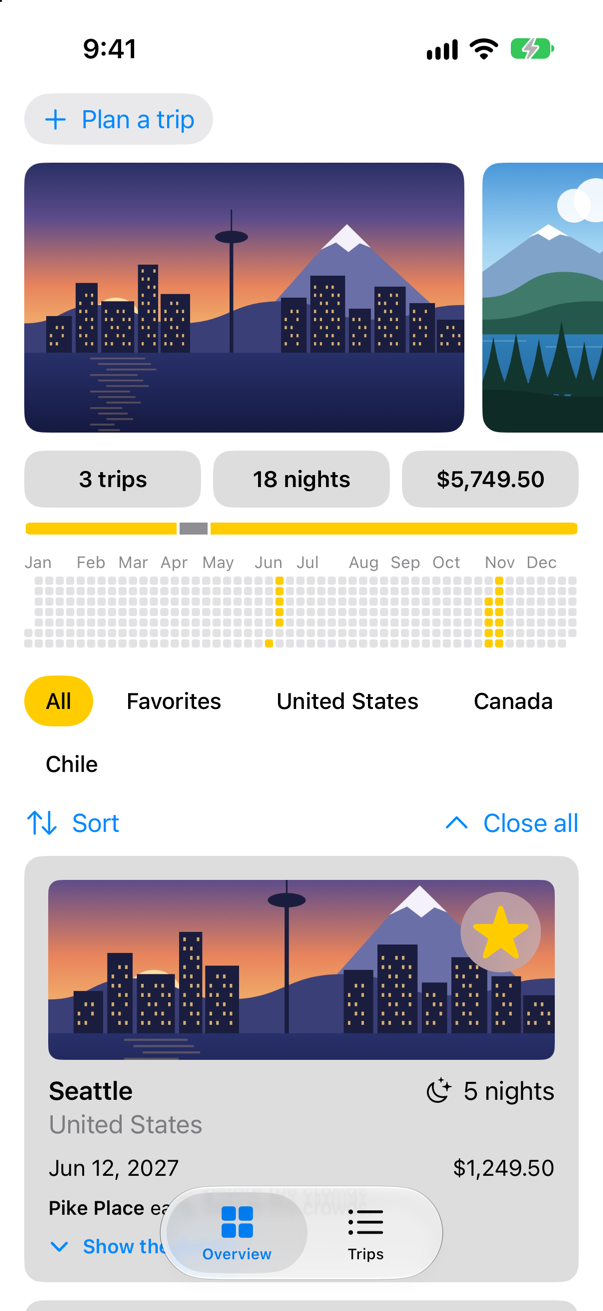
Trips, as it stood at the end of lesson 27Screenshot · iPhone 17, iOS 27.0
Animate a change
A trip card's "Show the details" button flips showsFacts, and the facts appear at once. Put the change in withAnimation { } and every difference it makes on the screen is animated: the card grows, and the facts fade in. Apple: withAnimation "Returns the result of recomputing the view’s body with the provided animation." Without an argument it uses the default animation — since iOS 17, a spring. In TripCard.swift:
struct TripCard: View { @Binding var trip: Trip @State private var showsFacts = false var body: some View { VStack(alignment: .leading, spacing: 10) { Image(trip.imageName) .resizable() .scaledToFill() .frame(height: 120) .clipShape(RoundedRectangle(cornerRadius: 8)) .contentShape(Rectangle()) .overlay(alignment: .topTrailing) { FavoriteButton(isFavorite: $trip.isFavorite) .accessibilityLabel("Favorite \(trip.city)") .padding(6) .background(.ultraThinMaterial, in: Circle()) .padding(8) } ViewThatFits(in: .horizontal) { HStack(alignment: .firstTextBaseline) { title Spacer() nights } VStack(alignment: .leading, spacing: 4) { title nights } } ViewThatFits(in: .horizontal) { HStack { start Spacer() price } VStack(alignment: .leading, spacing: 4) { start price } } .font(.subheadline) Text(trip.formattedNotes) .font(.footnote) Button(showsFacts ? "Hide the details" : "Show the details", systemImage: showsFacts ? "chevron.up" : "chevron.down") { showsFacts.toggle() withAnimation { showsFacts.toggle() } } .font(.footnote.weight(.semibold)) .accessibilityLabel(showsFacts ? "Hide the details of \(trip.city)" : "Show the details of \(trip.city)") if showsFacts { TripFacts(trip: trip) .font(.subheadline) } } .padding() .background(.quaternary, in: RoundedRectangle(cornerRadius: 12)) .padding(.horizontal) } private var title: some View { VStack(alignment: .leading, spacing: 2) { Text(trip.city) .font(.headline) Text(trip.country) .foregroundStyle(.secondary) } } private var nights: some View { Label("^[\(trip.nights) night](inflect: true)", systemImage: "moon.stars") } private var start: some View { Text(trip.start, format: .dateTime.day().month().year()) } private var price: some View { Text(trip.price, format: .currency(code: "USD")) }}struct TripCard: View {
@Binding var trip: Trip
@State private var showsFacts = false
var body: some View {
VStack(alignment: .leading, spacing: 10) {
Image(trip.imageName)
.resizable()
.scaledToFill()
.frame(height: 120)
.clipShape(RoundedRectangle(cornerRadius: 8))
.contentShape(Rectangle())
.overlay(alignment: .topTrailing) {
FavoriteButton(isFavorite: $trip.isFavorite)
.accessibilityLabel("Favorite \(trip.city)")
.padding(6)
.background(.ultraThinMaterial, in: Circle())
.padding(8)
}
ViewThatFits(in: .horizontal) {
HStack(alignment: .firstTextBaseline) {
title
Spacer()
nights
}
VStack(alignment: .leading, spacing: 4) {
title
nights
}
}
ViewThatFits(in: .horizontal) {
HStack {
start
Spacer()
price
}
VStack(alignment: .leading, spacing: 4) {
start
price
}
}
.font(.subheadline)
Text(trip.formattedNotes)
.font(.footnote)
Button(showsFacts ? "Hide the details" : "Show the details", systemImage: showsFacts ? "chevron.up" : "chevron.down") {
withAnimation {
showsFacts.toggle()
}
}
.font(.footnote.weight(.semibold))
.accessibilityLabel(showsFacts ? "Hide the details of \(trip.city)" : "Show the details of \(trip.city)")
if showsFacts {
TripFacts(trip: trip)
.font(.subheadline)
}
}
.padding()
.background(.quaternary, in: RoundedRectangle(cornerRadius: 12))
.padding(.horizontal)
}
private var title: some View {
VStack(alignment: .leading, spacing: 2) {
Text(trip.city)
.font(.headline)
Text(trip.country)
.foregroundStyle(.secondary)
}
}
private var nights: some View {
Label("^[\(trip.nights) night](inflect: true)", systemImage: "moon.stars")
}
private var start: some View {
Text(trip.start, format: .dateTime.day().month().year())
}
private var price: some View {
Text(trip.price, format: .currency(code: "USD"))
}
}Run the app and tap Show the details on the Seattle card:
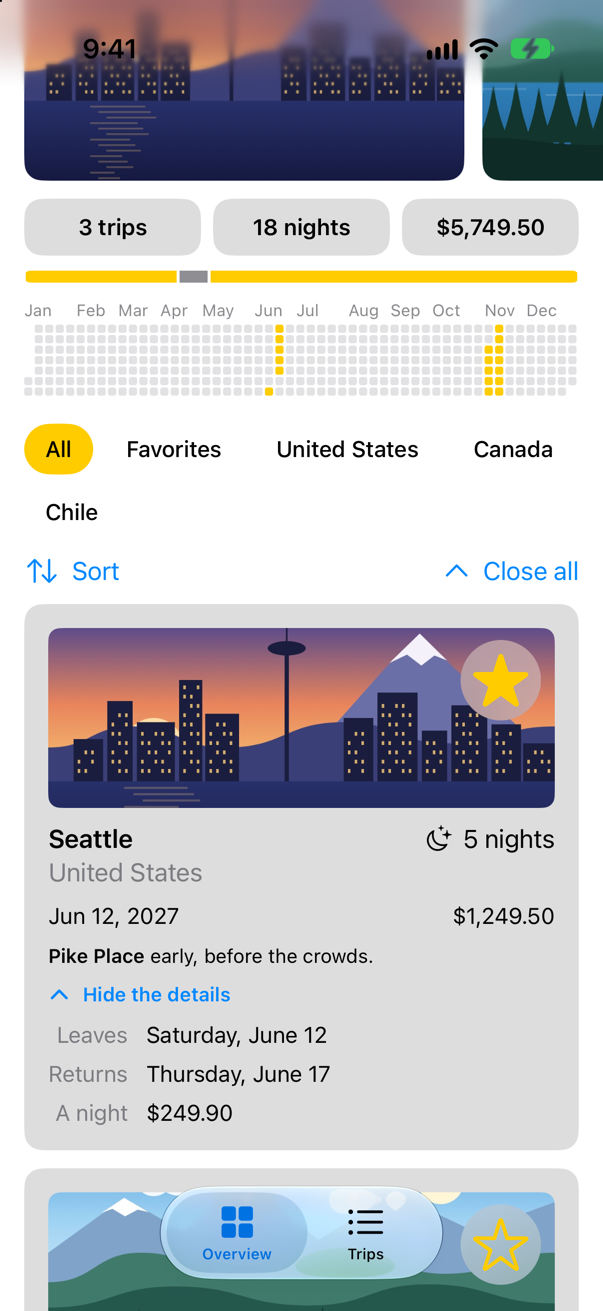
A picture cannot show the movement, only where it ends — and the tool that takes these pictures waits for every animation a tap starts to finish before it looks. This lesson's edge cases slow animations down and start them by themselves, to catch them halfway.
A ring that draws itself
withAnimation animates one change. .animation(_:value:) attaches an animation to a view, to be used whenever a particular value changes. Apple: it "Applies the given animation to this view when the specified value changes." The nights ring can draw itself in: it keeps its own drawn, which starts at 0 and is set to the trip's share when the ring appears, and again whenever the share changes. Each change of drawn animates. In NightsRing.swift:
struct NightsRing: View { let nights: Int let total: Int @Environment(\.highlight) private var highlight @State private var drawn = 0.0 var body: some View { ZStack { Circle() .strokeBorder(highlight.opacity(0.3), lineWidth: 8) Circle() .inset(by: 4) .trim(from: 0, to: Double(nights) / Double(max(total, 1))) .trim(from: 0, to: drawn) .stroke(highlight, style: StrokeStyle(lineWidth: 8, lineCap: .round)) .rotationEffect(.degrees(-90)) VStack(spacing: 0) { Text(nights, format: .number) .font(.headline) Text("of \(total)") .font(.caption2) .foregroundStyle(.secondary) } } .frame(width: 64, height: 64) .animation(.easeOut(duration: 0.8), value: drawn) .onAppear { drawn = share } .onChange(of: share) { drawn = share } } /// The share of all the nights away that this trip takes, from 0 to 1. private var share: Double { Double(nights) / Double(max(total, 1)) }}struct NightsRing: View {
let nights: Int
let total: Int
@Environment(\.highlight) private var highlight
@State private var drawn = 0.0
var body: some View {
ZStack {
Circle()
.strokeBorder(highlight.opacity(0.3), lineWidth: 8)
Circle()
.inset(by: 4)
.trim(from: 0, to: drawn)
.stroke(highlight, style: StrokeStyle(lineWidth: 8, lineCap: .round))
.rotationEffect(.degrees(-90))
VStack(spacing: 0) {
Text(nights, format: .number)
.font(.headline)
Text("of \(total)")
.font(.caption2)
.foregroundStyle(.secondary)
}
}
.frame(width: 64, height: 64)
.animation(.easeOut(duration: 0.8), value: drawn)
.onAppear { drawn = share }
.onChange(of: share) { drawn = share }
}
/// The share of all the nights away that this trip takes, from 0 to 1.
private var share: Double {
Double(nights) / Double(max(total, 1))
}
}Run the app and open Seattle:
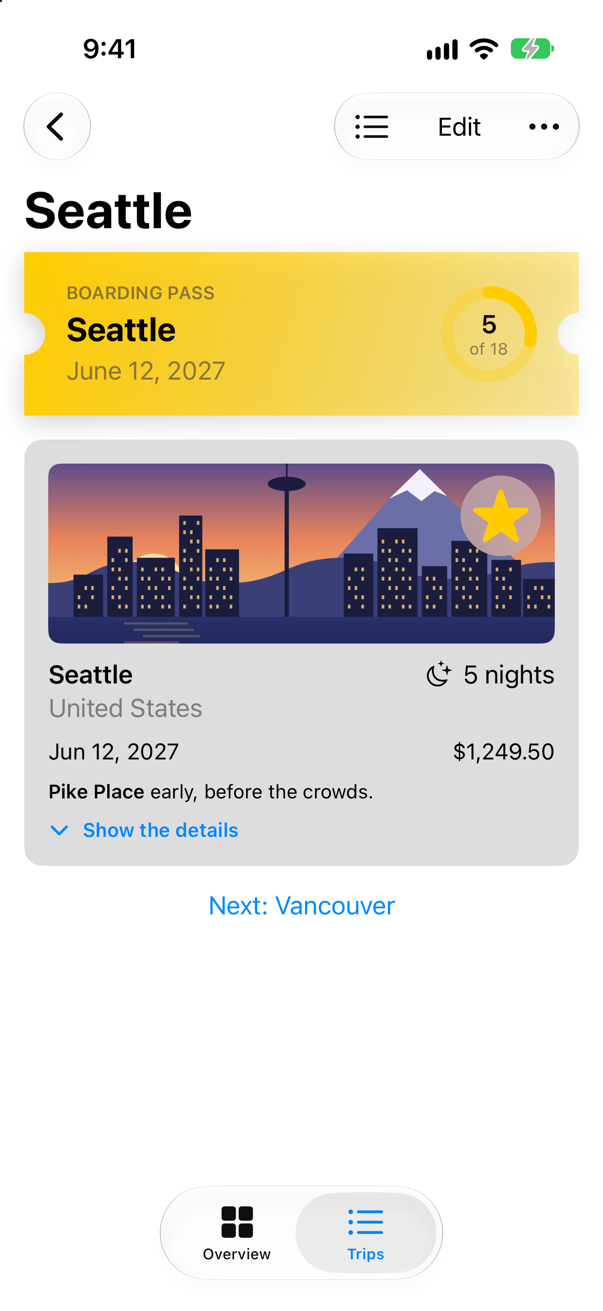
Why a separate drawn, when the ring could trim to the share directly? Because nothing animates on the first appearance of a value: there is no old value to start from. The ring needs a value that changes after it appears — from 0 to the share. One of this lesson's edge cases puts the two side by side.
A shape that animates
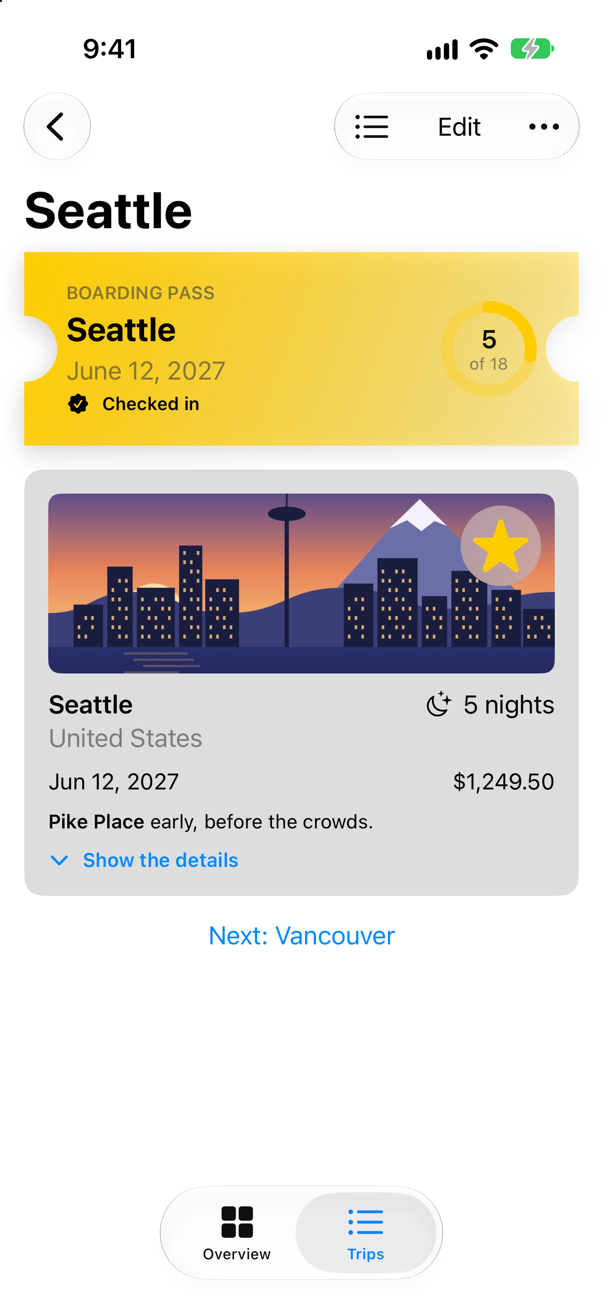
Now a check-in: tapping the boarding pass deepens its notches and shows "Checked in". The pass becomes a Button with a plain style, so that VoiceOver can press it too, and its ticket gets a notch from state. But SwiftUI only animates what it knows how to interpolate. A shape's own stored property, such as notch, is not one of those until the shape says so; without that, the notches would jump to their new depth while the label fades in. Apple: "To conform a type to the Animatable protocol, use the Animatable() macro to avoid writing the animatableData property by hand." In Ticket.swift, one line above the struct:
import SwiftUI/// A ticket: a rectangle with a round notch bitten out of each side.@Animatablestruct Ticket: Shape { var notch: CGFloat = 14 func path(in rect: CGRect) -> Path { var path = Path() path.move(to: CGPoint(x: rect.minX, y: rect.minY)) path.addLine(to: CGPoint(x: rect.maxX, y: rect.minY)) path.addLine(to: CGPoint(x: rect.maxX, y: rect.midY - notch)) path.addArc(center: CGPoint(x: rect.maxX, y: rect.midY), radius: notch, startAngle: .degrees(270), endAngle: .degrees(90), clockwise: true) path.addLine(to: CGPoint(x: rect.maxX, y: rect.maxY)) path.addLine(to: CGPoint(x: rect.minX, y: rect.maxY)) path.addLine(to: CGPoint(x: rect.minX, y: rect.midY + notch)) path.addArc(center: CGPoint(x: rect.minX, y: rect.midY), radius: notch, startAngle: .degrees(90), endAngle: .degrees(270), clockwise: true) path.closeSubpath() return path }}import SwiftUI
/// A ticket: a rectangle with a round notch bitten out of each side.
@Animatable
struct Ticket: Shape {
var notch: CGFloat = 14
func path(in rect: CGRect) -> Path {
var path = Path()
path.move(to: CGPoint(x: rect.minX, y: rect.minY))
path.addLine(to: CGPoint(x: rect.maxX, y: rect.minY))
path.addLine(to: CGPoint(x: rect.maxX, y: rect.midY - notch))
path.addArc(center: CGPoint(x: rect.maxX, y: rect.midY), radius: notch,
startAngle: .degrees(270), endAngle: .degrees(90), clockwise: true)
path.addLine(to: CGPoint(x: rect.maxX, y: rect.maxY))
path.addLine(to: CGPoint(x: rect.minX, y: rect.maxY))
path.addLine(to: CGPoint(x: rect.minX, y: rect.midY + notch))
path.addArc(center: CGPoint(x: rect.minX, y: rect.midY), radius: notch,
startAngle: .degrees(90), endAngle: .degrees(270), clockwise: true)
path.closeSubpath()
return path
}
}The macro writes the animatableData property that Animatable asks for, out of the struct's stored properties: here, notch. Then, in BoardingPass.swift, the check-in:
struct BoardingPass: View { let trip: Trip let totalNights: Int @Environment(\.highlight) private var highlight @State private var isCheckedIn = false var body: some View { HStack(spacing: 16) { VStack(alignment: .leading, spacing: 4) { Text("Boarding pass") .font(.caption.weight(.semibold)) .textCase(.uppercase) .foregroundStyle(.secondary) Text(trip.city) .font(.title2.weight(.bold)) Text(trip.start, format: .dateTime.day().month(.wide).year()) .foregroundStyle(.secondary) Button { withAnimation(.spring(duration: 0.5, bounce: 0.3)) { isCheckedIn.toggle() } completion: { print(isCheckedIn ? "Checked in to \(trip.city)" : "Check-in undone for \(trip.city)") } Spacer() NightsRing(nights: trip.nights, total: totalNights) } label: { HStack(spacing: 16) { VStack(alignment: .leading, spacing: 4) { Text("Boarding pass") .font(.caption.weight(.semibold)) .textCase(.uppercase) .foregroundStyle(.secondary) Text(trip.city) .font(.title2.weight(.bold)) Text(trip.start, format: .dateTime.day().month(.wide).year()) .foregroundStyle(.secondary) Label("Checked in", systemImage: "checkmark.seal.fill") .font(.caption.weight(.semibold)) .opacity(isCheckedIn ? 1 : 0) } Spacer() NightsRing(nights: trip.nights, total: totalNights) } .padding(.vertical, 20) .padding(.horizontal, 28) .background { Ticket(notch: isCheckedIn ? 22 : 14) .fill(LinearGradient(colors: [highlight, highlight.opacity(0.35)], startPoint: .topLeading, endPoint: .bottomTrailing)) .shadow(color: .black.opacity(0.2), radius: 8, y: 4) } } .padding(.vertical, 20) .padding(.horizontal, 28) .background { Ticket() .fill(LinearGradient(colors: [highlight, highlight.opacity(0.35)], startPoint: .topLeading, endPoint: .bottomTrailing)) .shadow(color: .black.opacity(0.2), radius: 8, y: 4) } .buttonStyle(.plain) .accessibilityLabel("Boarding pass for \(trip.city)") .accessibilityHint(isCheckedIn ? "Undoes the check-in" : "Checks in") .padding(.horizontal) }}struct BoardingPass: View {
let trip: Trip
let totalNights: Int
@Environment(\.highlight) private var highlight
@State private var isCheckedIn = false
var body: some View {
Button {
withAnimation(.spring(duration: 0.5, bounce: 0.3)) {
isCheckedIn.toggle()
} completion: {
print(isCheckedIn ? "Checked in to \(trip.city)" : "Check-in undone for \(trip.city)")
}
} label: {
HStack(spacing: 16) {
VStack(alignment: .leading, spacing: 4) {
Text("Boarding pass")
.font(.caption.weight(.semibold))
.textCase(.uppercase)
.foregroundStyle(.secondary)
Text(trip.city)
.font(.title2.weight(.bold))
Text(trip.start, format: .dateTime.day().month(.wide).year())
.foregroundStyle(.secondary)
Label("Checked in", systemImage: "checkmark.seal.fill")
.font(.caption.weight(.semibold))
.opacity(isCheckedIn ? 1 : 0)
}
Spacer()
NightsRing(nights: trip.nights, total: totalNights)
}
.padding(.vertical, 20)
.padding(.horizontal, 28)
.background {
Ticket(notch: isCheckedIn ? 22 : 14)
.fill(LinearGradient(colors: [highlight, highlight.opacity(0.35)],
startPoint: .topLeading, endPoint: .bottomTrailing))
.shadow(color: .black.opacity(0.2), radius: 8, y: 4)
}
}
.buttonStyle(.plain)
.accessibilityLabel("Boarding pass for \(trip.city)")
.accessibilityHint(isCheckedIn ? "Undoes the check-in" : "Checks in")
.padding(.horizontal)
}
}Run the app, open Seattle, and tap the boarding pass:
Knowing when it is done
The check-in passes withAnimation a completion: closure, which runs when the animation has finished. Apple: "The completion callback will always be fired exactly one time." Here it prints; in a real app it might play a sound or start the next step. The console, after the tap:
Checked in to SeattleThe same page adds the catch: "If no animations are created by the changes in body, then the callback will be called immediately after body." A completion is not a timer — an edge case shows one that ran at once.
What you built
withAnimationaround a state change: the details open with the default spring.- A ring that draws itself in: its own state,
.animation(_:value:), set on appear and on change. - An
@Animatableshape whose notch animates, and a boarding pass that checks in. - A
completion:that runs once the animation has finished.
Next, Part 8 ends with transitions — how views arrive and leave — and matched geometry, and the part's interview problem: a card that fades when it should grow.
The finished project
Stuck, or want to compare with your own? This is the project as it stands at the end of this lesson, built and run before it was put here.
- Trips-lesson-28.zip — unzip it, then open
Trips.xcodeprojin Xcode.
Flash cards
16 cards for this lesson, each labelled with its topic. 8 ask how you would write something; the other 8 are trick questions, written to catch a misunderstanding. Answer in your head first, then tap the card.
Syntax · AnimationAnimate everything that one state change causes.
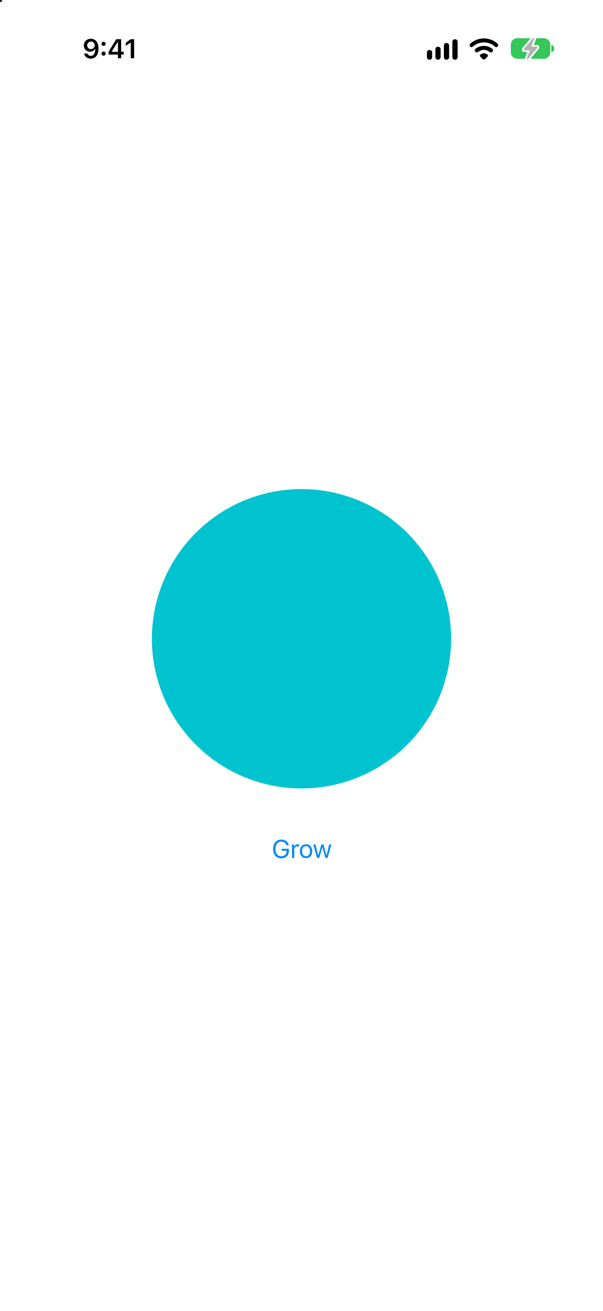
withAnimation { … } around the change. Every difference it makes on screen animates, with the default animation — a spring since iOS 17. The picture is the end of the change.
Syntax · AnimationAnimate a change with a particular timing curve and duration.
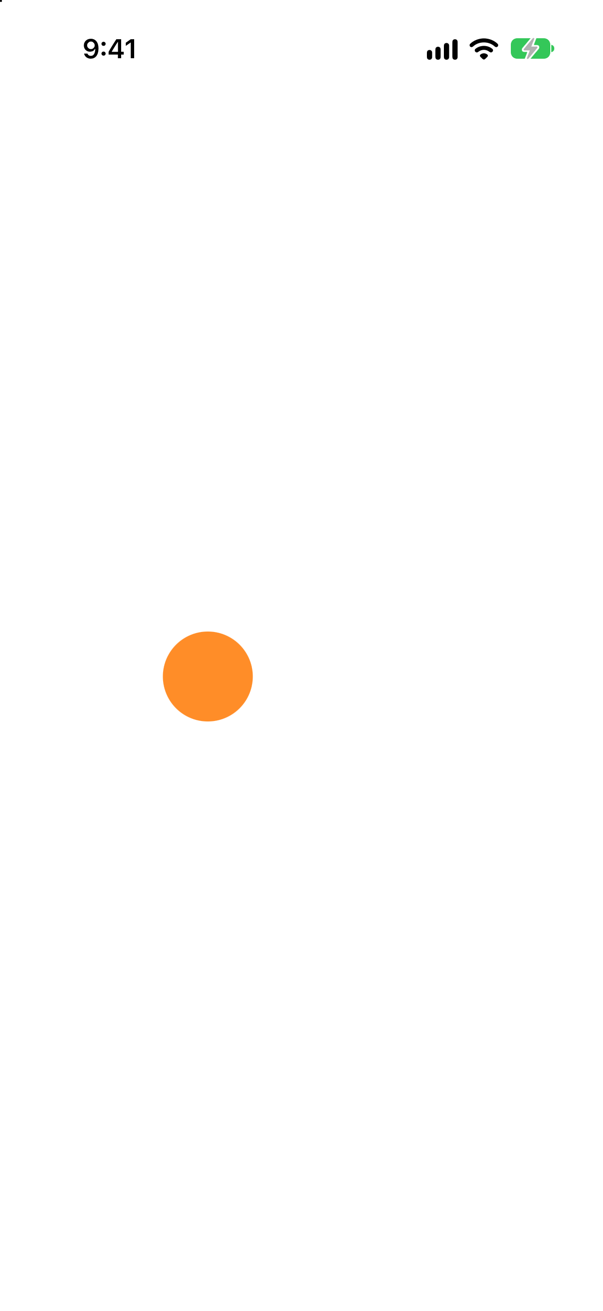
withAnimation(.easeInOut(duration:)) — or .linear, .easeIn, .easeOut, or a spring. The picture is taken partway through a six-second move that starts a second after launch.
Syntax · AnimationAnimate a view whenever one particular value changes.
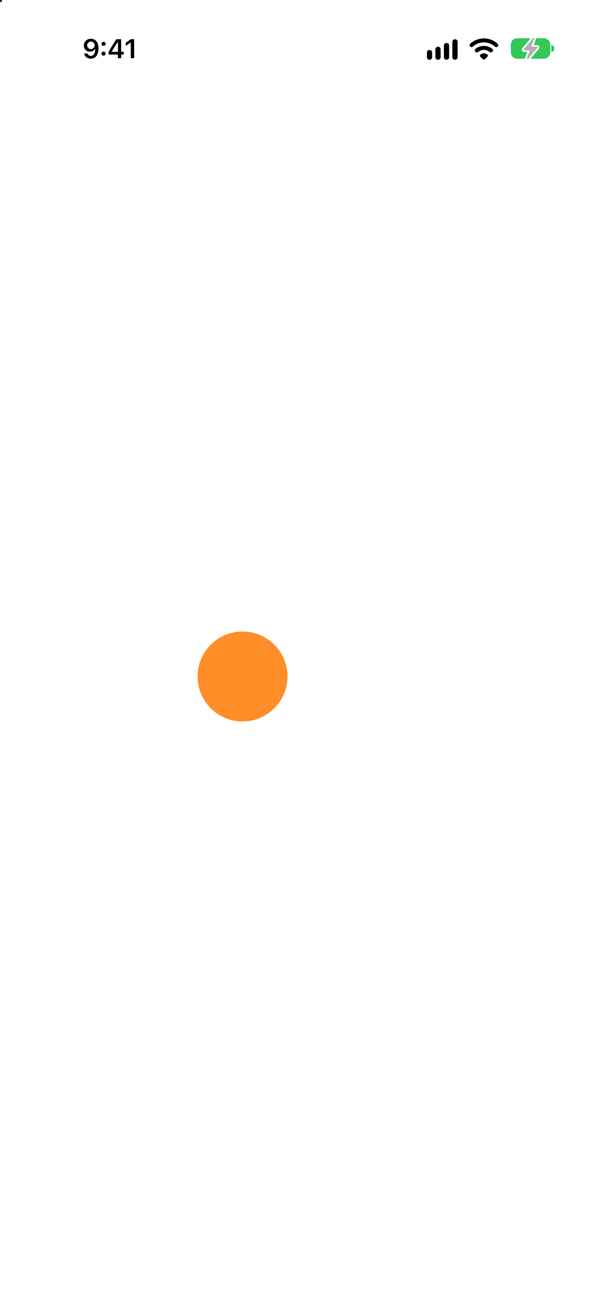
.animation(_:value:). The change itself is plain — no withAnimation — and the view animates because changed is the value it watches. The picture is partway through.
Syntax · AnimationA spring that overshoots a little before it settles.
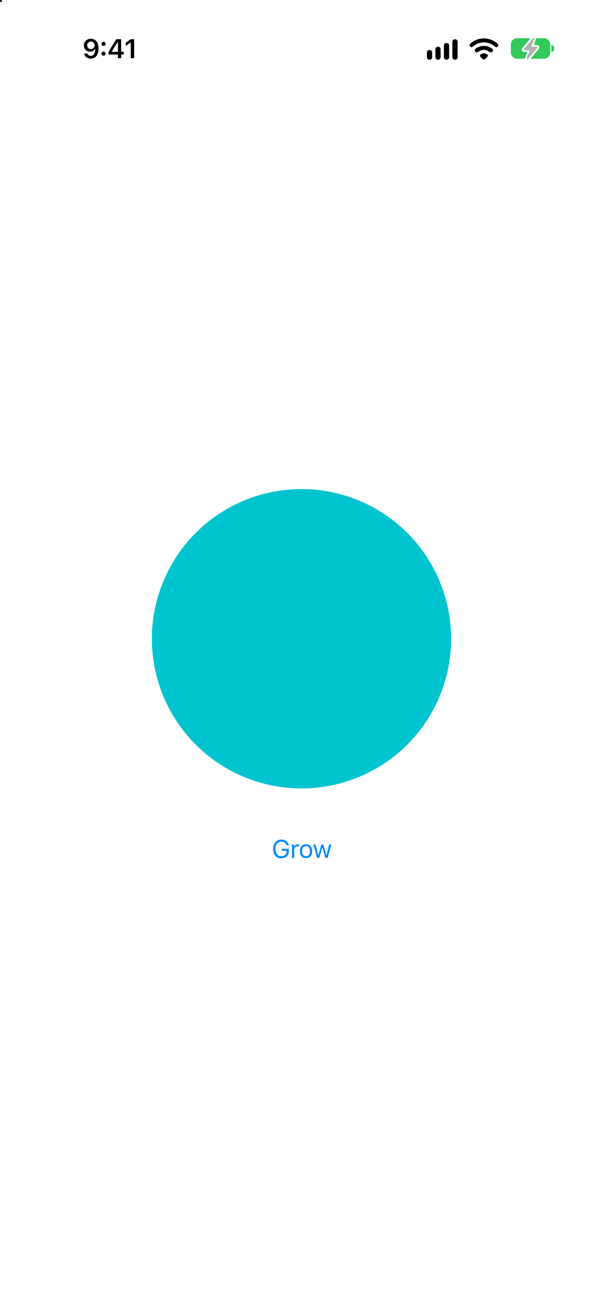
.spring(duration:bounce:): the duration is how long it takes to look settled, and bounce how much it overshoots — 0 for none. The picture is the end; the bounce happens on the way.
Syntax · AnimationMake a shape's own property animatable.
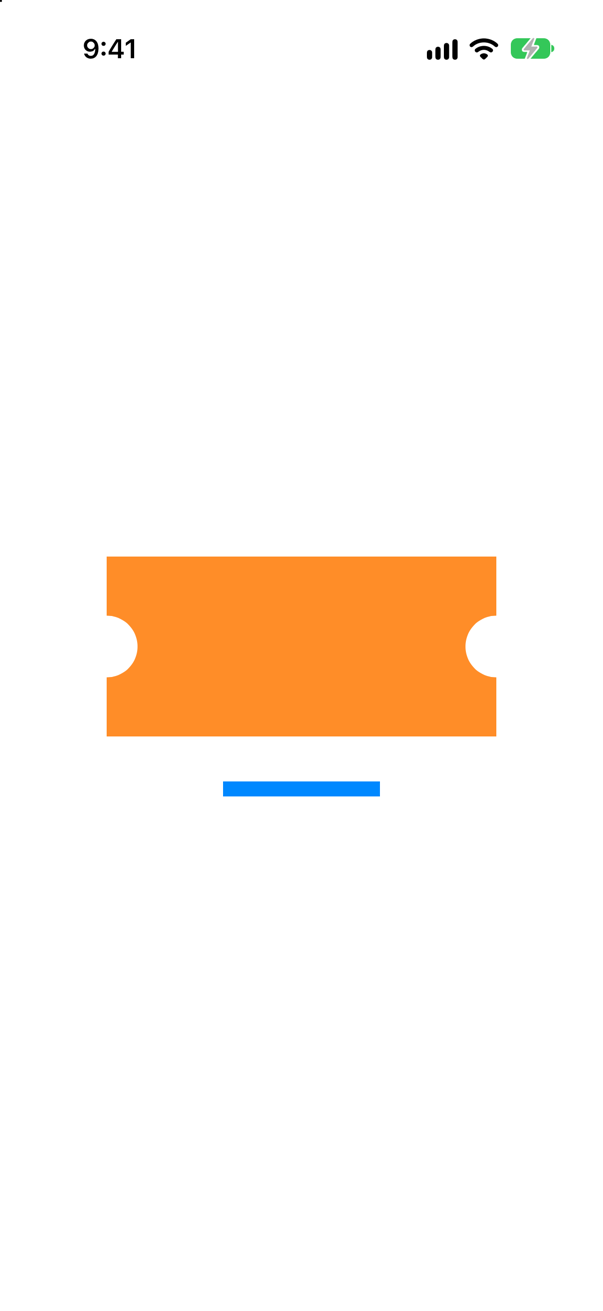
@Animatable on the type. The macro writes the animatableData that Animatable asks for, from every stored property that can be interpolated. Partway through, the notches are partway deep, keeping pace with the bar.
Syntax · AnimationRun code when an animation has finished.
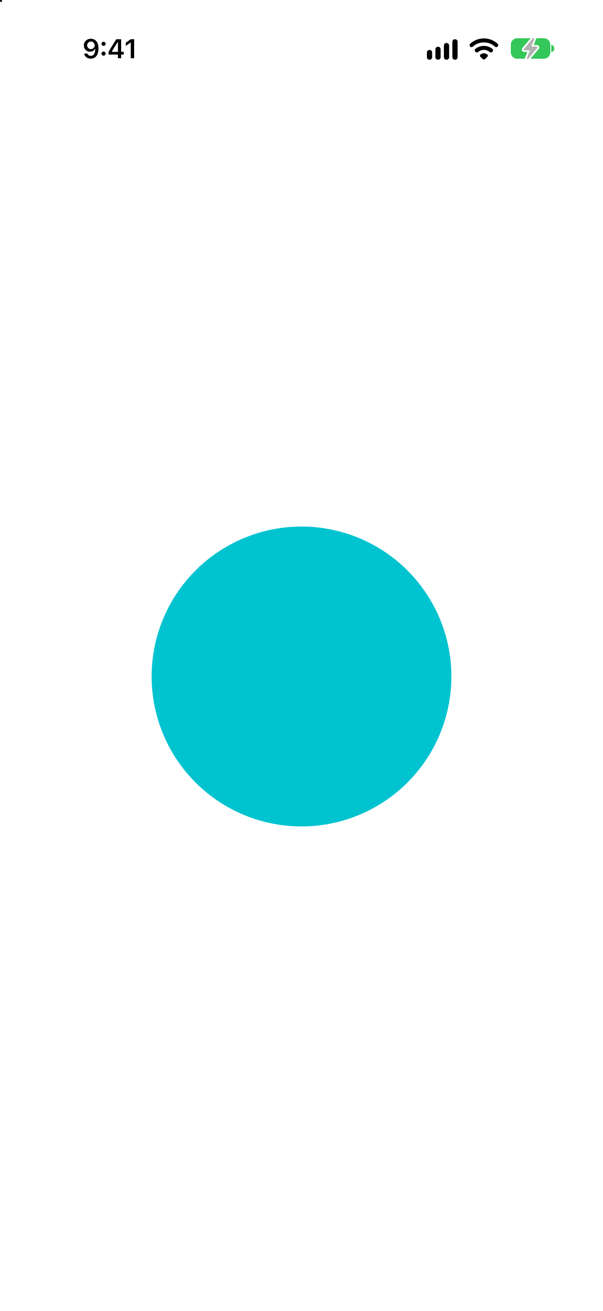
withAnimation(_:_:completion:) (iOS 17). Apple: "The completion callback will always be fired exactly one time." Two seconds in, nothing was printed; after the animation, finished.
Syntax · AnimationAnimate only some of a view's modifiers.
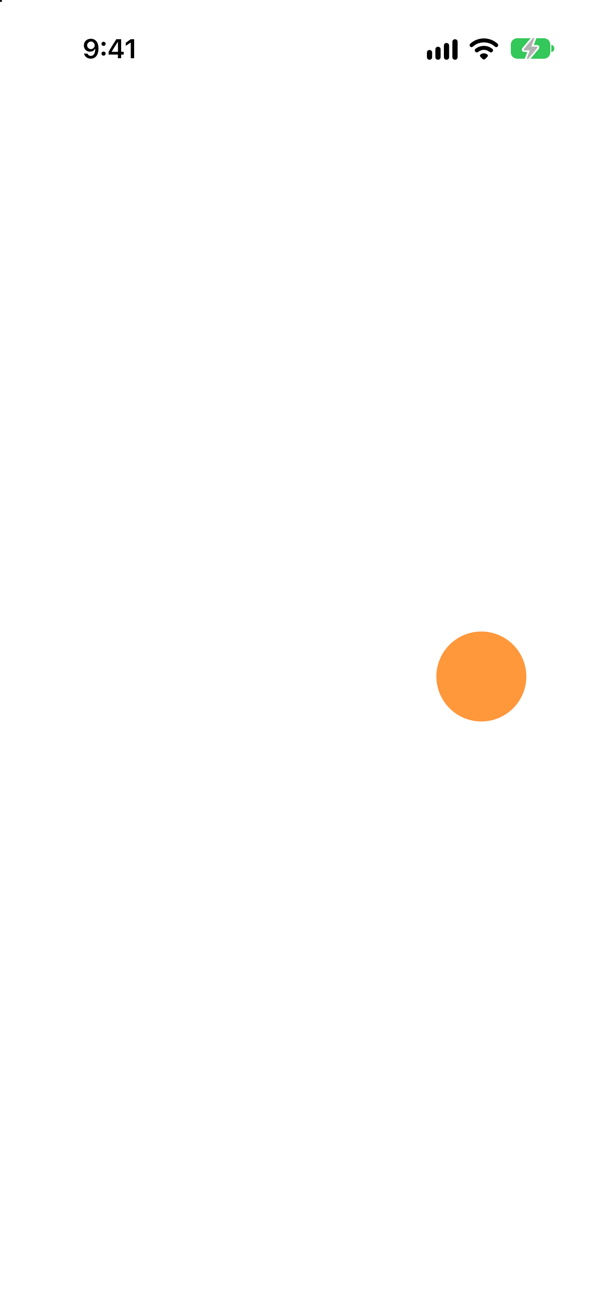
.animation(_:body:) (iOS 17): only what is written inside the closure animates. Partway through, the opacity is partway down — and the offset, outside the closure, has already jumped.
Syntax · AnimationAn animation that starts a little later.
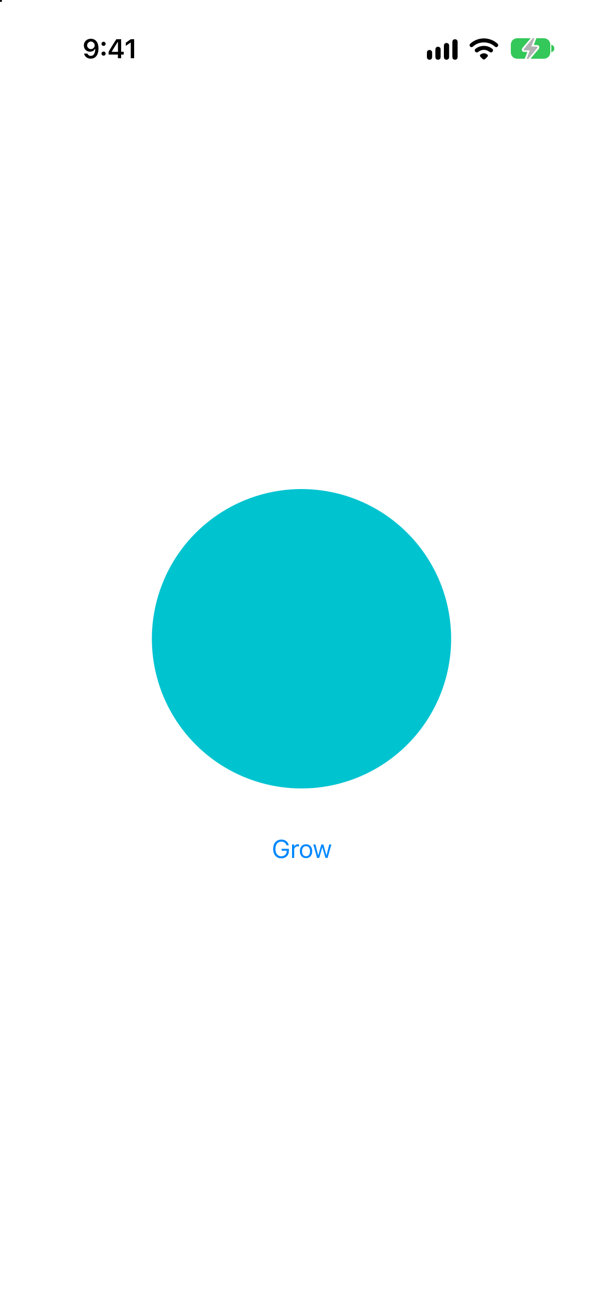
.delay(_:) on the animation. Animations have other modifiers too: .speed(_:), .repeatCount(_:autoreverses:) and .repeatForever(autoreverses:).
Trick question · AnimationA Ticket shape has var notch: CGFloat. withAnimation changes the notch and, in the same change, a bar's width. Partway through, how deep are the notches?
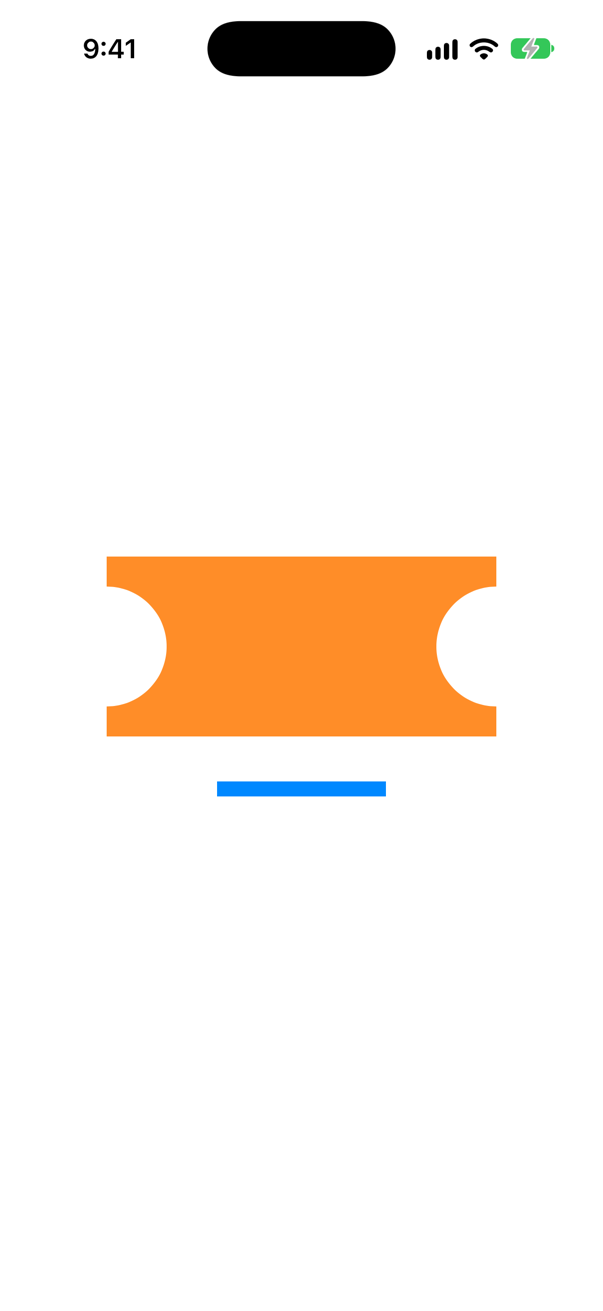
Already at full depth — the bar is still growing. SwiftUI interpolates only what a type tells it to, through Animatable; a plain stored property of a shape jumps. Put @Animatable on the type.
Trick question · Animation@Animatable on a shape with var notch: CGFloat and var isCheckedIn: Bool. Does it compile?
No: "Cannot automatically synthesize 'animatableData'. (from macro '_SwiftUIAnimatableProperty')" A Bool cannot be interpolated. Mark the property @AnimatableIgnored, and the macro leaves it out.
Trick question · AnimationA bar has .animation(.linear(duration: 6), value: dotRight), but its offset depends on barRight. barRight changes. Does the bar animate?
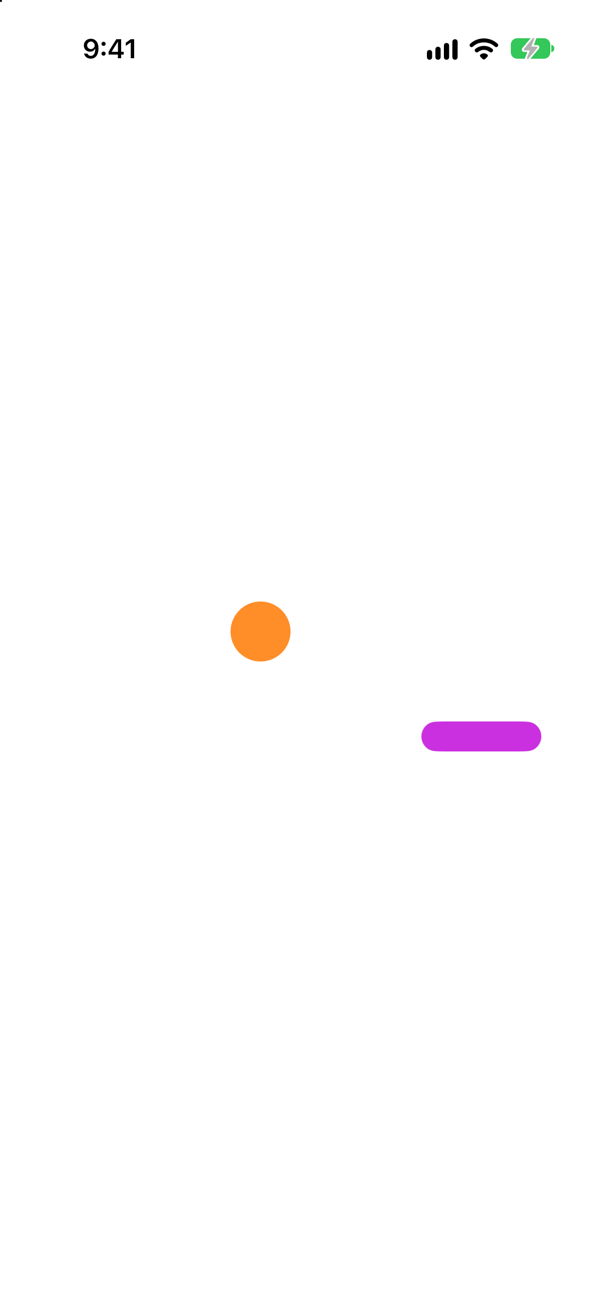
No — it jumps. The modifier animates changes that happen when its value changes. barRight changed in its own update, a tenth of a second after dotRight, so the bar arrived at once, while the dot, watching the value that did change, is still on its way.
Trick question · AnimationA ring is drawn with .trim(from: 0, to: fraction) and has .animation(.linear(duration: 6), value: fraction). fraction is a constant. Does the ring draw itself in when it appears?
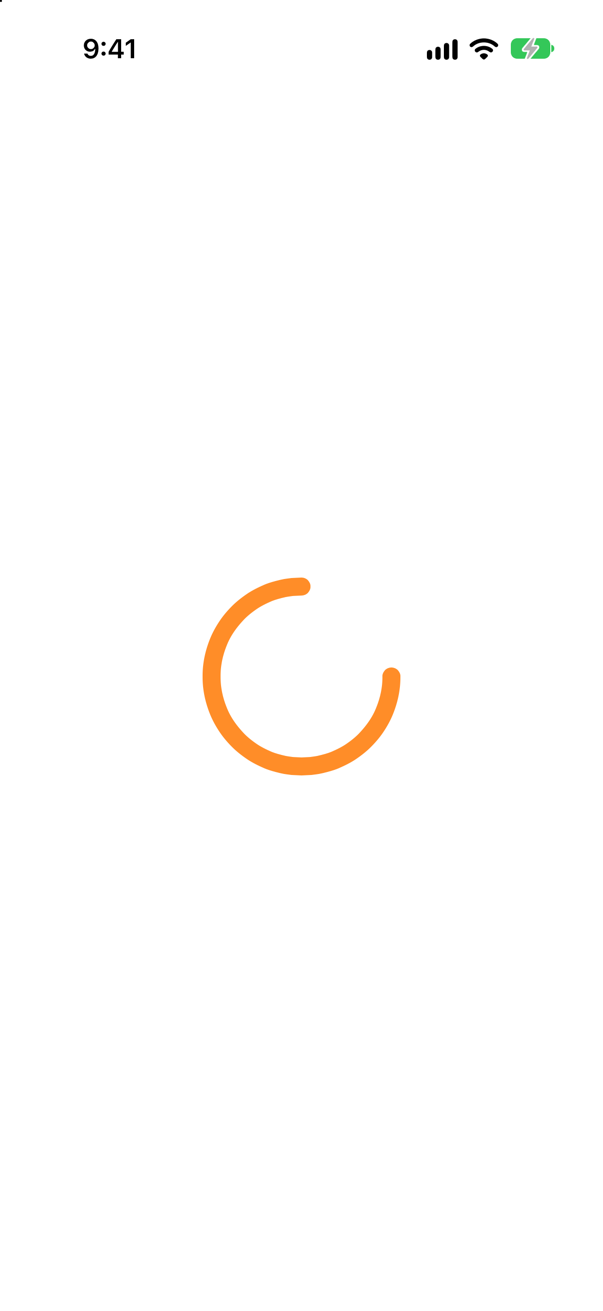
No — it is simply there. An animation goes from an old value to a new one, and on first appearance there is no old value. The ring must keep a value of its own that changes after it appears, from 0 — as this lesson's NightsRing does with drawn.
Trick question · AnimationwithAnimation(.linear(duration: 4)) { unread = true } completion: { print("done") } — and nothing on the screen reads unread. When is "done" printed?
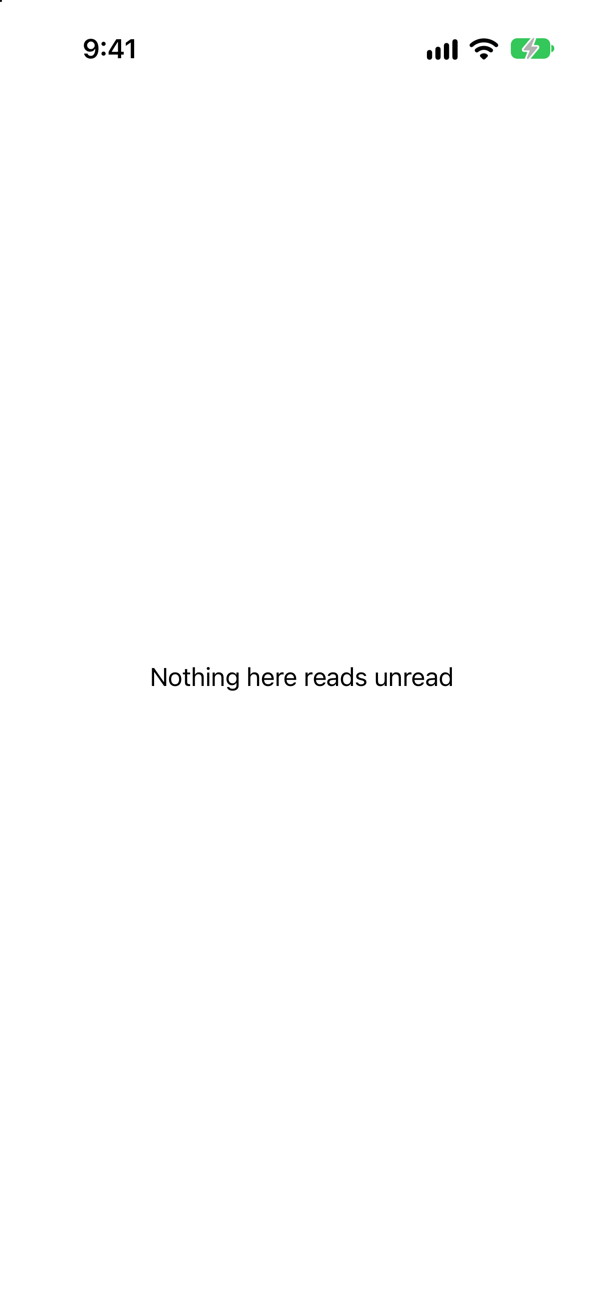
At once, not after four seconds. Apple: "If no animations are created by the changes in body, then the callback will be called immediately after body." A completion is not a timer.
Trick question · Animation.animation(.easeInOut) — without value: — on a circle whose size changes. Does Xcode 27 accept it?
It compiles, with a warning: "'animation' was deprecated in iOS 15.0: Use withAnimation or animation(_:value:) instead.". The old form animated every change to the view, for any reason — a classic source of surprise animations. Say which value it is for.
Trick question · Animation.animation(.linear(duration: 6), value: changed) is written before .offset(x: changed ? 120 : -120). Does the offset animate?
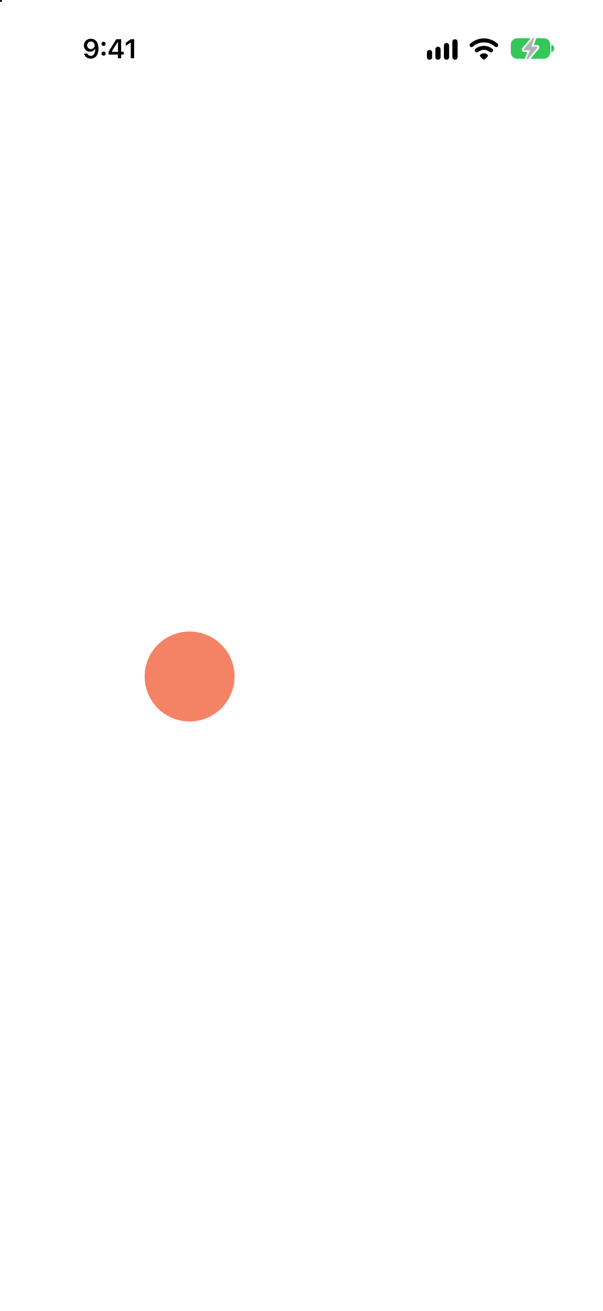
Yes — partway across and partway to purple, on iOS 27. The order of .animation(_:value:) among the modifiers did not limit it here. To animate only some modifiers, say so with .animation(_:body:).
Trick question · AnimationA Text("\(nights)") changes from 5 to 18 inside withAnimation. Does it count up?
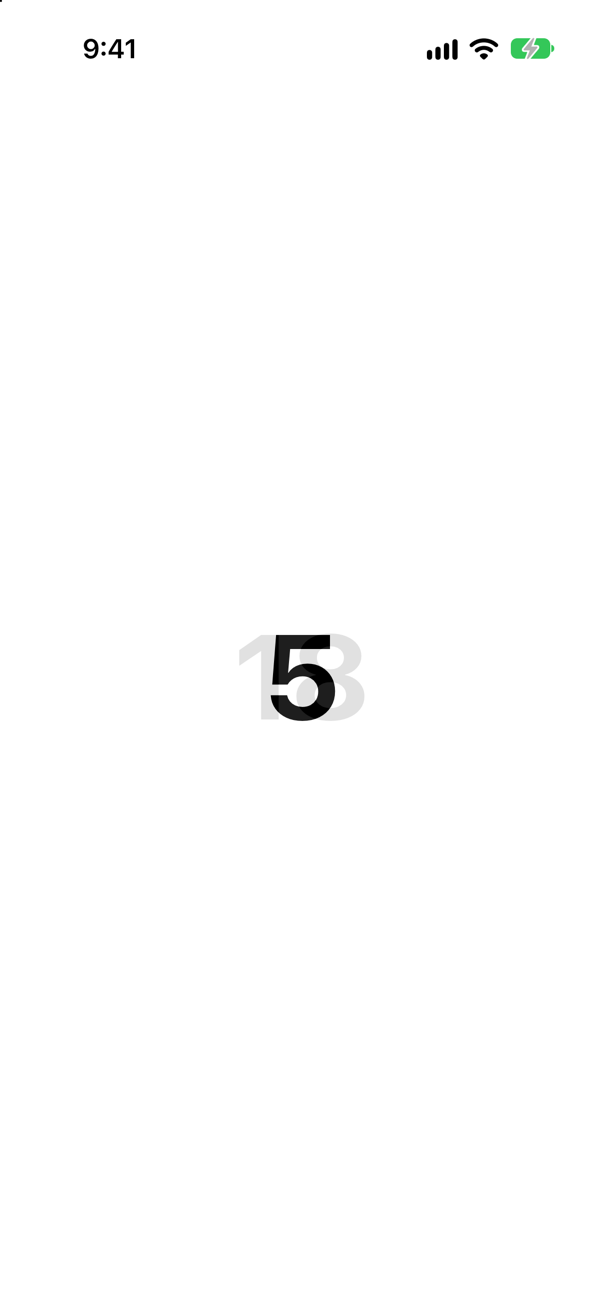
No — the old text fades out as the new one fades in. In the picture both are there at once, 5 over a faint 18. Text is not a number to SwiftUI; it is a picture of characters, and the change between two pictures is a cross-fade.
Edge cases and tricky questions
10 questions of the kind an interviewer uses to find out whether you really know this — the corners, the traps, and the things that changed recently. Each has its source. Wherever the answer is what some code does, that code was compiled and run, and what you see under “Show the answer” is what it really did. Say your answer aloud before you open it.
A ticket shape's notch and a bar's width change in the same withAnimation. The shape is a plain struct Ticket: Shape with var notch: CGFloat. Partway through, what do you see — and what is the one-line fix?
Show the answer
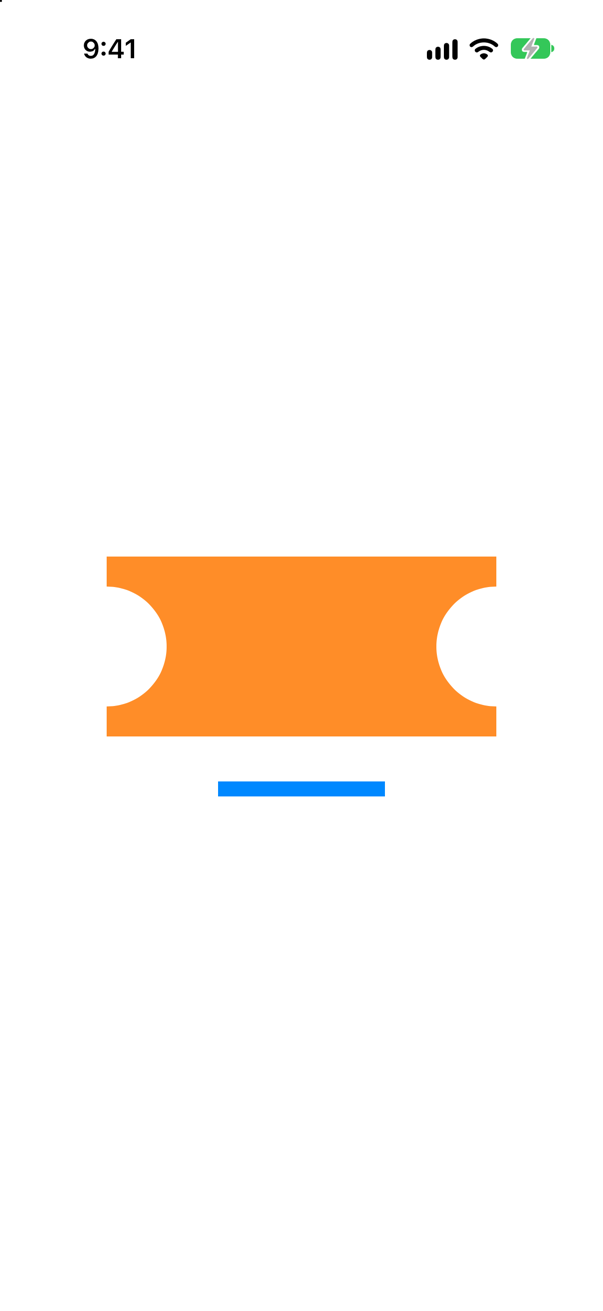
The notches have jumped to their final depth; the bar is still on its way. An animation interpolates values, and SwiftUI can only interpolate what a type exposes through Animatable. Apple: "SwiftUI reads the old and new animatableData values, then interpolates between them over successive frames." A plain stored property of a shape is not part of that, so it changes at once. With the macro:
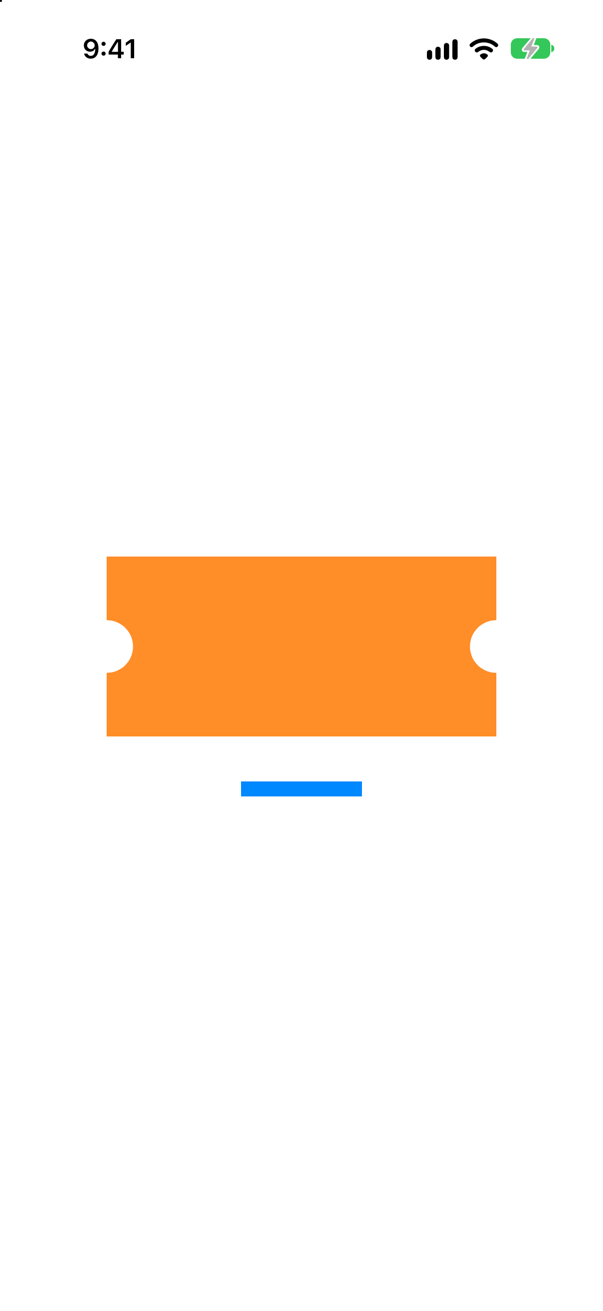
Built-in shapes already conform — that is why the last lesson's trim and a circle's size animate. Your own shape's parameters do not, until you say so. Before the macro — which Apple's SwiftUI updates page lists under June 2025, with the iOS 26 SDK — you wrote var animatableData: CGFloat { get { notch } set { notch = newValue } } by hand. The macro only writes that code for you, so it works on older versions of iOS too.
Where this comes from: Animatable · Animatable() · Apple: SwiftUI updates, by release — Measured on an iPhone 17 simulator, both pictures taken at the same moment of a six-second animation.
@Animatable goes on a shape that has var notch: CGFloat and var isCheckedIn: Bool. Does it compile? If not, what fixes it?
Show the answer
It does not compile. Xcode reports
Cannot automatically synthesize 'animatableData'. (from macro '_SwiftUIAnimatableProperty')It does not compile. The macro builds animatableData out of every stored property, and a Bool has no value halfway between false and true. Apple: "If a property cannot participate, the macro emits an error suggesting you mark it with AnimatableIgnored() or conform its type to VectorArithmetic or Animatable." So mark it:
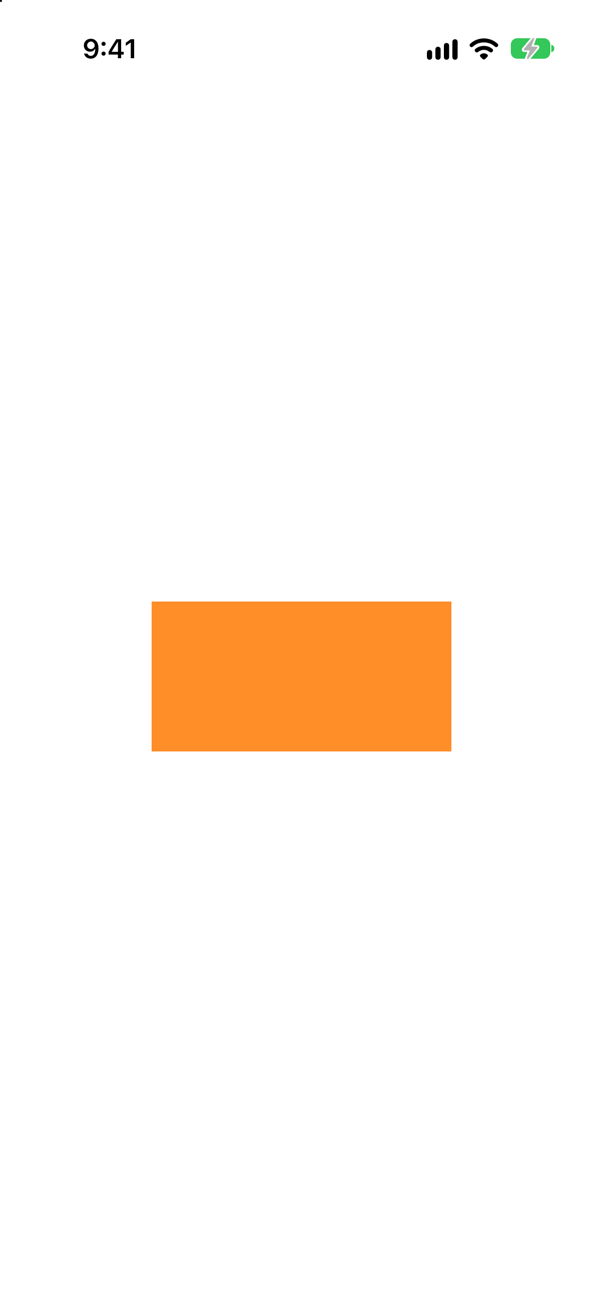
It compiles and draws. The rule of thumb: numbers, sizes, points and angles can be interpolated; flags, strings and enums cannot, so mark them ignored, and they change at once when the animation starts. Apple also notes that the macro "will not include computed properties".
Where this comes from: Animatable · Animatable() — Measured with Xcode 27.
A dot has .animation(.linear(duration: 6), value: dotRight), and so does a bar, whose position depends on barRight instead. dotRight changes; a tenth of a second later, so does barRight. What moves smoothly?
Show the answer
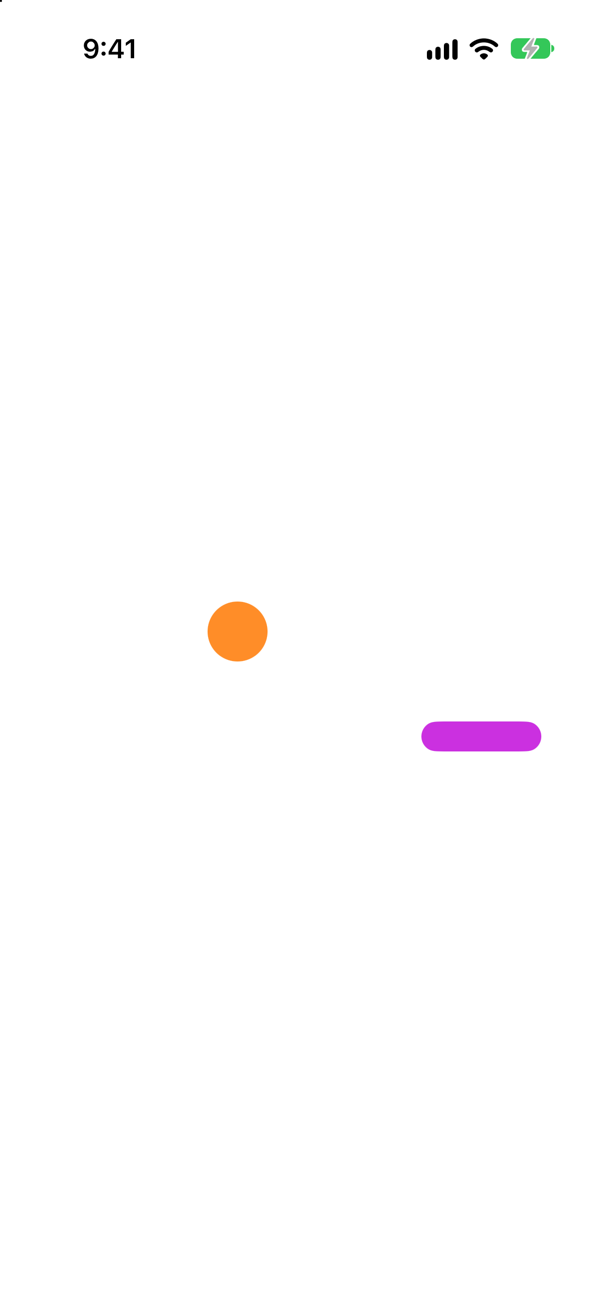
Only the dot. .animation(_:value:) animates the changes to its view that happen in the same update as a change of its value. Apple: it "Applies the given animation to this view when the specified value changes." The bar's own update came separately, when dotRight did not change, so the bar arrived at once.
The usual form of this bug is a copy-pasted modifier watching the wrong value — or a value that changes a moment before or after the one that moves the view. Make the modifier watch exactly what drives the change, or use withAnimation at the place the change is made.
Where this comes from: animation(_:value:) — Measured on an iPhone 17 simulator, partway through a six-second animation.
Folklore says modifiers written after .animation(_:value:) are not animated. On iOS 27, a circle's color comes before it and its offset after. Partway through, what has animated? And how do you animate only one of them?
Show the answer
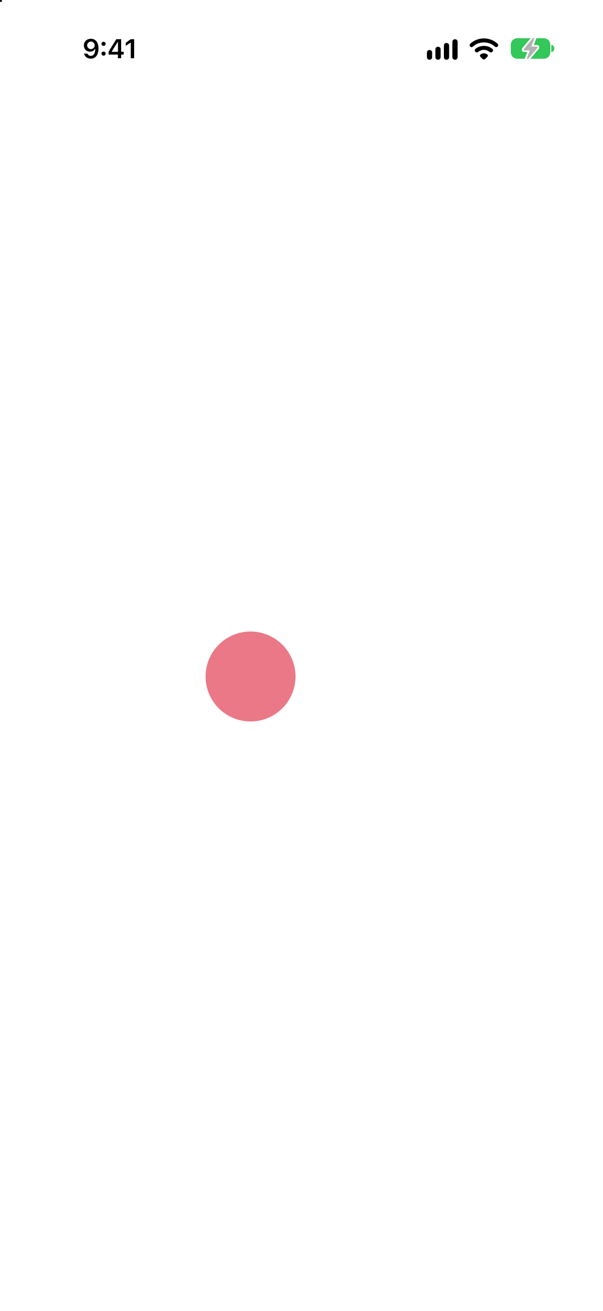
Both — the circle is partway across and partway to purple. Measured on iOS 27, the offset written after the modifier animated with the rest: do not rely on the order of .animation(_:value:) to limit what it animates. To animate only some modifiers, iOS 17 added a form that says exactly which:
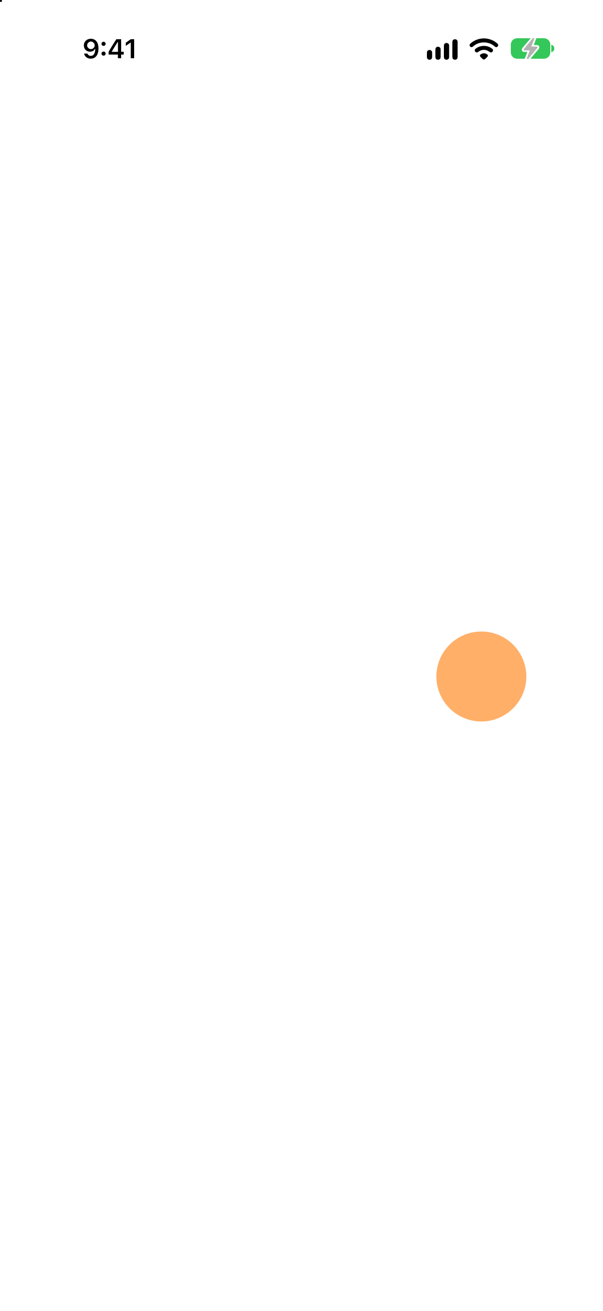
Only what is written inside the closure animates; the offset, outside it, jumped. That is the honest answer to "how do I animate this but not that?" — rather than reordering modifiers and hoping.
Where this comes from: animation(_:value:) · animation(_:body:) — Measured on an iPhone 17 simulator, partway through six-second animations.
Two rings: one trims to a constant fraction and has .animation(_:value: fraction); the other trims to its own drawn, which starts at 0 and is set to the fraction in .onAppear, with .animation(_:value: drawn). Which one draws itself in?
Show the answer
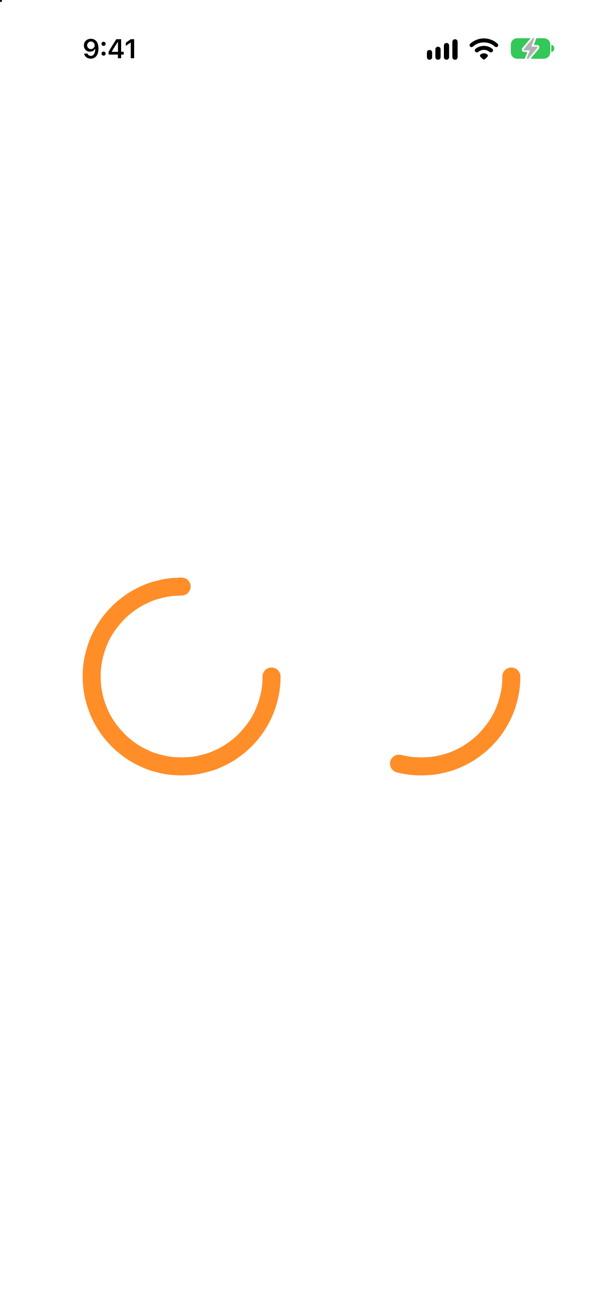
Only the second. An animation runs from an old value to a new one. The first ring's fraction never changes, so there is nothing to animate: it is drawn whole from the first frame. The second ring appears with drawn at 0, and .onAppear changes it — that change is what animates. Six seconds later both look the same:
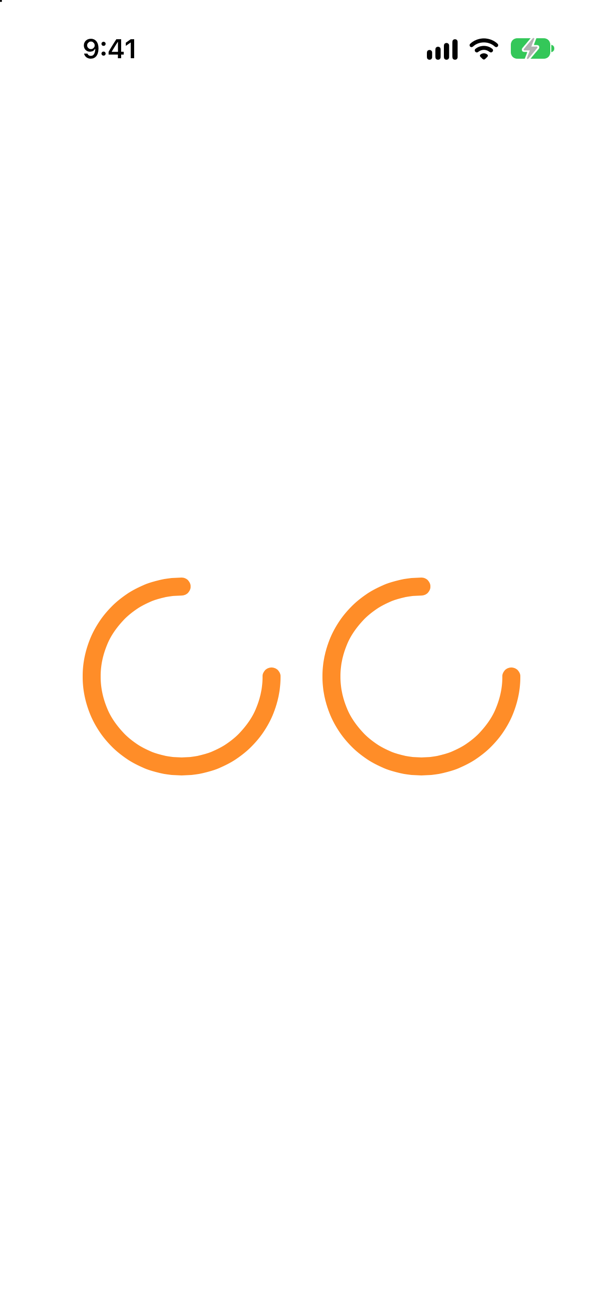
That is why this lesson's NightsRing keeps a drawn of its own. The same idea drives every "animate in" effect: start from the resting value, change it after the view appears.
Where this comes from: animation(_:value:) — Measured on an iPhone 17 simulator.
Two withAnimation calls, each with a completion: that prints. The first changes a circle's size; the second changes a value nothing on the screen reads. When does each completion run?
Show the answer
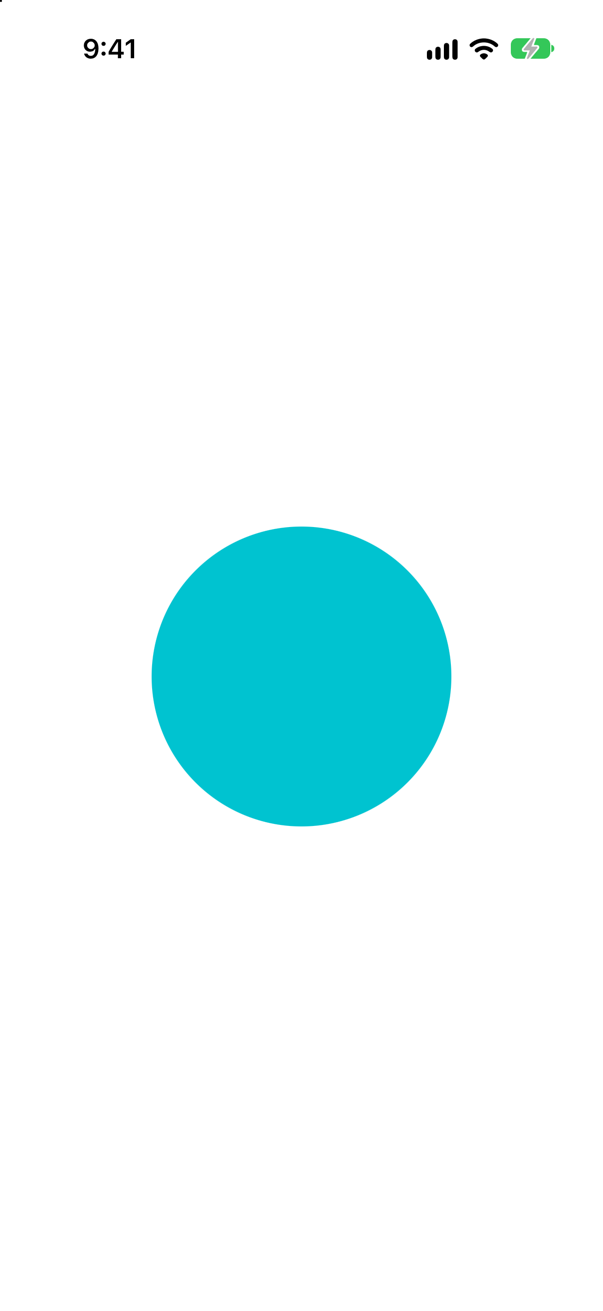
The unread change's completion ran at once; the circle's, four seconds later. The console in the first moments:
starting both
the unread change finished
and later:
the circle's animation finishedApple: "The completion callback will always be fired exactly one time. If no animations are created by the changes in body, then the callback will be called immediately after body." Code that waits for an animation's completion to, say, enable a button must also be right when the change animates nothing — on a screen that is not showing, or with nothing to move.
Where this comes from: withAnimation(_:completionCriteria:_:completion:) — Measured on iOS 27.
withAnimation { … } with no animation given. What is it — and was it always?
Show the answer
Printed by the app
DefaultAnimation()
FluidSpringAnimation(response: 0.5, dampingFraction: 1.0, blendDuration: 0.0, delay: 0.0)
A spring — since iOS 17. Apple's page for default describes a spring with "response equal to 0.55" and "dampingFraction equal to 1.0", and adds: "Prior to iOS 17, macOS 14, tvOS 17, and watchOS 10, the default animation is easeInOut." A damping fraction of 1 means no bounce: it eases in and settles without overshooting.
Printed, it is just DefaultAnimation() — Apple keeps it distinct on purpose: "A default animation instance is only equal to other default animation instances (using ==), and not equal to other animation instances even when the animations are identical." The second line is what .spring prints. Code written before iOS 17 that relied on the old ease-in-out now animates slightly differently, with no change to the code.
Where this comes from: Animation.default · Animation — Measured on iOS 27; the quotation is from Apple's page for Animation.default.
Older tutorials write .animation(.easeInOut) with no value:. What does Xcode 27 say about it, and why was it replaced?
Show the answer
It compiles, with a warning
'animation' was deprecated in iOS 15.0: Use withAnimation or animation(_:value:) instead.A deprecation warning. Xcode reports it above. The old modifier animated every change to the view, whatever caused it: a parent's layout, a rotation, data loading. Animations appeared where nobody asked for them, and were hard to trace.
.animation(_:value:) says which change it is for, withAnimation marks the change at the place it is made, and .animation(_:body:) names the modifiers. Between them they cover what the old form did, deliberately. Apple's warning names the first two as replacements.
Where this comes from: animation(_:) (deprecated) · animation(_:value:) — Measured with Xcode 27.
Text("\(nights)") changes from 5 to 18 inside a four-second withAnimation. What happens on the screen?
Show the answer
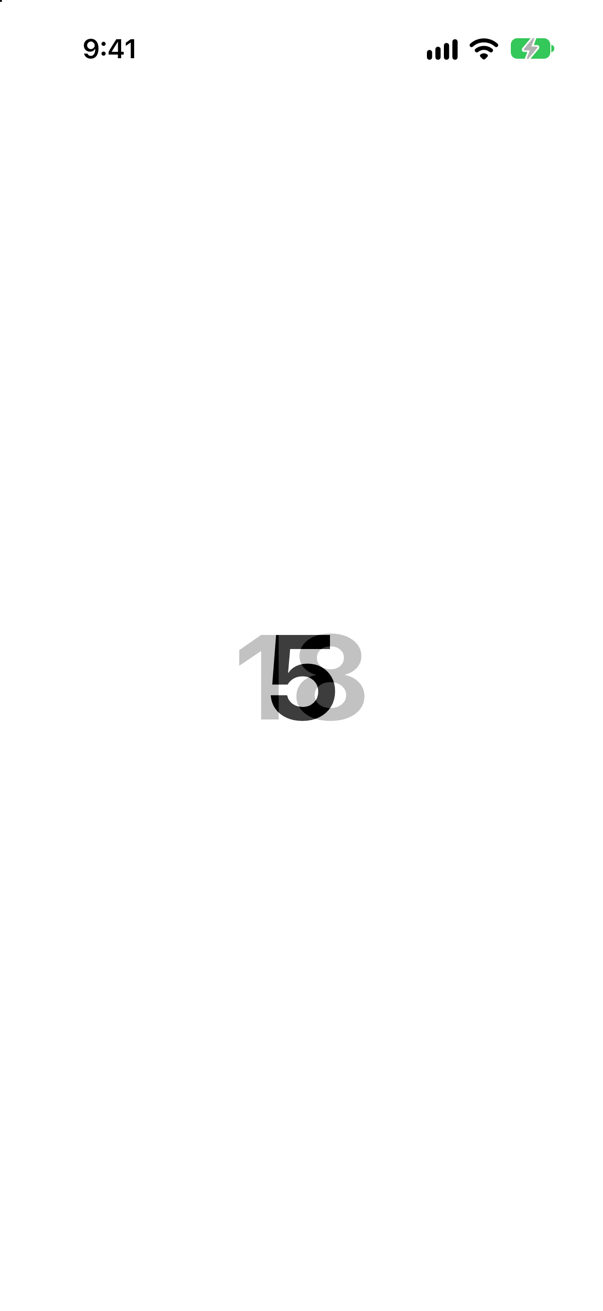
A cross-fade, not a count. The old text fades out while the new one fades in; in the picture both are there at once. A Text is not a number to SwiftUI but a run of characters, and nothing in it can be interpolated from 5 to 18.
For numbers that should look as though they roll, iOS 17 added content transitions: .contentTransition(.numericText(value:)) on the Text asks for a transition "tailored to numeric characters that count up or down", in Apple's words. To show every number on the way, animate a number and draw it yourself, frame by frame.
Where this comes from: contentTransition(_:) · numericText(countsDown:) — Measured on an iPhone 17 simulator.
One withAnimation changes a single Boolean. Three different views read it: a circle's position, a square's rotation, and a bar's width. None has an .animation modifier. What animates?
Show the answer
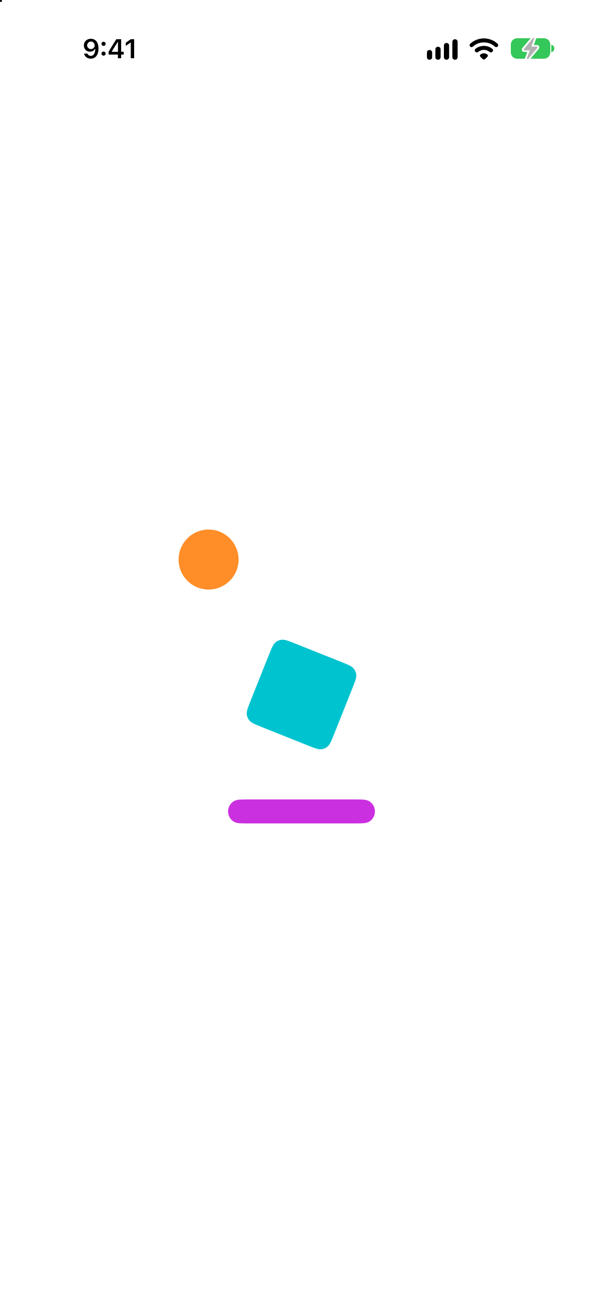
All three. withAnimation does not belong to any view: it sets the animation for the whole update. Apple: it "sets the given Animation as the animation property of the thread’s current Transaction" — and every view whose appearance changes in that transaction animates with it, however far apart they are.
That is its strength and its risk. One withAnimation around a model change animates every screen that shows the model; if one of them should not move, give it .transaction { $0.animation = nil } or scope the animation more narrowly with .animation(_:value:) instead.
Where this comes from: withAnimation(_:_:) · Transaction — Measured on an iPhone 17 simulator, partway through a six-second animation.