A screen for each trip
NavigationStack and programmatic navigation
You will buildA NavigationStack for the list of trips: rows that open a trip on a screen of its own, a Next link from one trip to the next, a button that goes back to the list from anywhere, and one that jumps straight to the soonest trip.
TimeAbout 80 minutes
WhyIn UIKit, a navigation controller holds a stack of view controllers, and your code pushes and pops them. SwiftUI keeps the stack too, but you describe it as data: a list of values, each of which the stack shows as a screen. Pushing is appending, going back to the root is emptying the array, and a deep link is an assignment. Interviewers like this lesson because it is where UIKit habits fail most visibly, and because "make it testable" has such a short answer once the path is an array.
Open your project
Open your
Tripsproject as lesson 21 left it: double-clickTrips.xcodeprojin Finder, or use File ▸ Open… (⌘O) in Xcode.If you did not finish lesson 21, or would rather start from a known state, download Trips-lesson-21.zip instead. It is the project exactly as it stood at the end of lesson 21. Unzip it and open
Trips.xcodeproj.Run it (⌘R) to check that it builds. You should see where lesson 21 ended:
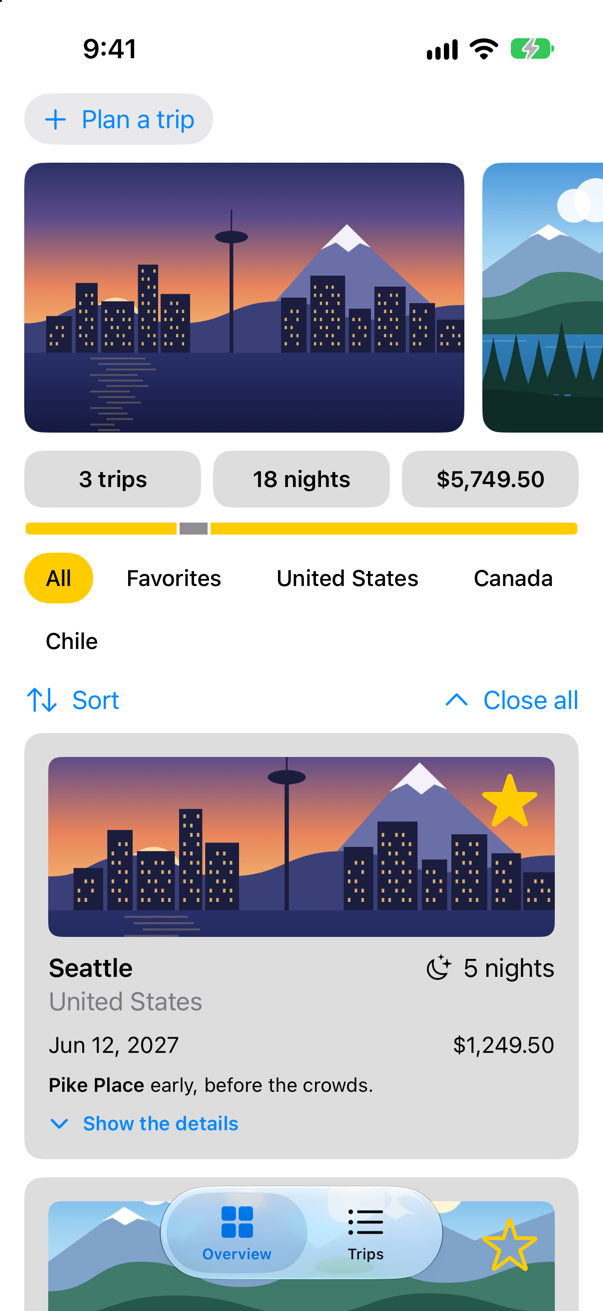
Trips, as it stood at the end of lesson 21Screenshot · iPhone 17, iOS 27.0
A stack, and a screen for each trip
First the screen a trip opens on. It is given the trip's id — not a copy of the trip — and looks the trip up in the store each time it draws, so that a star tapped here, or there, is always the store's. If the trip is not in the store any more, it says so with ContentUnavailableView, SwiftUI's standard empty state. Make a SwiftUI View named TripDetail (File ▸ New ▸ File from Template…, User Interface ▸ SwiftUI View), and replace its struct and preview:
struct TripDetail: View { let id: Trip.ID @Environment(TripStore.self) private var store var body: some View { Text("Hello, World!") @Bindable var store = store if let index = store.trips.firstIndex(where: { $0.id == id }) { ScrollView { TripCard(trip: $store.trips[index]) } .navigationTitle(store.trips[index].city) } else { ContentUnavailableView("This trip is gone", systemImage: "airplane.departure") } }}struct TripDetail: View {
let id: Trip.ID
@Environment(TripStore.self) private var store
var body: some View {
@Bindable var store = store
if let index = store.trips.firstIndex(where: { $0.id == id }) {
ScrollView {
TripCard(trip: $store.trips[index])
}
.navigationTitle(store.trips[index].city)
} else {
ContentUnavailableView("This trip is gone", systemImage: "airplane.departure")
}
}
}#Preview { TripDetail() NavigationStack { TripDetail(id: 1) } .environment(TripStore())}#Preview {
NavigationStack {
TripDetail(id: 1)
}
.environment(TripStore())
}The preview wraps the detail in a NavigationStack of its own, so that the canvas shows its title bar. Now the list. Three changes in TripList.swift: the List goes inside a NavigationStack and gets a title; each TripRow goes inside a NavigationLink(value: trip.id); and one .navigationDestination(for: Trip.ID.self), on the List — outside it, not on the rows — says what to show for an id:
struct TripList: View { @Environment(TripStore.self) private var store @Environment(\.highlight) private var highlight var body: some View { List { ForEach(months, id: \.self) { month in let inMonth = trips(in: month) Section(month.formatted(.dateTime.month(.wide).year())) { ForEach(inMonth) { trip in TripRow(trip: trip) NavigationStack { List { ForEach(months, id: \.self) { month in let inMonth = trips(in: month) Section(month.formatted(.dateTime.month(.wide).year())) { ForEach(inMonth) { trip in NavigationLink(value: trip.id) { TripRow(trip: trip) } .swipeActions(edge: .leading) { Button(trip.isFavorite ? "Unfavorite" : "Favorite", systemImage: trip.isFavorite ? "star.slash" : "star") { store.toggleFavorite(trip) } .tint(highlight) } } .onDelete { offsets in store.delete(offsets.map { inMonth[$0] }) } .onDelete { offsets in store.delete(offsets.map { inMonth[$0] }) } } } } .navigationTitle("Trips") .navigationDestination(for: Trip.ID.self) { id in TripDetail(id: id) } } } /// The first day of every month in which a trip starts, earliest first. private var months: [Date] { Set(store.trips.map(\.start.startOfMonth)).sorted() } /// The trips that start in that month, earliest first. private func trips(in month: Date) -> [Trip] { store.trips.filter { $0.start.startOfMonth == month }.sorted { $0.start < $1.start } }}struct TripList: View {
@Environment(TripStore.self) private var store
@Environment(\.highlight) private var highlight
var body: some View {
NavigationStack {
List {
ForEach(months, id: \.self) { month in
let inMonth = trips(in: month)
Section(month.formatted(.dateTime.month(.wide).year())) {
ForEach(inMonth) { trip in
NavigationLink(value: trip.id) {
TripRow(trip: trip)
}
.swipeActions(edge: .leading) {
Button(trip.isFavorite ? "Unfavorite" : "Favorite",
systemImage: trip.isFavorite ? "star.slash" : "star") {
store.toggleFavorite(trip)
}
.tint(highlight)
}
}
.onDelete { offsets in
store.delete(offsets.map { inMonth[$0] })
}
}
}
}
.navigationTitle("Trips")
.navigationDestination(for: Trip.ID.self) { id in
TripDetail(id: id)
}
}
}
/// The first day of every month in which a trip starts, earliest first.
private var months: [Date] {
Set(store.trips.map(\.start.startOfMonth)).sorted()
}
/// The trips that start in that month, earliest first.
private func trips(in month: Date) -> [Trip] {
store.trips.filter { $0.start.startOfMonth == month }.sorted { $0.start < $1.start }
}
}Run the app, and tap Trips:
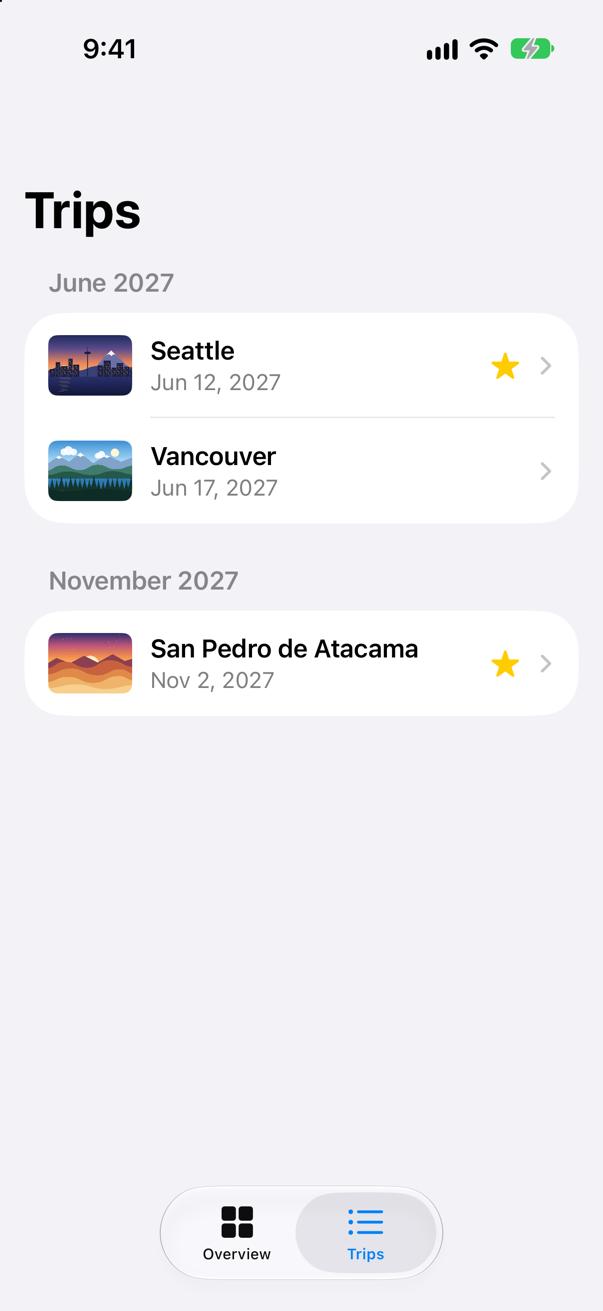
Each row shows a chevron, because it is a link now. Tap Seattle:
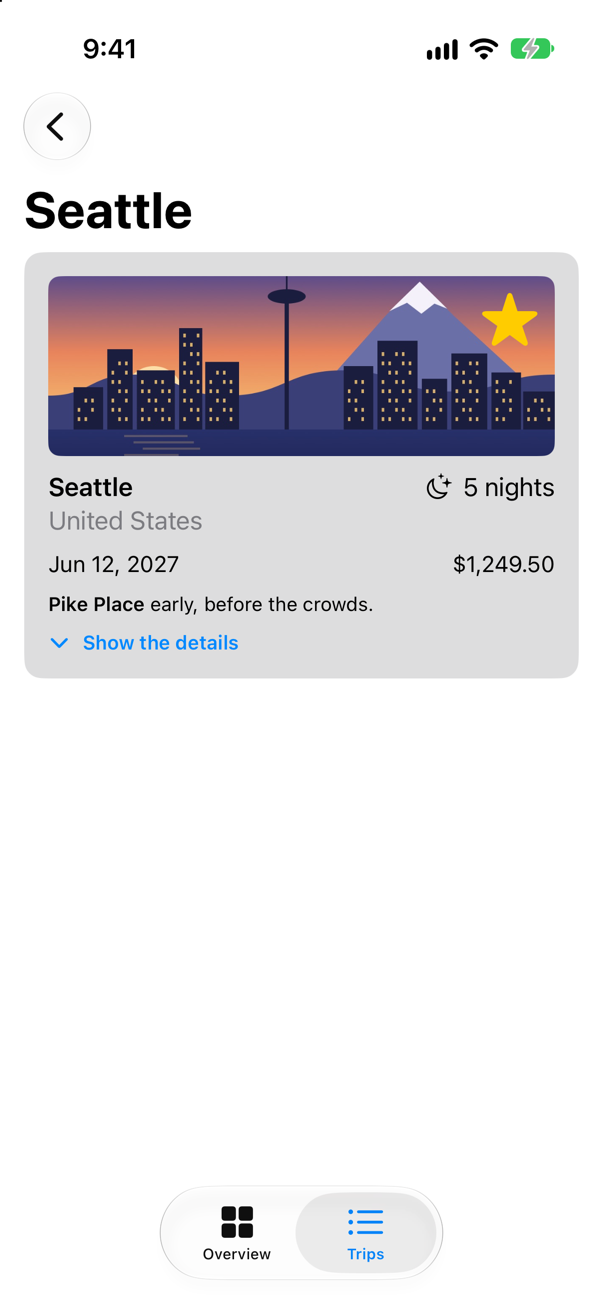
The stack pushed a screen for the value 1, Seattle's id. To go back, tap the round back button at the top left, or swipe from the left edge.
A NavigationLink with a value does not know what screen it opens. It hands its value to the stack, and the stack looks for a navigationDestination for that value's type.
That destination goes on the List, not on a row. A List creates its rows only when they are needed on screen, so the stack cannot rely on finding a destination inside one. Apple's rule: "Do not put a navigation destination modifier inside a “lazy” container, like List or LazyVStack." SwiftUI ignores a destination placed there, and tapping the row does nothing. One of this lesson's edge cases tries it.
The path is an array
So far the stack keeps its screens to itself. Give it an array to keep them in, and they become yours to read and to change. In TripList.swift: a path in @State; NavigationStack(path: $path); the destination hands the detail a binding to it; a toolbar button that jumps to the soonest trip by assigning the path; and .onChange printing the path whenever it changes, so that you can watch it:
struct TripList: View { @Environment(TripStore.self) private var store @Environment(\.highlight) private var highlight @State private var path: [Trip.ID] = [] var body: some View { NavigationStack { NavigationStack(path: $path) { List { ForEach(months, id: \.self) { month in let inMonth = trips(in: month) Section(month.formatted(.dateTime.month(.wide).year())) { ForEach(inMonth) { trip in NavigationLink(value: trip.id) { TripRow(trip: trip) } .swipeActions(edge: .leading) { Button(trip.isFavorite ? "Unfavorite" : "Favorite", systemImage: trip.isFavorite ? "star.slash" : "star") { store.toggleFavorite(trip) } .tint(highlight) } } .onDelete { offsets in store.delete(offsets.map { inMonth[$0] }) } } } } .navigationTitle("Trips") .navigationDestination(for: Trip.ID.self) { id in TripDetail(id: id) TripDetail(id: id, path: $path) } .toolbar { Button("Soonest", systemImage: "calendar") { if let soonest = store.trips.min(by: { $0.start < $1.start }) { path = [soonest.id] } } } } .onChange(of: path) { print("path:", path) } } /// The first day of every month in which a trip starts, earliest first. private var months: [Date] { Set(store.trips.map(\.start.startOfMonth)).sorted() } /// The trips that start in that month, earliest first. private func trips(in month: Date) -> [Trip] { store.trips.filter { $0.start.startOfMonth == month }.sorted { $0.start < $1.start } }}struct TripList: View {
@Environment(TripStore.self) private var store
@Environment(\.highlight) private var highlight
@State private var path: [Trip.ID] = []
var body: some View {
NavigationStack(path: $path) {
List {
ForEach(months, id: \.self) { month in
let inMonth = trips(in: month)
Section(month.formatted(.dateTime.month(.wide).year())) {
ForEach(inMonth) { trip in
NavigationLink(value: trip.id) {
TripRow(trip: trip)
}
.swipeActions(edge: .leading) {
Button(trip.isFavorite ? "Unfavorite" : "Favorite",
systemImage: trip.isFavorite ? "star.slash" : "star") {
store.toggleFavorite(trip)
}
.tint(highlight)
}
}
.onDelete { offsets in
store.delete(offsets.map { inMonth[$0] })
}
}
}
}
.navigationTitle("Trips")
.navigationDestination(for: Trip.ID.self) { id in
TripDetail(id: id, path: $path)
}
.toolbar {
Button("Soonest", systemImage: "calendar") {
if let soonest = store.trips.min(by: { $0.start < $1.start }) {
path = [soonest.id]
}
}
}
}
.onChange(of: path) {
print("path:", path)
}
}
/// The first day of every month in which a trip starts, earliest first.
private var months: [Date] {
Set(store.trips.map(\.start.startOfMonth)).sorted()
}
/// The trips that start in that month, earliest first.
private func trips(in month: Date) -> [Trip] {
store.trips.filter { $0.start.startOfMonth == month }.sorted { $0.start < $1.start }
}
}And in TripDetail.swift, the detail takes the binding, links to the next trip by date, and has a toolbar button that empties the path — going back to the list from however deep it is:
struct TripDetail: View { let id: Trip.ID @Binding var path: [Trip.ID] @Environment(TripStore.self) private var store var body: some View { @Bindable var store = store if let index = store.trips.firstIndex(where: { $0.id == id }) { ScrollView { TripCard(trip: $store.trips[index]) VStack(spacing: 16) { TripCard(trip: $store.trips[index]) if let next = next(after: store.trips[index]) { NavigationLink("Next: \(next.city)", value: next.id) } } } .navigationTitle(store.trips[index].city) .toolbar { Button("All trips", systemImage: "list.bullet") { path.removeAll() } } } else { ContentUnavailableView("This trip is gone", systemImage: "airplane.departure") } } /// The trip that starts soonest after this one, if there is one. private func next(after trip: Trip) -> Trip? { store.trips.filter { $0.start > trip.start }.min { $0.start < $1.start } }}struct TripDetail: View {
let id: Trip.ID
@Binding var path: [Trip.ID]
@Environment(TripStore.self) private var store
var body: some View {
@Bindable var store = store
if let index = store.trips.firstIndex(where: { $0.id == id }) {
ScrollView {
VStack(spacing: 16) {
TripCard(trip: $store.trips[index])
if let next = next(after: store.trips[index]) {
NavigationLink("Next: \(next.city)", value: next.id)
}
}
}
.navigationTitle(store.trips[index].city)
.toolbar {
Button("All trips", systemImage: "list.bullet") {
path.removeAll()
}
}
} else {
ContentUnavailableView("This trip is gone", systemImage: "airplane.departure")
}
}
/// The trip that starts soonest after this one, if there is one.
private func next(after trip: Trip) -> Trip? {
store.trips.filter { $0.start > trip.start }.min { $0.start < $1.start }
}
}#Preview { NavigationStack { TripDetail(id: 1) TripDetail(id: 1, path: .constant([1])) } .environment(TripStore())}#Preview {
NavigationStack {
TripDetail(id: 1, path: .constant([1]))
}
.environment(TripStore())
}Run the app. Tap Trips, then Seattle, then Next: Vancouver, then Next: San Pedro de Atacama:
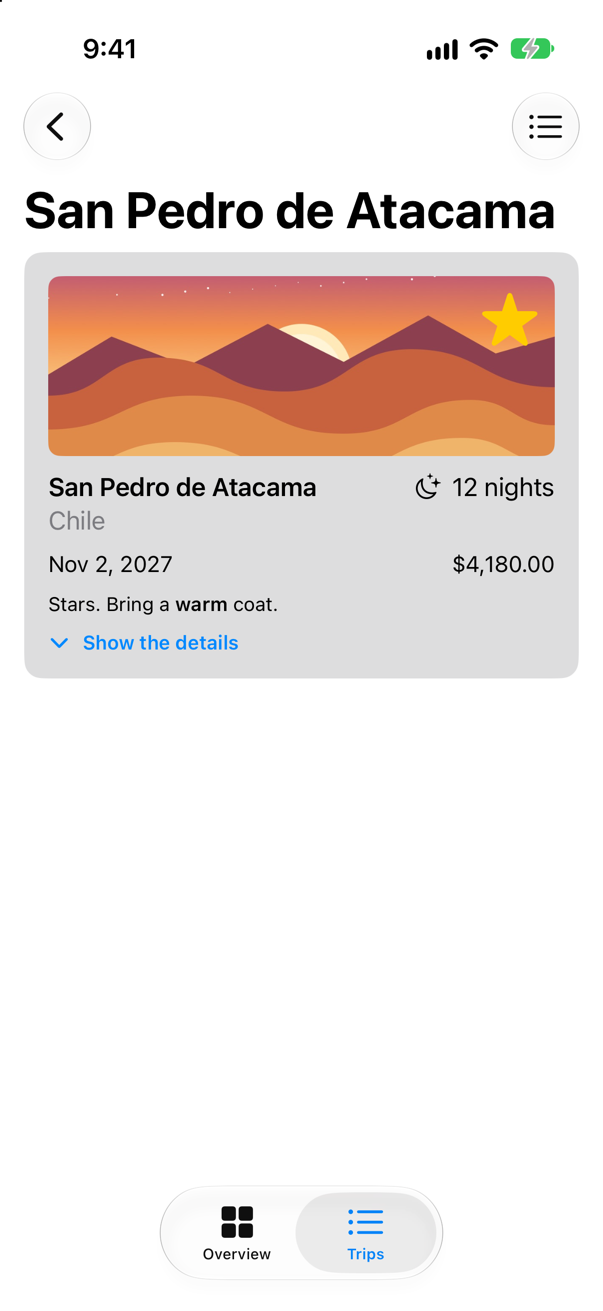
path: [1]path: [1, 2]path: [1, 2, 3]One line for each push: the path is the array of ids on the stack, root not included. The links did not touch path — the stack appended each value for them. Now tap the list icon at the top right, All trips:
path: []An empty path, and the list is back: three screens popped by one assignment. In UIKit this was popToRootViewController(animated:); here it is path.removeAll(), and nothing in the detail needs to know how deep it is.
Trips never calls glassEffect(). The line is about SwiftUI's own Liquid Glass — the navigation bar and its buttons — redrawing more than once in a frame while several screens left at once. It depends on timing, so it comes and goes from one run to the next; the screen was right, and there is nothing in your code to change. It is worth recognising, so that it does not send you looking for a bug of your own.
Run it once more, tap Trips, and then the calendar at the top right, Soonest:
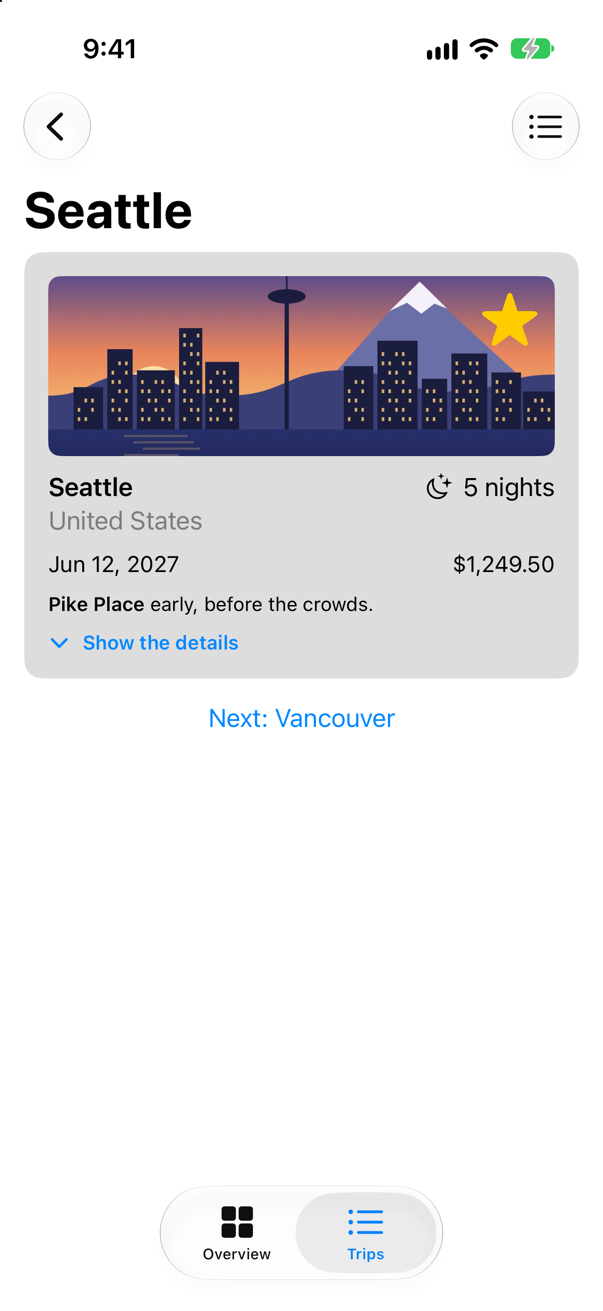
path: [1]The button assigned [1], and the stack showed what the array says. A deep link — a notification, a URL, a widget — is the same move with a longer array: assign [1, 2] and the stack shows Seattle with Vancouver on top of it, back button and all. Apple: "Use a path to support deep links, state restoration, or other kinds of programmatic navigation." And because the path is plain data, code that decides where the app should go can be tested without a screen at all — which is Part 7's interview problem, two lessons from now.
What you built
- A
NavigationStackaround the list, with a title, links that carry a trip's id, and one destination for ids. - A detail screen that looks its trip up in the store, and says so when the trip is gone.
- A path you own: Next links that push, an All trips button that empties it, and a Soonest button that assigns it.
Guide: when an @Observable model leaks and when it is freed — a stored closure, an endless Observations loop, a reference that leads back — is taken apart and run, with a project of twelve leaks to open, in Retain cycles in SwiftUI.
Next, one lesson with two subjects: screens that adapt to the space they have — on iPad, a list beside its detail with NavigationSplitView — and presenting a screen modally, as a sheet or an alert, which, like this lesson's stack, follows from state.
The finished project
Stuck, or want to compare with your own? This is the project as it stands at the end of this lesson, built and run before it was put here.
- Trips-lesson-22.zip — unzip it, then open
Trips.xcodeprojin Xcode.
Flash cards
17 cards for this lesson, each labelled with its topic. 9 ask how you would write something; the other 8 are trick questions, written to catch a misunderstanding. Answer in your head first, then tap the card.
Syntax · NavigationA screen with a large title at the top, ready to push other screens onto.
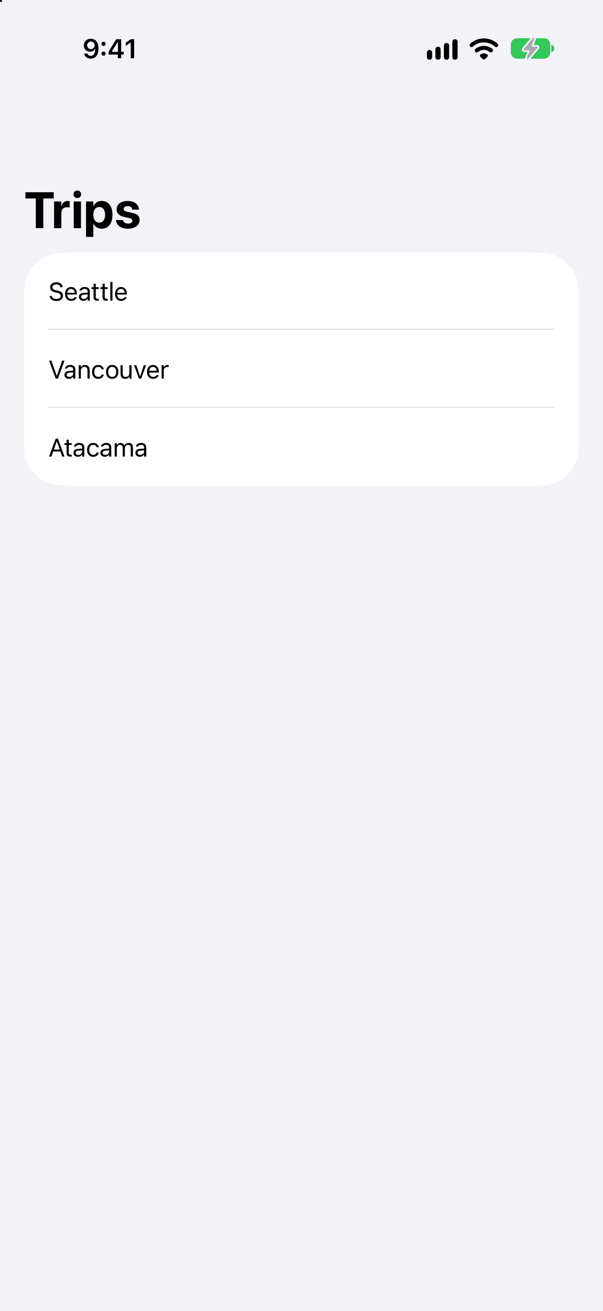
NavigationStack around the root, and .navigationTitle on a view inside it — the root of the stack, not the stack itself.
Syntax · NavigationA row that opens a screen for its city.

List makes one row for each city, and each row is a NavigationLink. In NavigationLink(city, value: city), the first city is the text the row shows, and the second is the value it hands the stack when tapped. The row gets its chevron from being a link inside a list. .navigationDestination(for:), on the list, says what screen a value of that type opens. The picture is after a tap on Vancouver.
Syntax · NavigationOne stack that opens a different kind of screen for each kind of value.
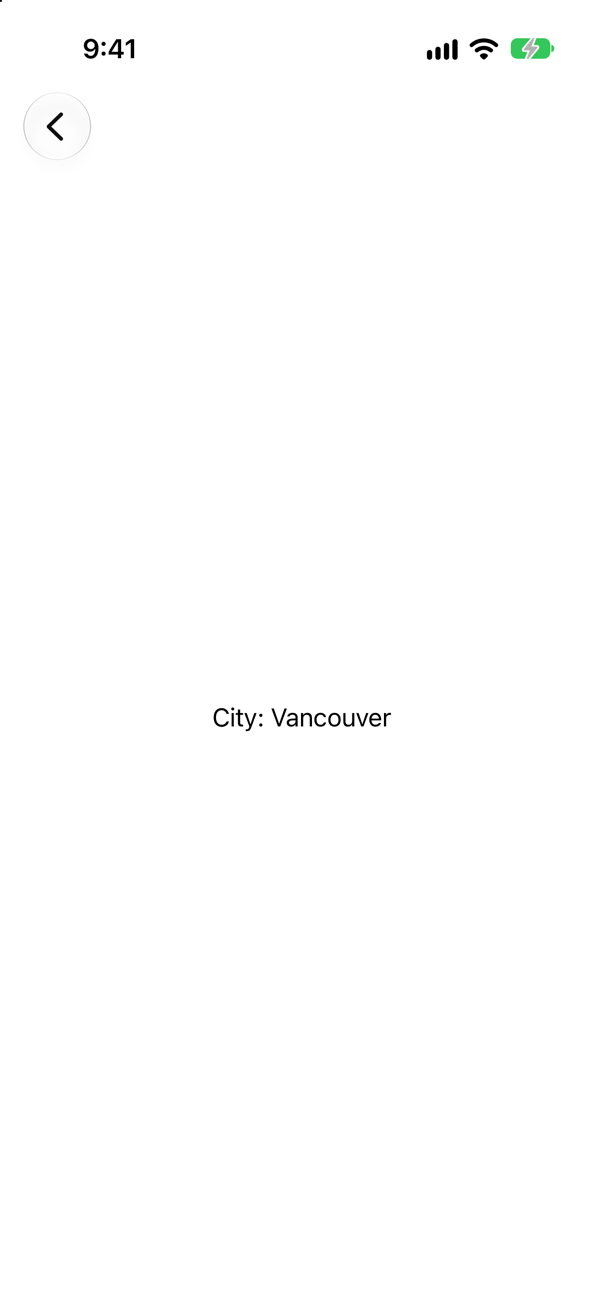
One .navigationDestination per type. The stack matches each link's value to the destination for its type: the picture is after a tap on the string link.
Syntax · NavigationKeep the stack's screens in an array of your own.
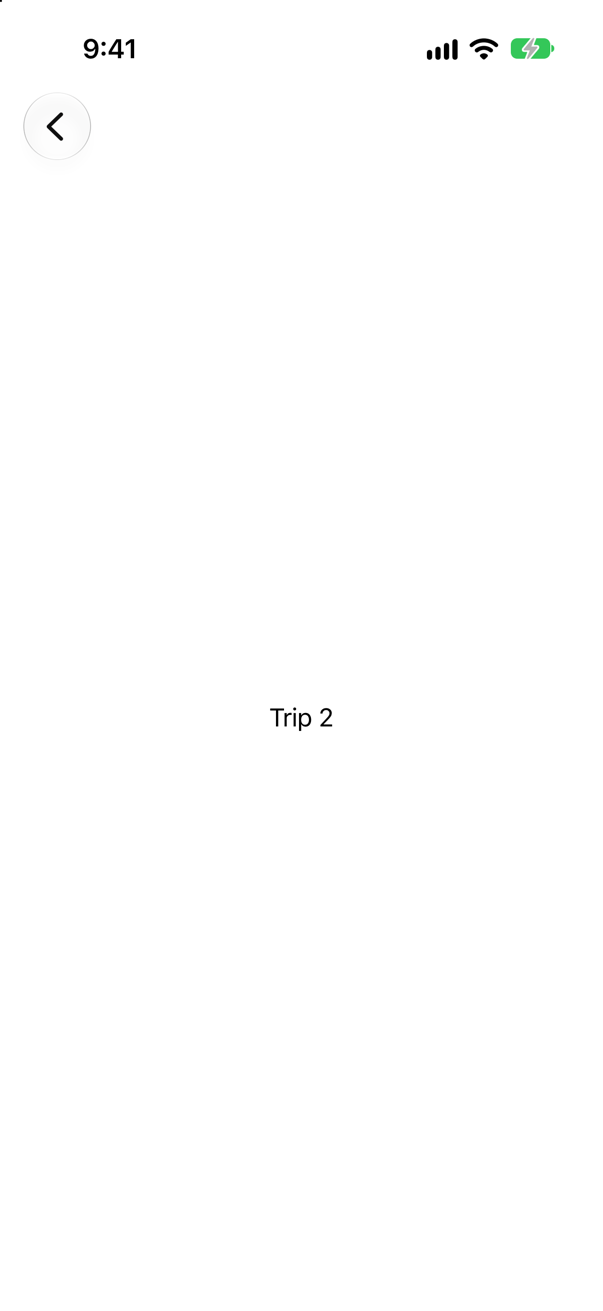
NavigationStack(path:) with a binding to an array. The stack appends a value as it pushes and removes it as it pops: after a tap on Trip 2 the console showed path: [2].
Syntax · NavigationOpen two screens at once — a deep link — and come back to the root from the deepest.
Assign the array to go anywhere — path = [1, 2] opens trip 1 with trip 2 on top — and empty it to come back. The picture is two screens deep, with a back button to trip 1.
Syntax · NavigationA button in the navigation bar.
.toolbar { … } on a view inside the stack. A button with a symbol shows as an icon at the top right; its title is what VoiceOver reads. Lesson 24 covers placements.
Syntax · NavigationA screen for when there is nothing to show.
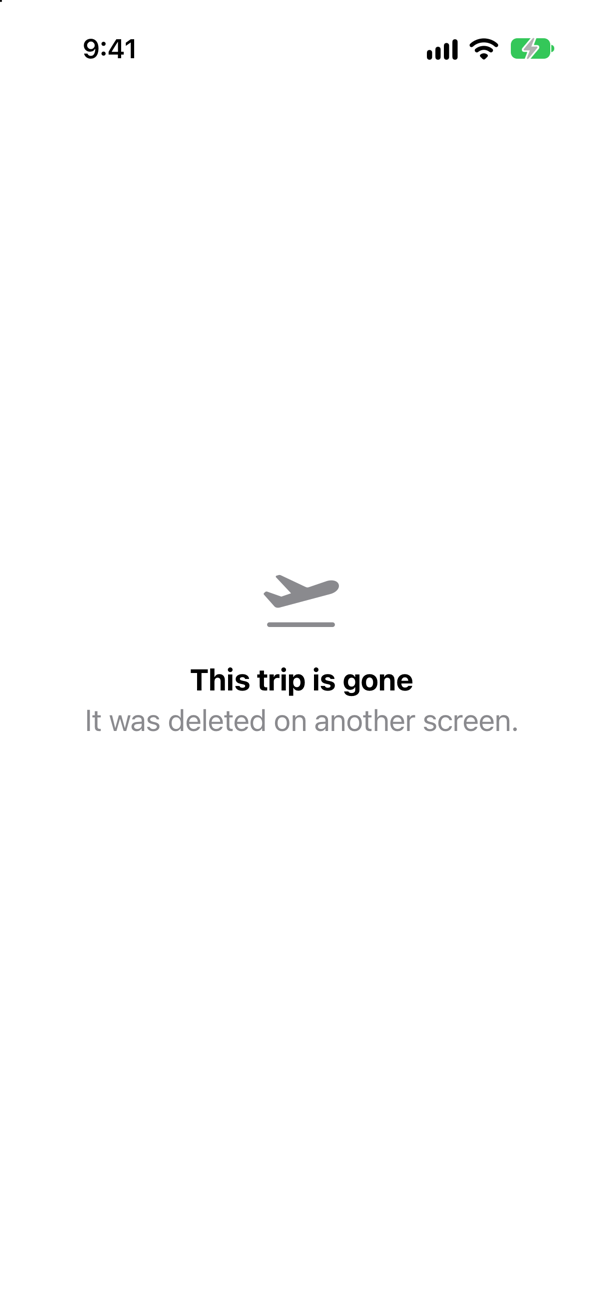
ContentUnavailableView: a title, a symbol and an optional description, laid out the way the system's own empty screens are. ContentUnavailableView.search is a ready-made one for a search with no results.
Syntax · NavigationA path that holds values of different types.
NavigationPath, a type-erased list of Hashable values: here an Int, then a String, each matched to its own destination. It gives up the array's readability — you cannot ask it for its elements — in exchange for mixing types.
Syntax · NavigationSave the path, so that the app can reopen where the user left it.
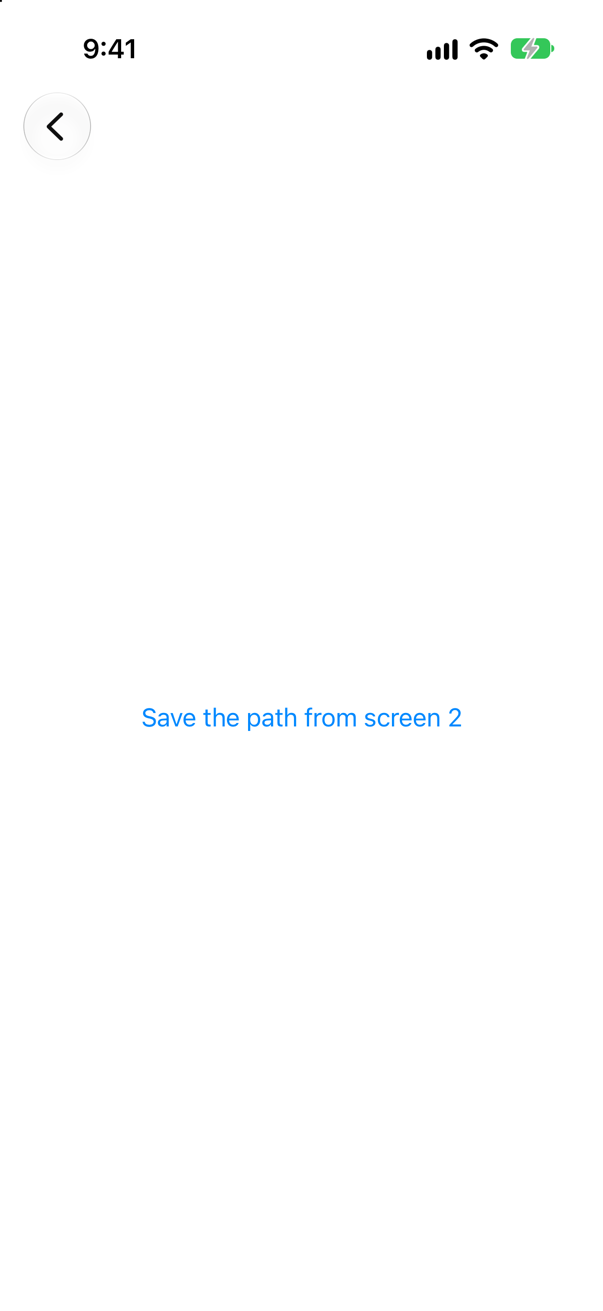
path.codable — nil unless every value on the path is Codable — then a JSONEncoder. The console: ["Swift.Int","2","Swift.Int","1"]: each value with its type's name, the top of the stack first. NavigationPath(representation) makes the path again. A plain [Int] path is Codable itself.
Trick question · NavigationA NavigationLink(value: 1) in a stack with no navigationDestination for Int. What happens when it is tapped?
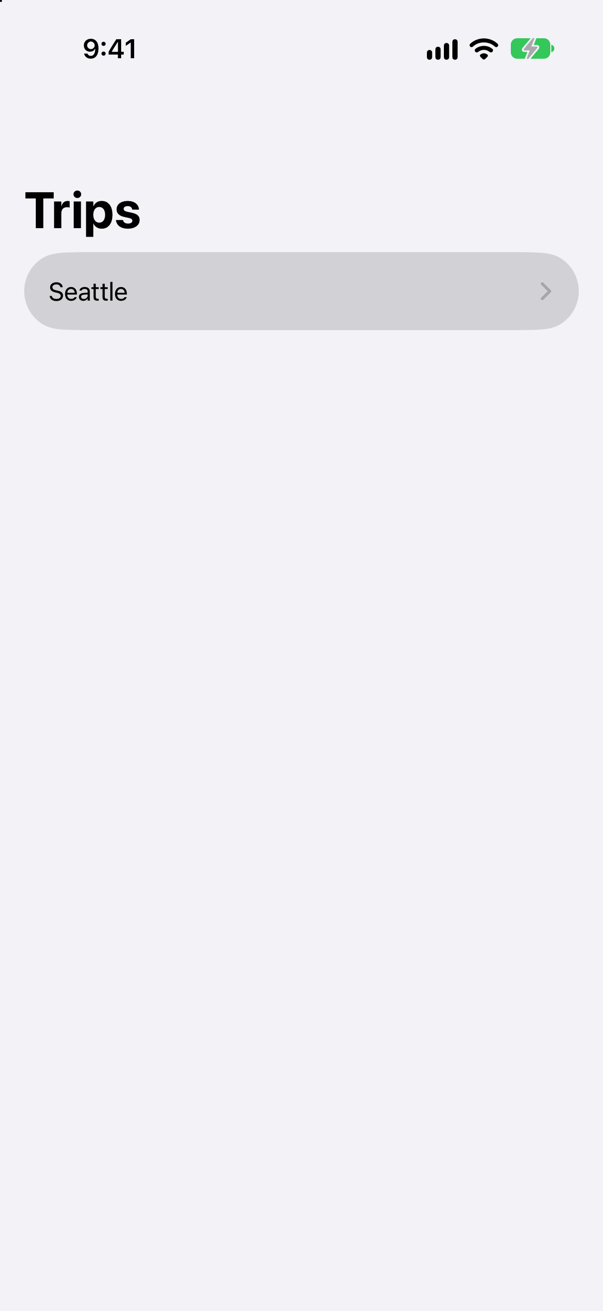
Nothing on the screen — and SwiftUI says in the log: "A NavigationLink is presenting a value of type “Int” but there is no matching navigationDestination declaration visible from the location of the link. The link cannot be activated." A value link only asks; a destination must answer.
Trick question · NavigationThe navigationDestination is written on each row, inside the List. The row is tapped. Does a screen open?
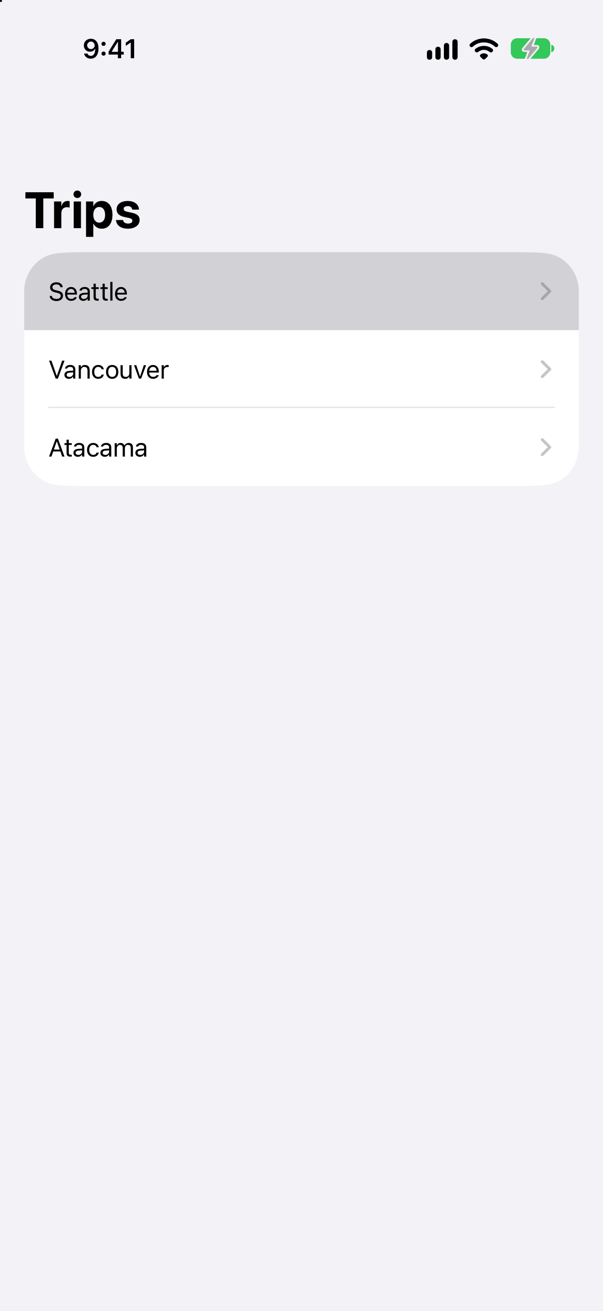
No. SwiftUI logs: "Do not put a navigation destination modifier inside a "lazy” container, like List or LazyVStack. These containers create child views only when needed to render on screen. Add the navigation destination modifier outside these containers so that the navigation stack can always see the destination. There's a misplaced navigationDestination(for:destination:) modifier for type String. It will be ignored." The rows of a lazy container come and go, and so would a destination inside them. Put it on the List, once.
Trick question · Navigation.navigationTitle("Trips") written on the NavigationStack itself. What title does the screen show?
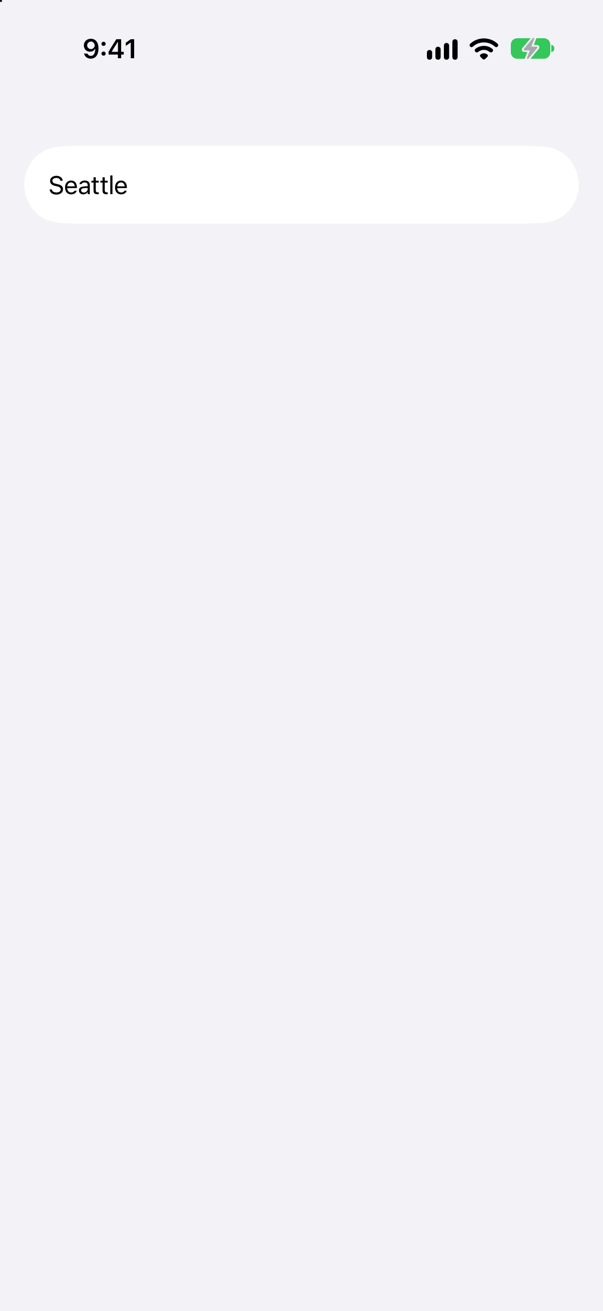
None. A title belongs to a screen, and the stack is not a screen — it shows them. Write .navigationTitle on the view inside the stack; each pushed screen sets its own.
Trick question · NavigationThree rows written the old way, NavigationLink(city) { Detail(city: city) }. Nothing is tapped. How many Details have been made?
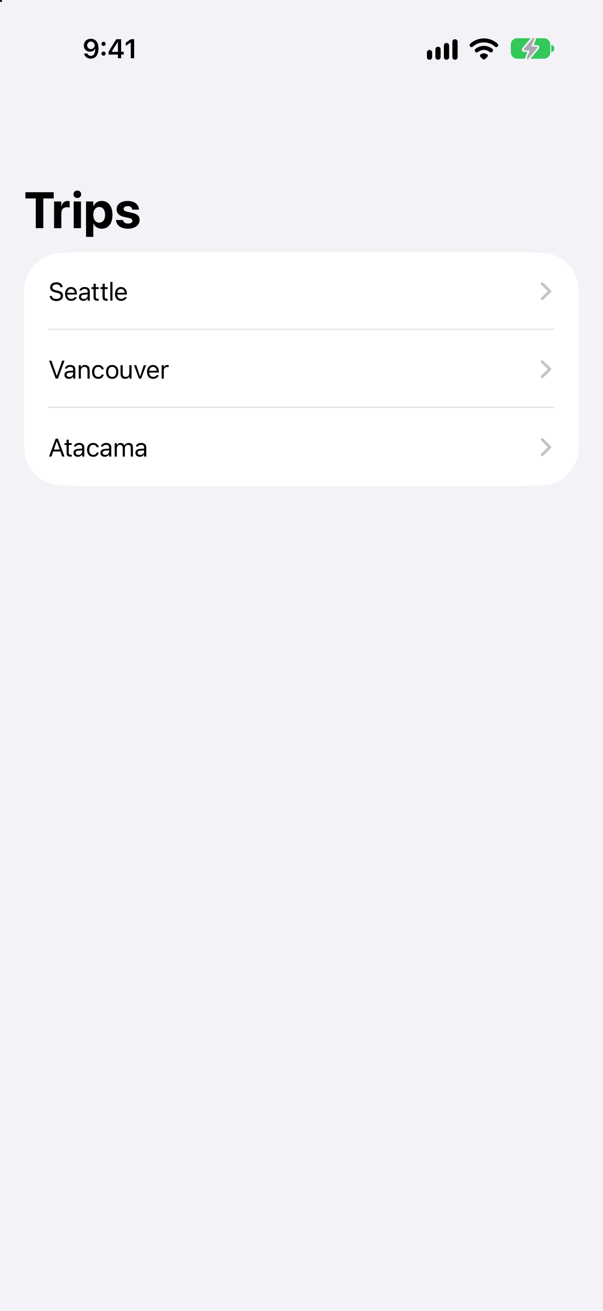
Six — two for each row, before any tap; no body ran. A destination closure is evaluated with the link. With NavigationLink(city, value: city) and one navigationDestination, a Detail is made only when its row is tapped.
Trick question · Navigationpath = [7, 7]. How many screens does the stack show above the root?
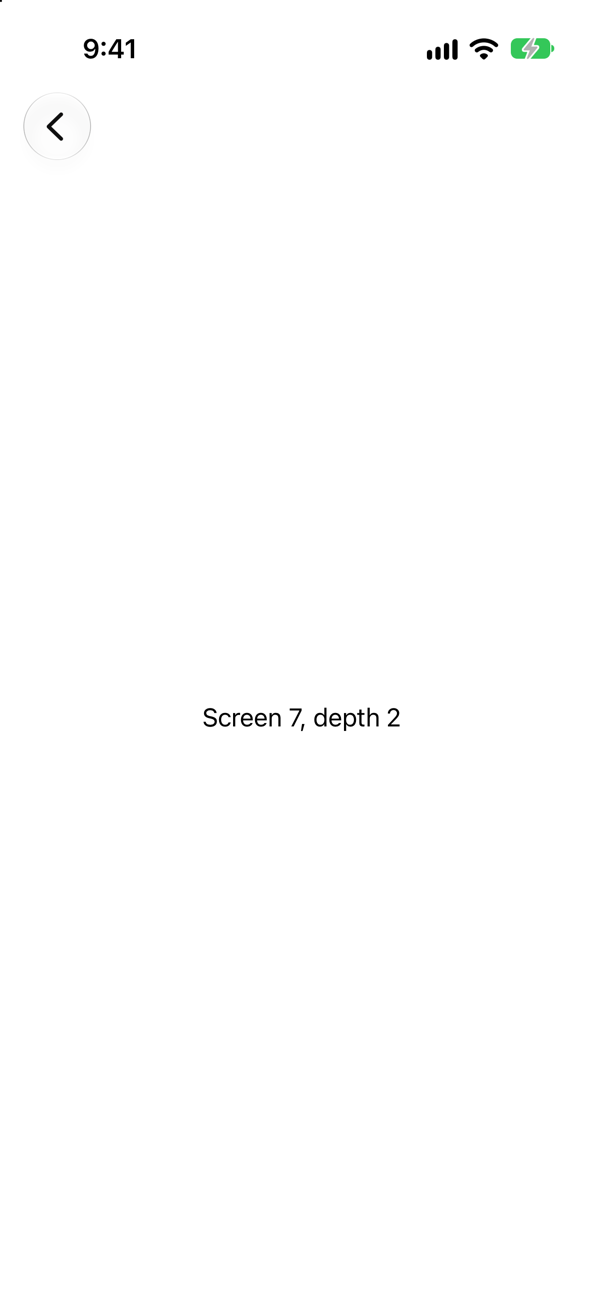
Two, each showing 7. A path is a list of values, not a set: the same value can be pushed twice, and back goes to the first. Unlike a ForEach, a path needs no unique ids.
Trick question · NavigationThe detail screen wraps itself in a NavigationStack of its own. A row is tapped. What does the user see?
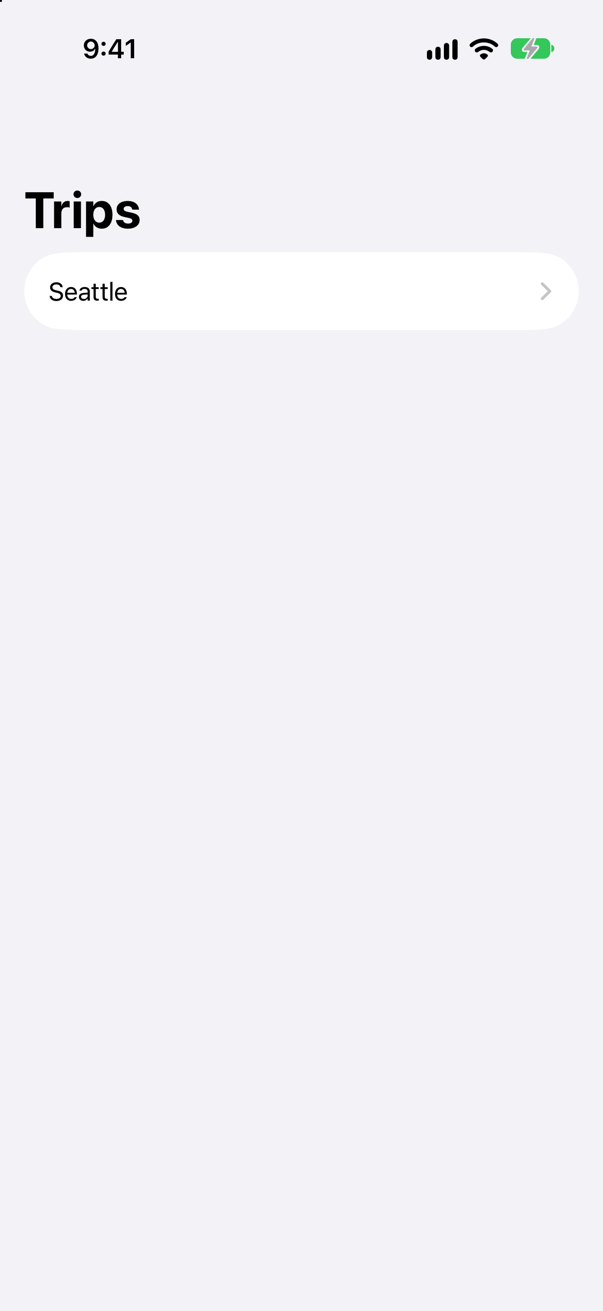
The list, as if nothing happened. The console says the detail appeared and disappeared at once. A pushed screen is already inside a stack; it must not start another. Only the root of each tab, or of a sheet, owns a NavigationStack.
Trick question · NavigationThe detail is handed a copy of the trip — NavigationLink(trip.city, value: trip) — and has a Delete button. The trip is deleted. What does the detail show now?
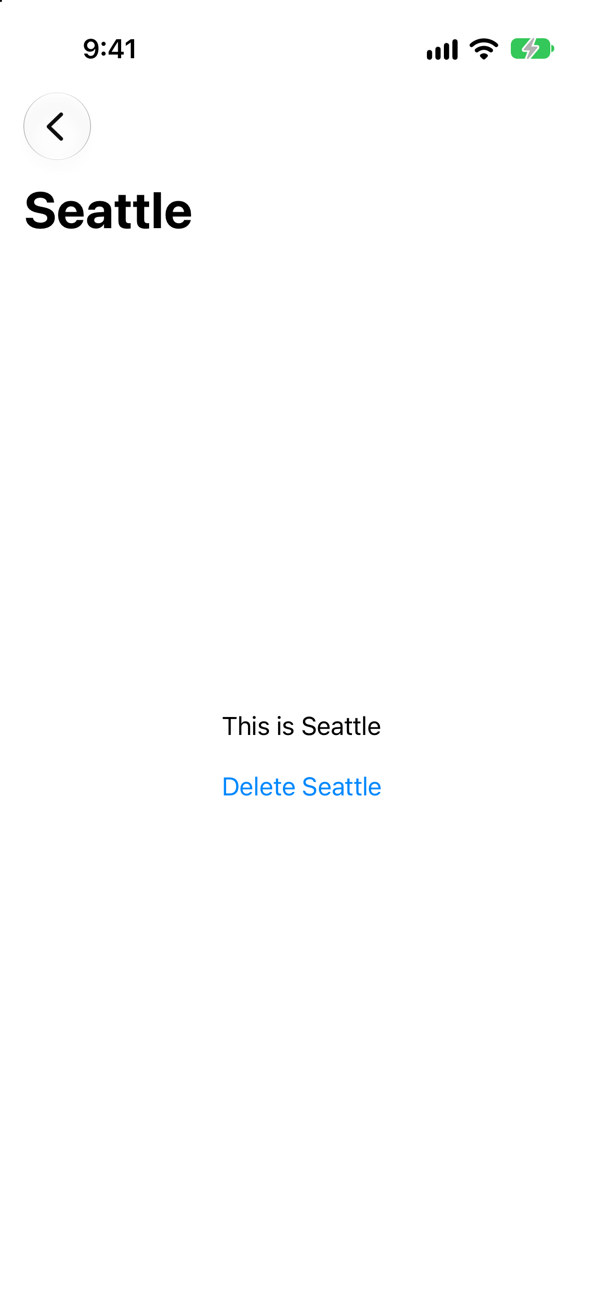
"This is Seattle" — a trip that no longer exists. The screen holds a copy, and nothing tells a copy about the store. Push the id, and look the trip up: this lesson's TripDetail says "This trip is gone".
Trick question · NavigationA tab with its own NavigationStack has Seattle pushed. The user visits another tab and comes back, then taps the tab's icon again. What do they see each time?
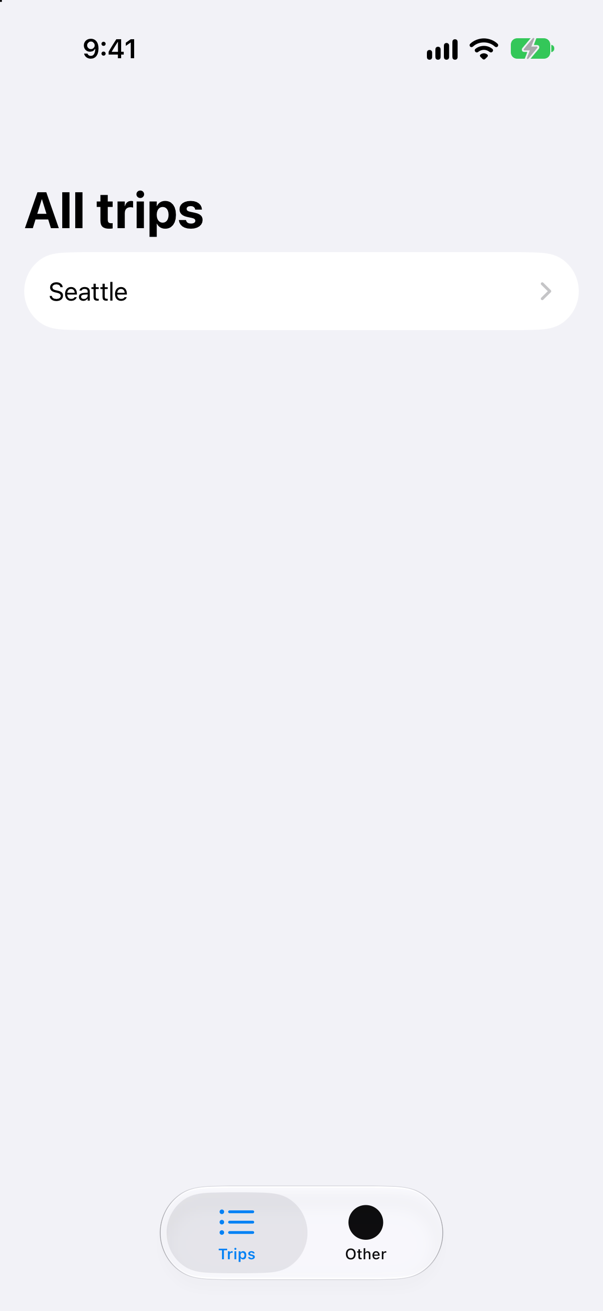
Seattle's screen, then the list. A tab keeps its stack while another is in front; tapping the tab that is already selected pops its stack to the root, as UIKit's tab bars always have.
Edge cases and tricky questions
10 questions of the kind an interviewer uses to find out whether you really know this — the corners, the traps, and the things that changed recently. Each has its source. Wherever the answer is what some code does, that code was compiled and run, and what you see under “Show the answer” is what it really did. Say your answer aloud before you open it.
A NavigationLink(value: 1) in a NavigationStack that has no navigationDestination for Int. The user taps it. What happens, and how would you find out why?
Show the answer
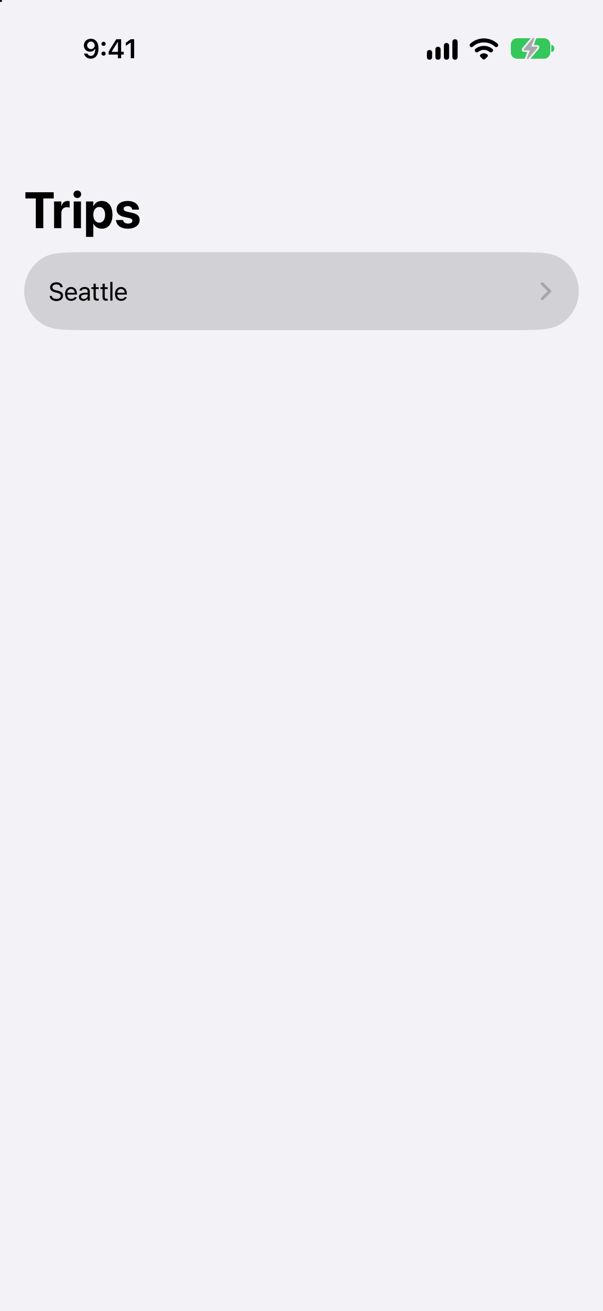
Nothing visible. The row highlights and the list stays. The reason is in Xcode's console, logged by SwiftUI:
SwiftUI wrote this to the log while the app ran
A NavigationLink is presenting a value of type “Int” but there is no matching navigationDestination declaration visible from the location of the link. The link cannot be activated.

Note: Links search for destinations in any surrounding NavigationStack, then within the same column of a NavigationSplitView.
A value-presenting link does not know its screen. It hands its value to the stack — WWDC22's cookbook: "When I tap a value-presenting link, it appends that value to the path. Then, the navigation stack maps its destinations over the path values to decide which views to push on the stack." With no destination for Int, there is nothing to map to, and the stack refuses the value rather than push an empty screen.
In an interview, the follow-up is usually "when does this happen in real code?" Two answers: a link whose value type changed (a Trip where the destination expects a Trip.ID), and a destination written where the stack cannot see it — the next question.
Where this comes from: navigationDestination(for:destination:) · WWDC22: The SwiftUI cookbook for navigation — The message is SwiftUI's own, read from the simulator's log.
The navigationDestination is written on each row, inside a List, right next to the link it serves. The row is tapped. Does it navigate?
Show the answer
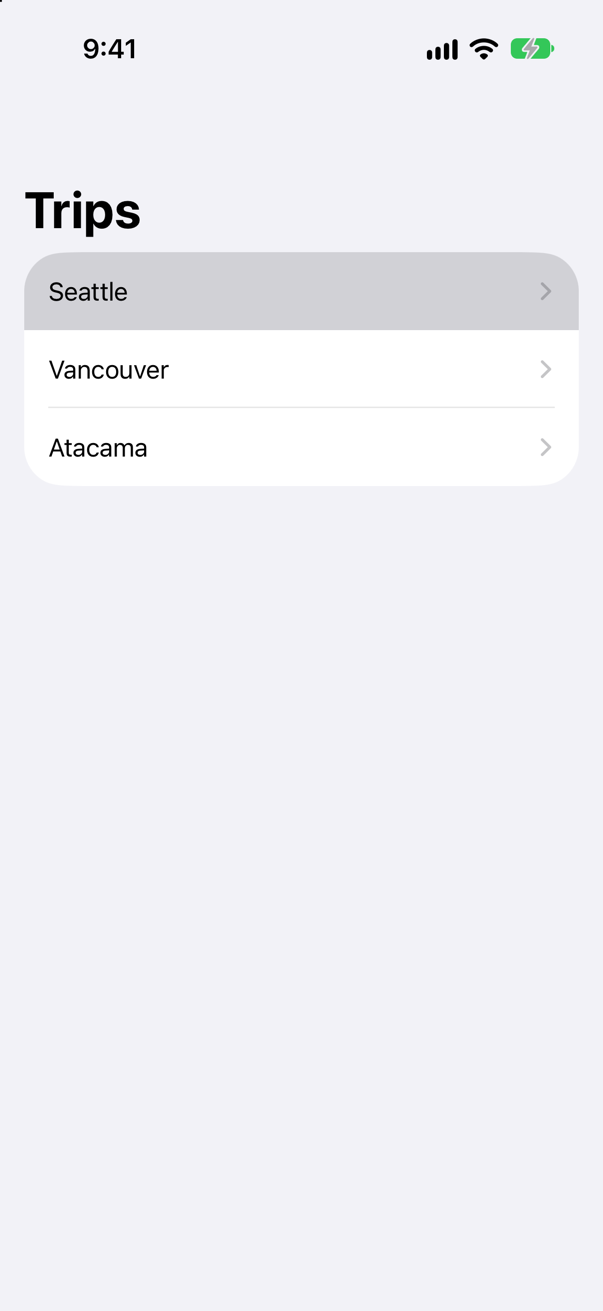
No. SwiftUI explains, in two messages:
SwiftUI wrote this to the log while the app ran
Do not put a navigation destination modifier inside a "lazy” container, like `List` or `LazyVStack`. These containers create child views only when needed to render on screen. Add the navigation destination modifier outside these containers so that the navigation stack can always see the destination. There's a misplaced `navigationDestination(for:destination:)` modifier for type `String`. It will be ignored.
A NavigationLink is presenting a value of type “String” but there is no matching navigationDestination declaration visible from the location of the link. The link cannot be activated.

Note: Links search for destinations in any surrounding NavigationStack, then within the same column of a NavigationSplitView.
The first begins with Apple's documentation, word for word, and ends by saying what SwiftUI did about it: the misplaced destination "will be ignored". The second is the consequence: the stack looked for a destination for String and, from where it stands, found none.
So a destination goes on the container — the List, as in this lesson's Trips — or anywhere else inside the stack that is always there. One per type, not one per row.
Where this comes from: navigationDestination(for:destination:) · NavigationStack — Apple, navigationDestination(for:destination:): "Do not put a navigation destination modifier inside a “lazy” container, like List or LazyVStack."
.navigationTitle("Trips") is written on the NavigationStack, after its closing brace. What does the screen show — and what is the rule?
Show the answer
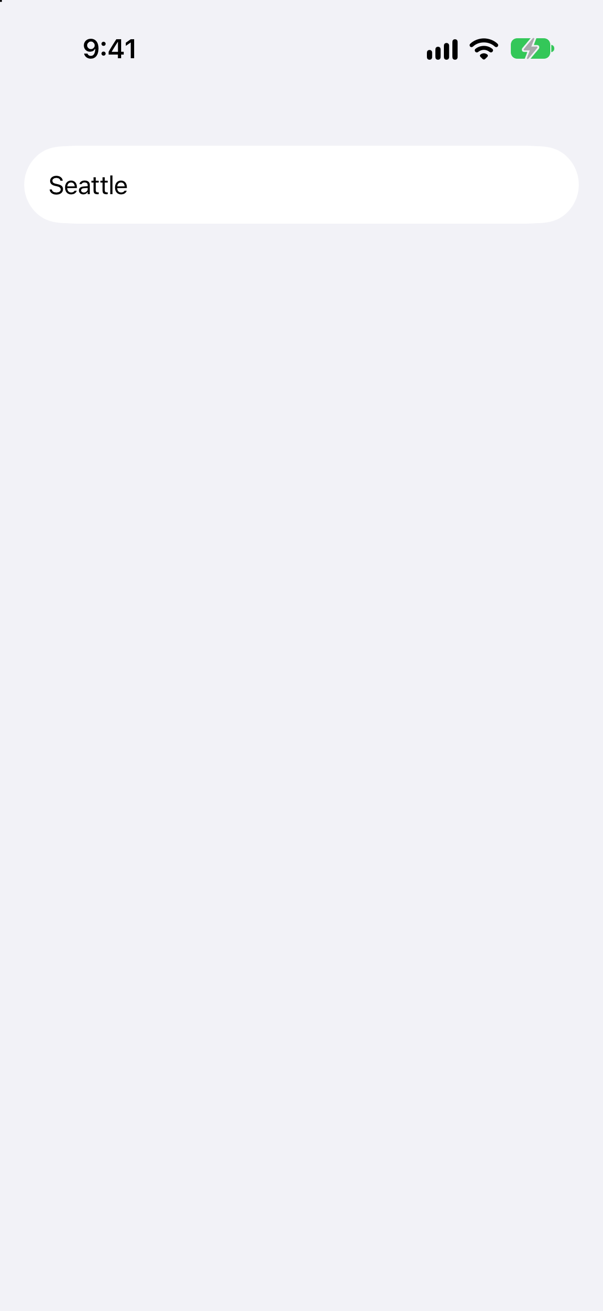
No title at all. The title is a preference of the screen, which the stack reads from its content. Written outside, it is above the stack, which has nobody to tell. Inside, on the root:
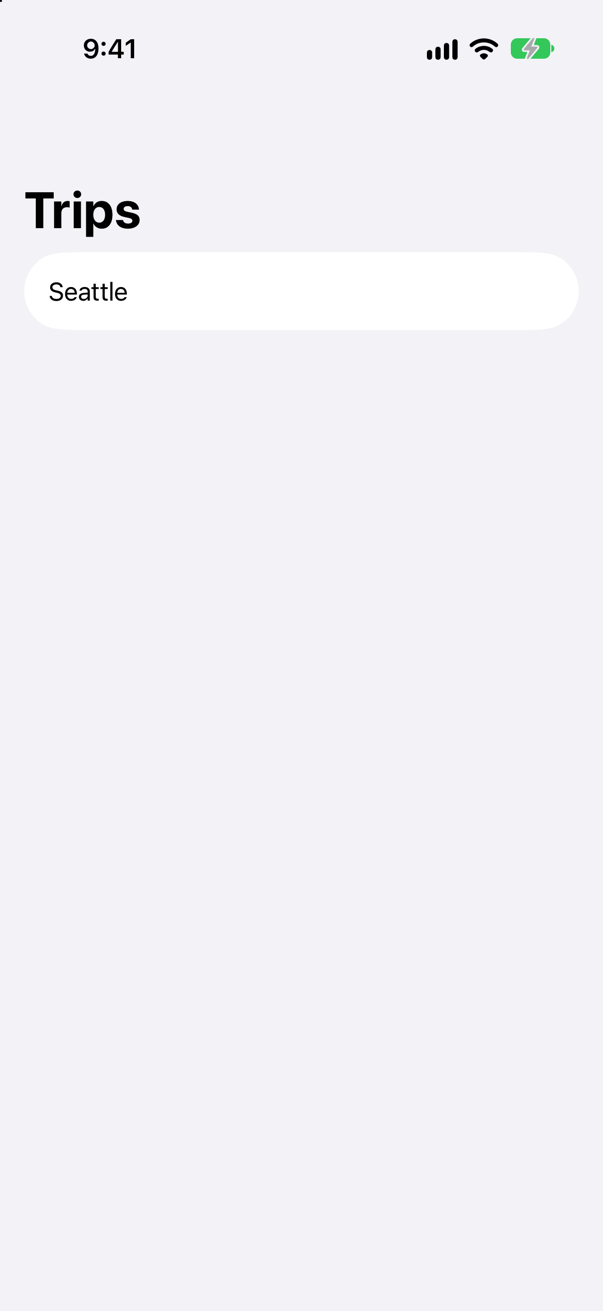
The bar belongs to the stack, but what it says is said by each screen inside. That is what lets a pushed screen have a title of its own — this lesson's detail shows its city — and lets the title change back when it is popped.
Where this comes from: NavigationStack · navigationTitle(_:) — Measured on iOS 27: written on the stack, the title did not appear.
Two lists of three rows. One uses the older NavigationLink(city) { Detail(city: city) }; the other NavigationLink(city, value: city) and one navigationDestination. Detail prints when it is made. What is printed at launch, and when a row is tapped?
Show the answer
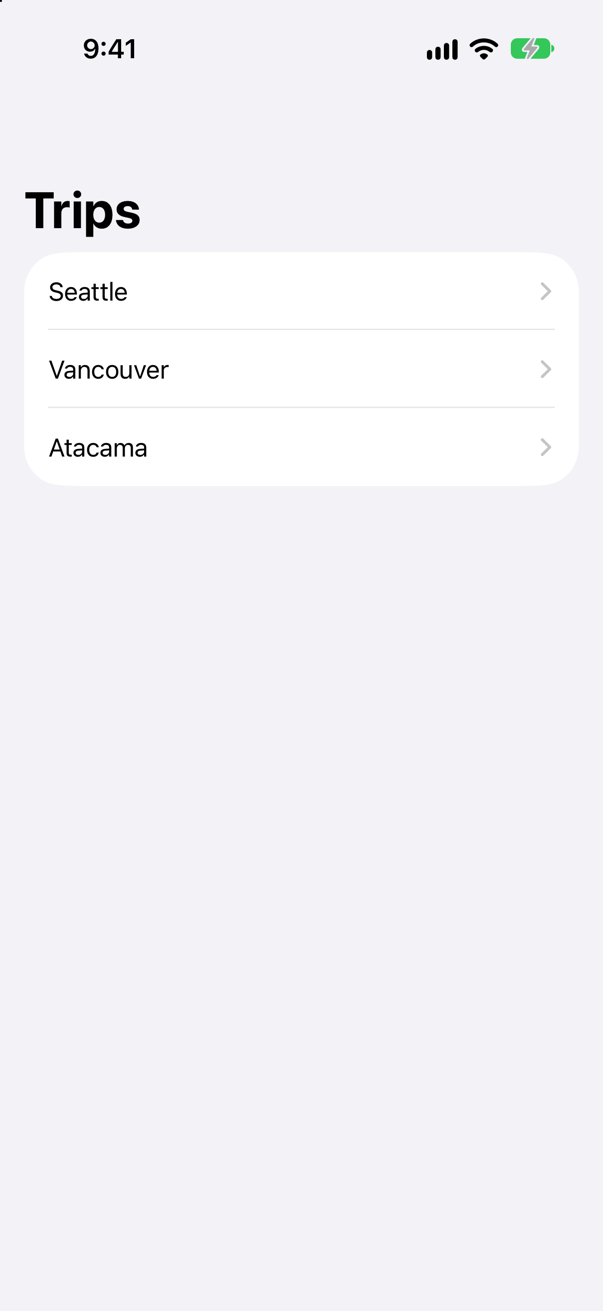
The older form made every destination at launch — six, two for each row:
Detail.init Seattle
Detail.init Seattle
Detail.init Vancouver
Detail.init Vancouver
Detail.init Atacama
Detail.init Atacama
No body ran, so nothing was drawn — but each Detail was created, and anything its initializer does was done for every row: formatting, loading, starting a timer. The value form:
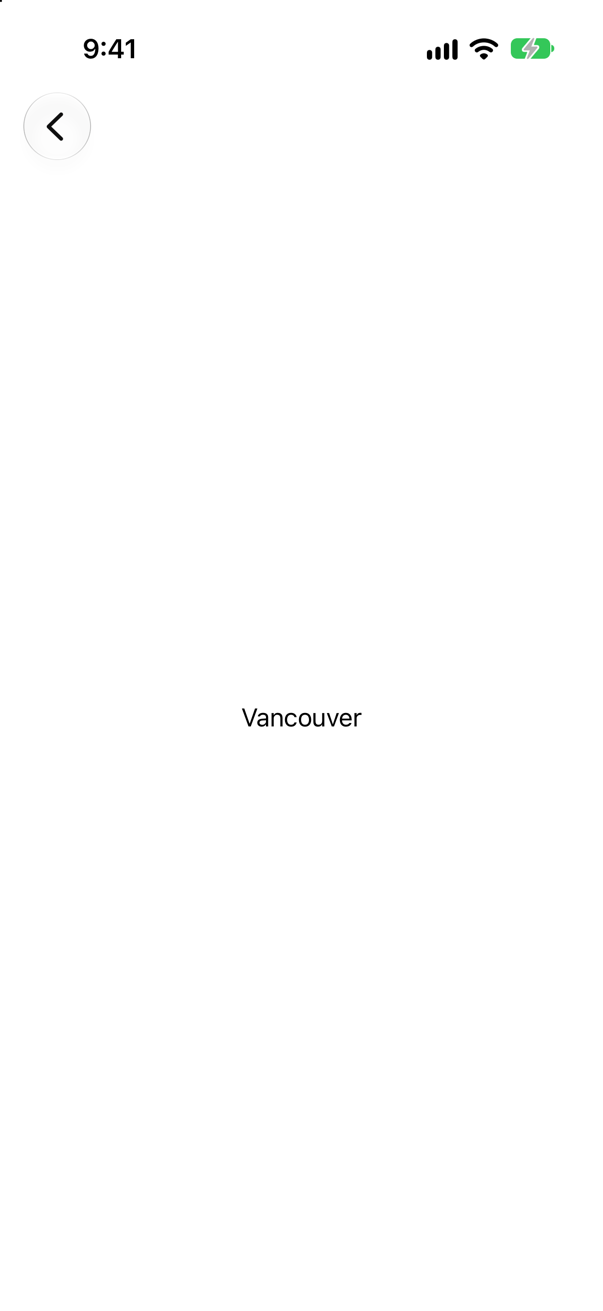
At launch, then after a tap on Vancouver
ContentView.body
Detail.init Vancouver
Detail.body Vancouver
Nothing at launch but the list; one Detail, for Vancouver, when it was tapped. That laziness is one benefit of value links; the bigger one is that, with the destination out of the link, the path can be data. The older initializer still compiles and still works — for a handful of fixed rows it is fine — but in a long list, or with a destination that does real work in init, it is the wrong tool.
Where this comes from: NavigationLink · Migrating to new navigation types · WWDC22: The SwiftUI cookbook for navigation — WWDC22, "The SwiftUI cookbook for navigation": "I'll pull the destination view out of the link and into the new navigationDestination modifier."
A detail screen wraps its content in a NavigationStack of its own — perhaps copied from a preview, where it needed one. A row is tapped. What happens?
Show the answer
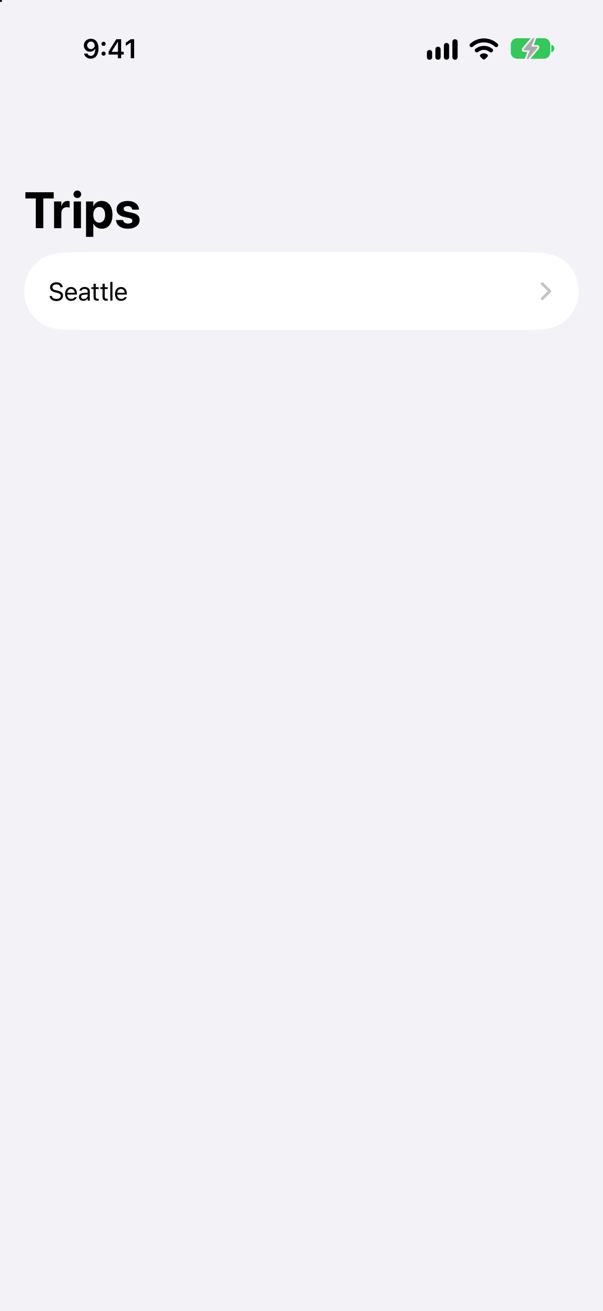
Nothing seems to happen. The console tells a different story:
Detail appeared
Detail disappeared
The detail was pushed — and removed at once. A screen pushed onto a stack is already inside one, and a second NavigationStack inside it is not something the first can show: SwiftUI undid the push. There was no warning in the log.
Without the inner stack, the same tap works:
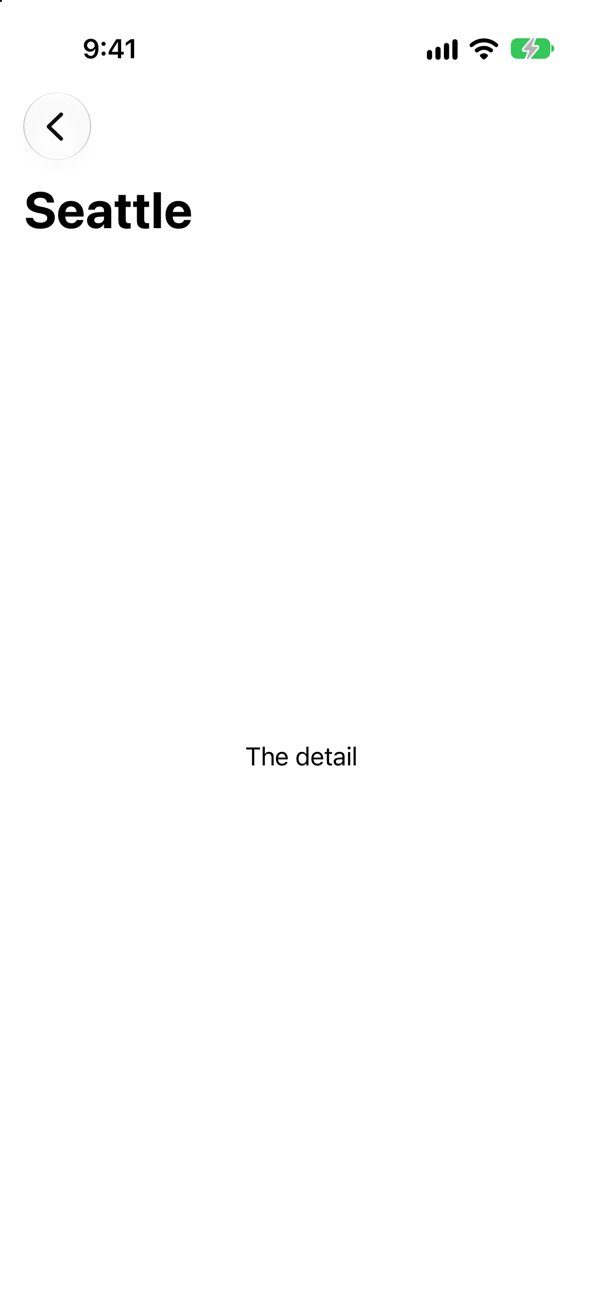
The rule: one NavigationStack per column of navigation — the root of a tab, the root of a sheet — and never inside a pushed screen. If a preview of a detail needs a title bar, give the preview the stack, as this lesson's TripDetail preview does.
Where this comes from: NavigationStack · Understanding the navigation stack — Measured on iOS 27: the inner view printed "appeared" and "disappeared" for one tap.
path = [7, 7]. Does the stack accept a value it already holds? How many screens are there, and what is the back button for?
Show the answer
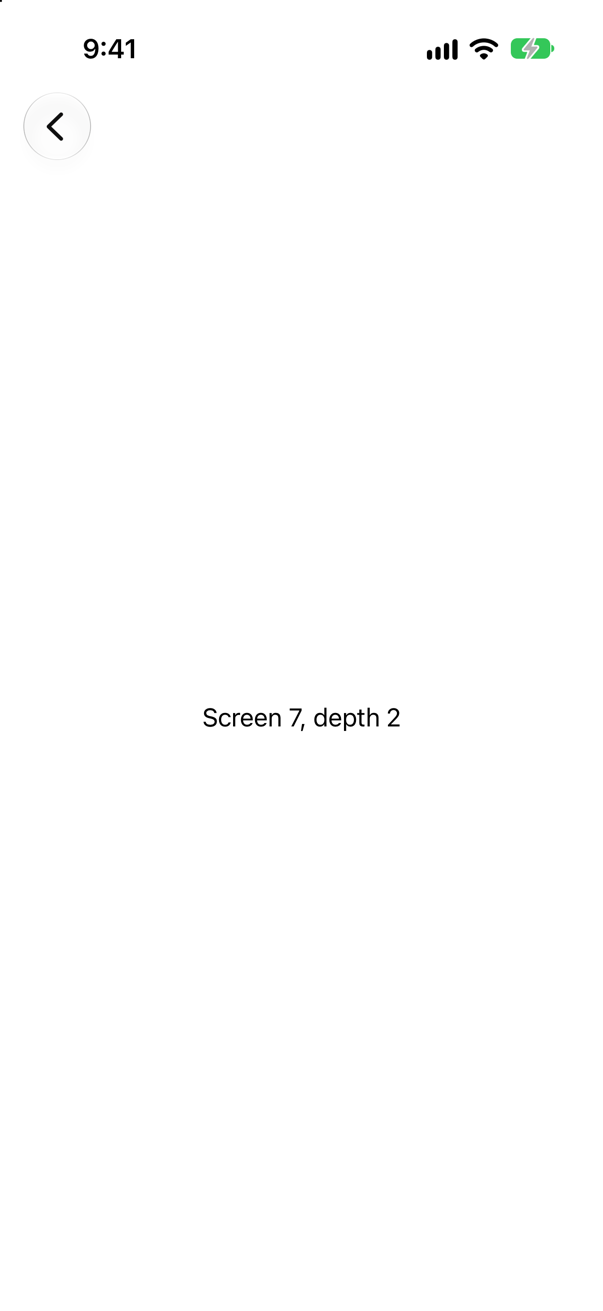
Yes: two screens, both for 7. The console showed path: [7, 7], and the top screen has a Back button, which goes to the other 7.
A path is a sequence, like UIKit's stack of view controllers: what matters is the order of the values, not whether they are unique. That is the opposite of a ForEach, where two equal ids are a bug (lesson 20). It also means a stack can show the same trip twice — Next, then Next, then a link back — and nothing stops it; whether to allow that is a product decision, made in the code that changes the path.
Where this comes from: NavigationStack · WWDC22: The SwiftUI cookbook for navigation — WWDC22: "The path here is a collection that represents all the values pushed on the stack."
A NavigationPath holds [1, 2]. You encode its codable representation to JSON, to restore the stack next time. What does the JSON look like?
Show the answer
A flat list of type names and values, the top of the stack first:
The console
["Swift.Int","2","Swift.Int","1"]Because a NavigationPath can hold values of any type, its saved form must say what each one is: the type's name, then the value encoded as a string. path.codable is nil if any value on the path is not Codable, so check for that rather than force it. NavigationPath(representation) decodes it back.
Two consequences an interviewer may push on. Renaming a type that is on a saved path breaks the restore; a plain [Trip.ID] path, Codable as it is, has no type names to break. And restore ids, not whole values, then look them up: WWDC22's cookbook stores "just … the identifiers of the recipes on the path" and uses compactMap to drop any that have since been deleted — "I don't want my local navigation state to contain stale data."
Where this comes from: NavigationPath · WWDC22: The SwiftUI cookbook for navigation — Apple, NavigationPath: "a type-erased list of data representing the content of a navigation stack."
Two ways to open a trip: push the trip itself (value: trip, a copy), or push its id and look the trip up in the store. On the detail screen, the trip is deleted. What does each detail show?
Show the answer
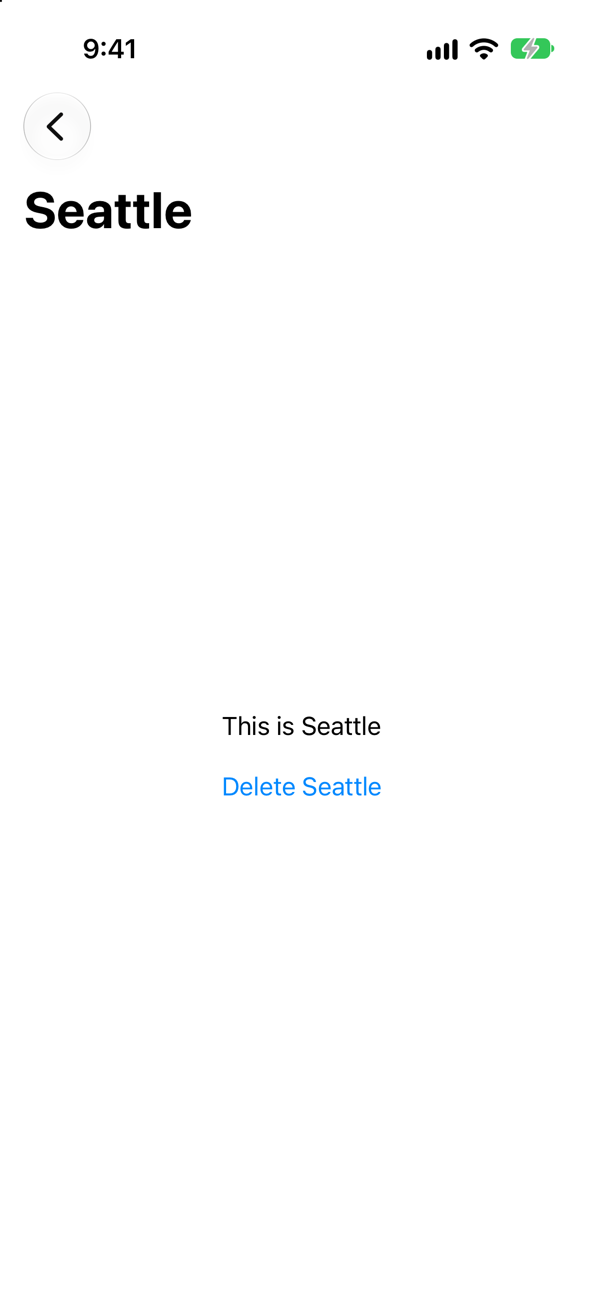
The copy shows a trip that no longer exists — "This is Seattle", with a Delete button for it. The value on the path is a snapshot taken when the row was tapped, and nothing tells a snapshot that the store changed. Edits made elsewhere would be missing in the same way.
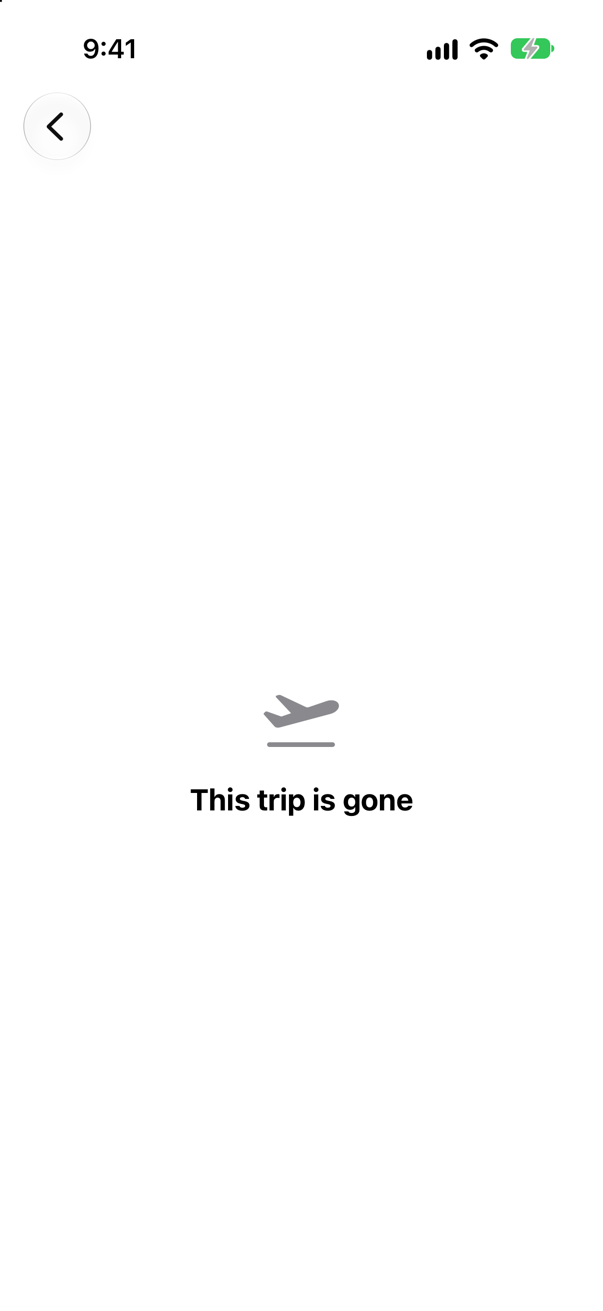
The id version looks the trip up each time it draws, so it sees the deletion and says so. That is why this lesson's TripDetail is given Trip.ID: one source of truth, even on a pushed screen. WWDC22's cookbook makes the same choice for the same reason, when it saves a path: "I'm planning to just store the identifiers of the recipes on the path."
Where this comes from: WWDC22: The SwiftUI cookbook for navigation · ContentUnavailableView — Measured on iOS 27, with a delete made on the detail screen itself.
A tab has its own NavigationStack, with Seattle pushed. The user goes to another tab and comes back. Then they tap the tab's icon again. What do they see each time?
Show the answer
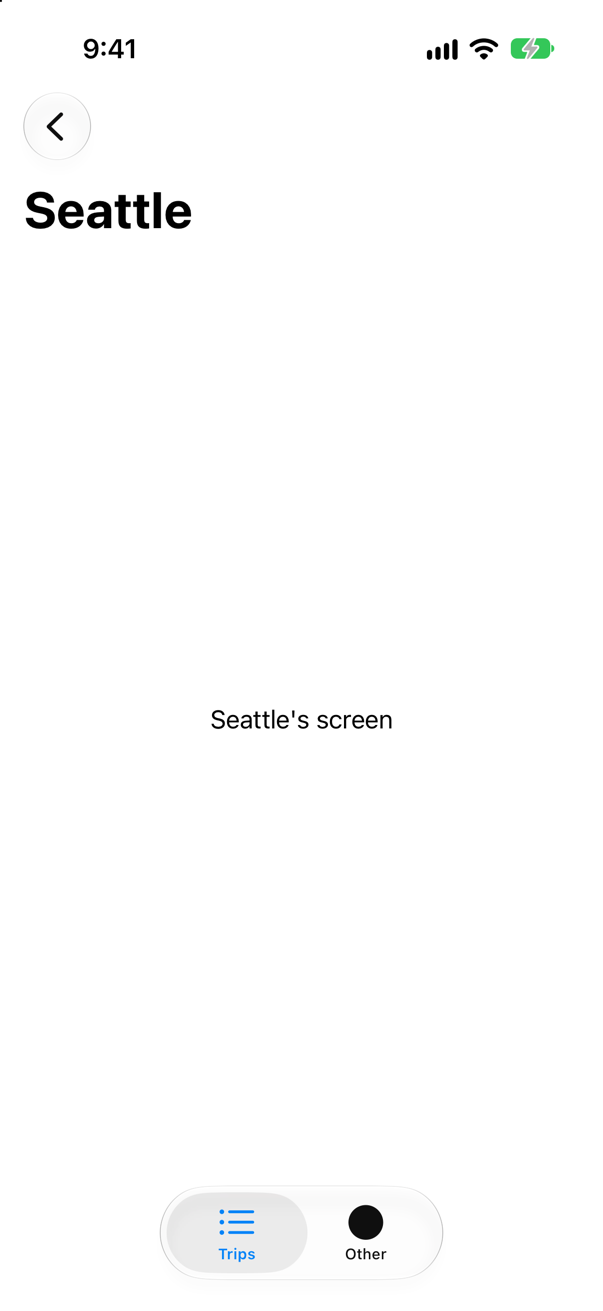
Seattle's screen, still pushed. A tab keeps its whole state while another is in front — its stack included (lesson 21 measured a counter).
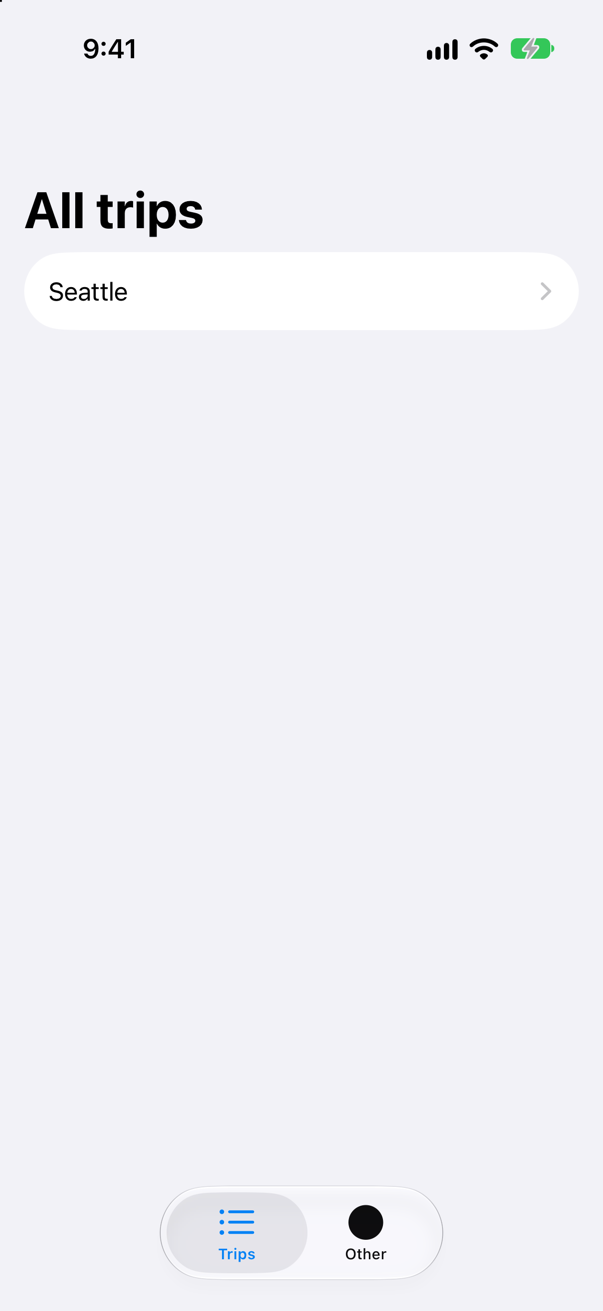
Then the list. A tap on the tab that is already selected popped its stack to the root — the behavior iOS users know from tab bars everywhere, and one you get without writing it.
Each tab owning its own stack is the structure to describe in an interview: a NavigationStack inside each Tab, so that each tab remembers where it was.
Where this comes from: TabView · NavigationStack — Measured on iOS 27: re-tapping the selected tab returned its stack to the root.
A destination shows the path it is part of: Text("Trip \(n) of \(path.description)"), written right inside the navigationDestination closure. A button sets path = [1, 2]. What does the top screen say?
Show the answer
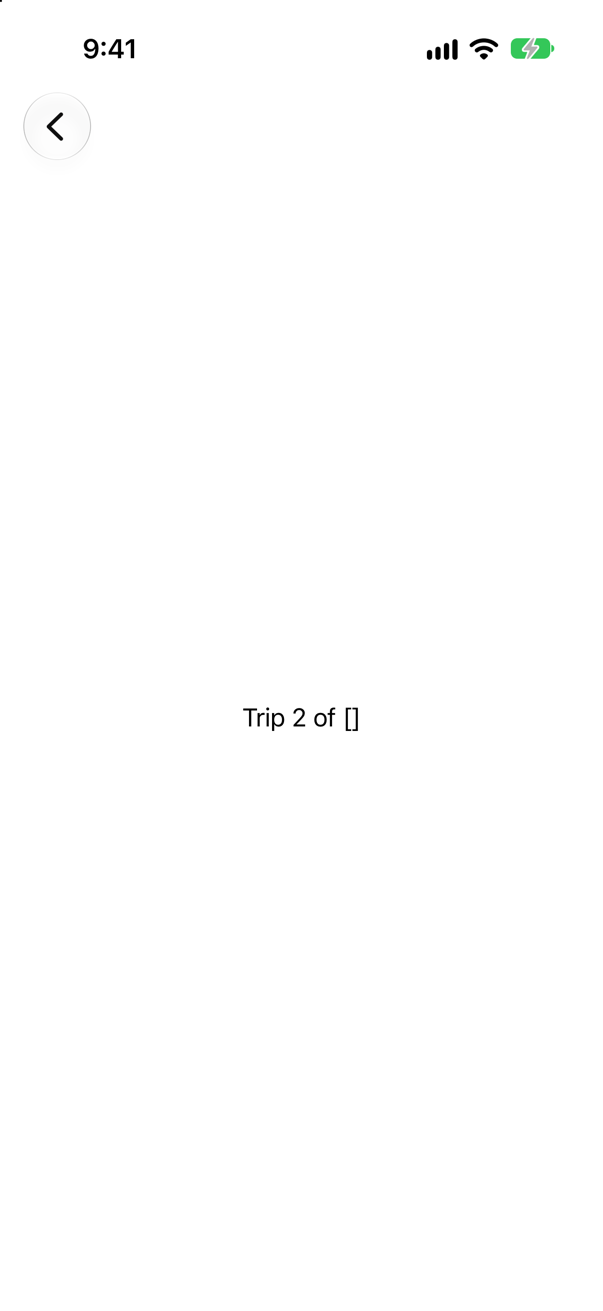
"Trip 2 of []" — two screens are on the stack, and the screen says there are none. The closure was made when ContentView's body last ran, and it read path as it was then. Setting path did not run body again, because body itself never read path (the $path binding does not count as reading). So the stack built the new screens with a closure from before the change.
Read the value in a view of its own, given a binding, and it is current:
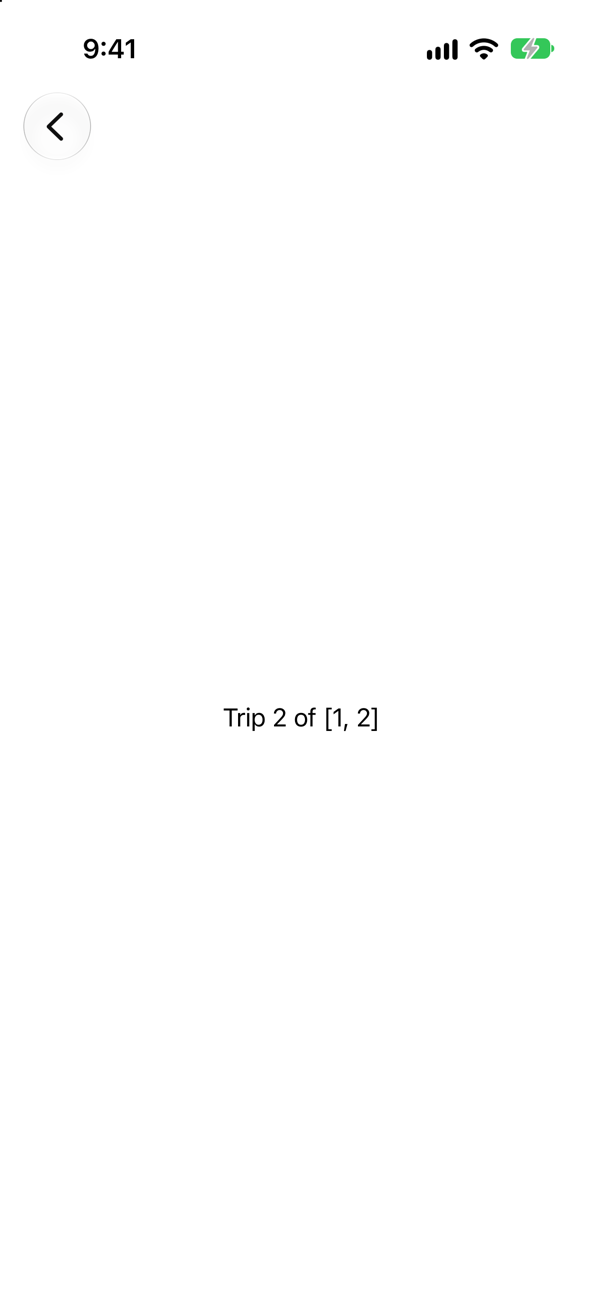
TripScreen reads path in its own body, so SwiftUI updates it when the path changes. (Reading path in ContentView's body — even let _ = path.count — also makes the closure fresh, which is why a .onChange(of: path) in body hides the problem.) This lesson's TripDetail is handed path as a binding for exactly this reason: a destination closure should do nothing but make a view and hand it what it needs.
Where this comes from: navigationDestination(for:destination:) · Binding — Measured on iOS 27: the closure read the path from before the change; a child view with a binding read the current one.